
Servers in UAE
41 ProductsAll Servers
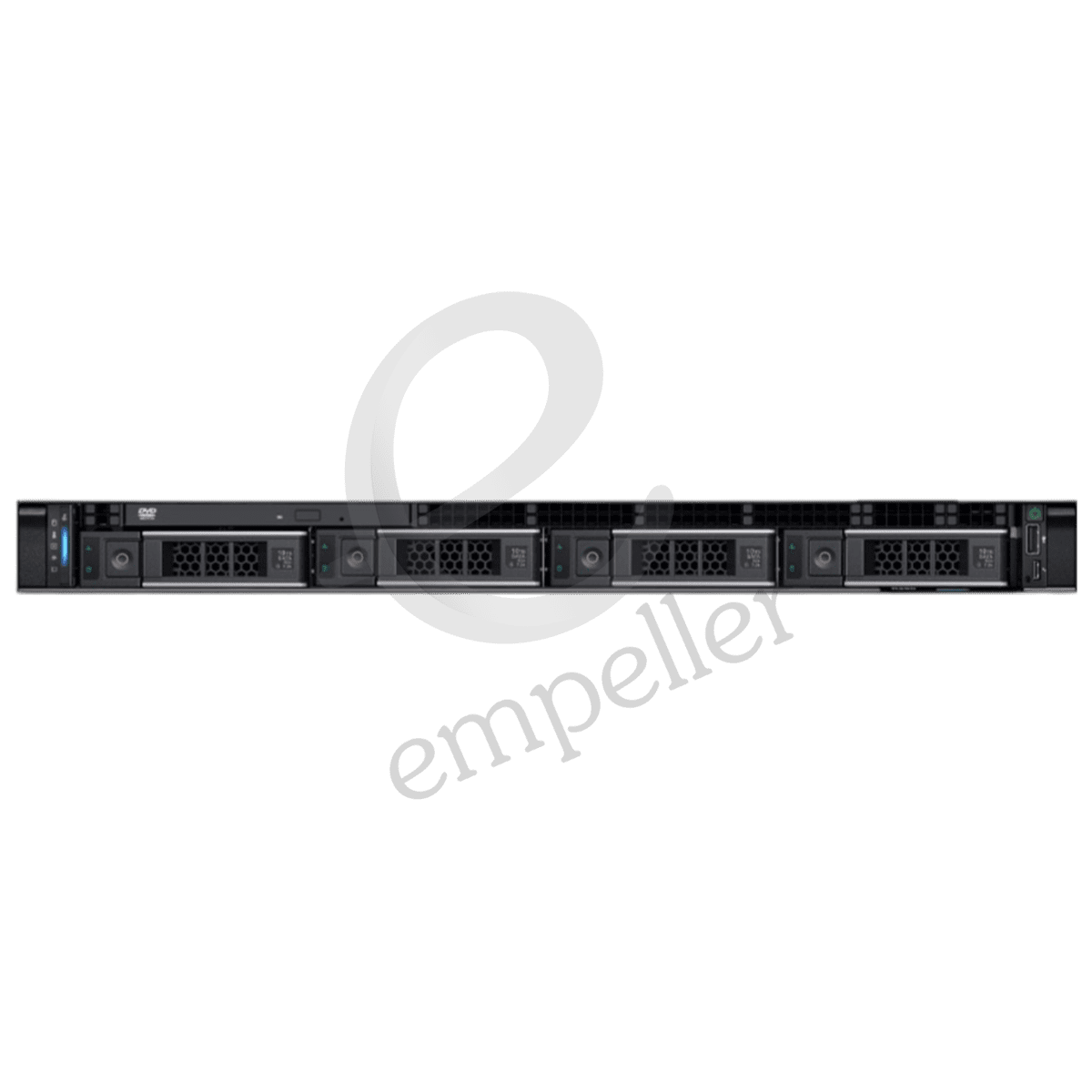
Dell PowerEdge R250 Rack Server
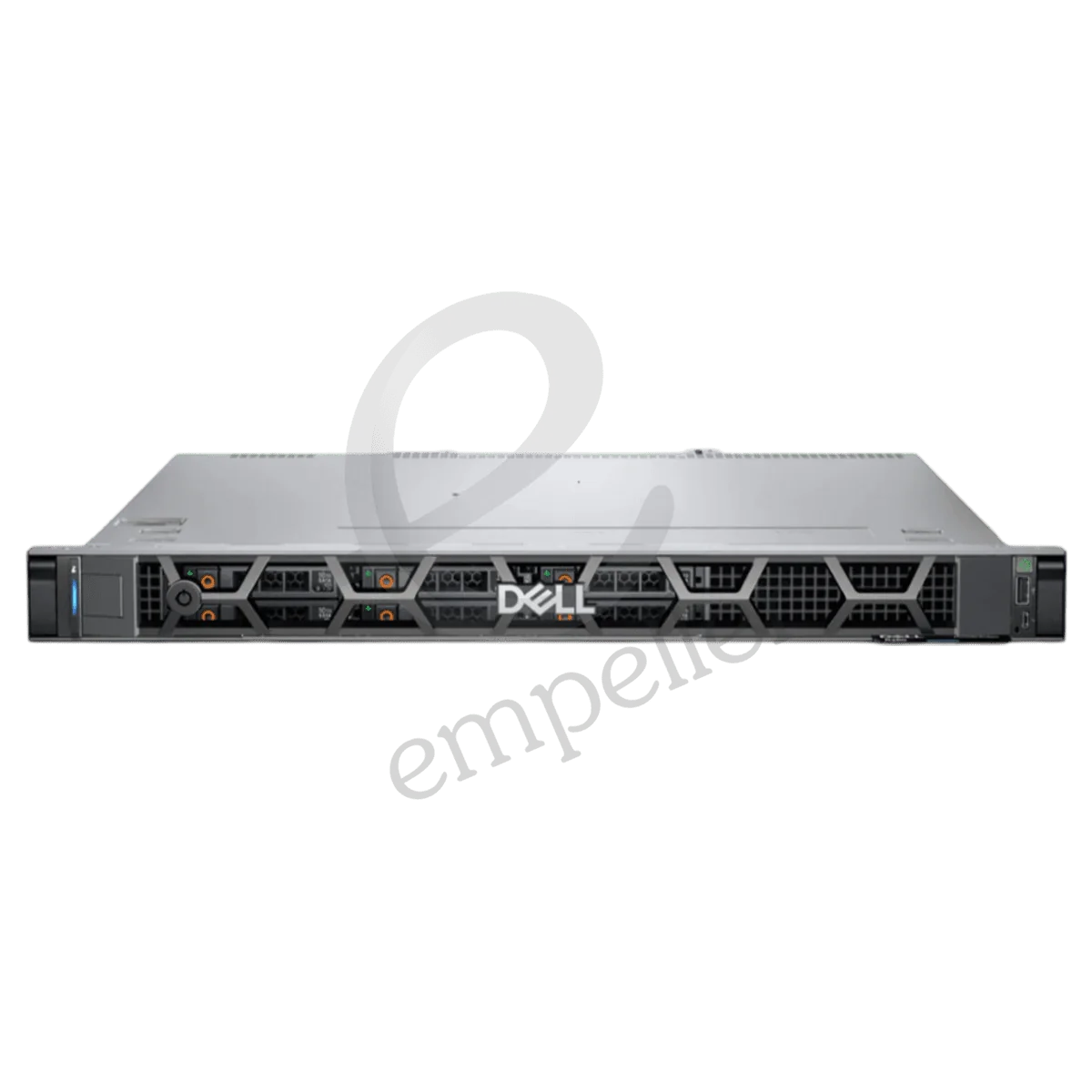
Dell PowerEdge R260 Rack Server
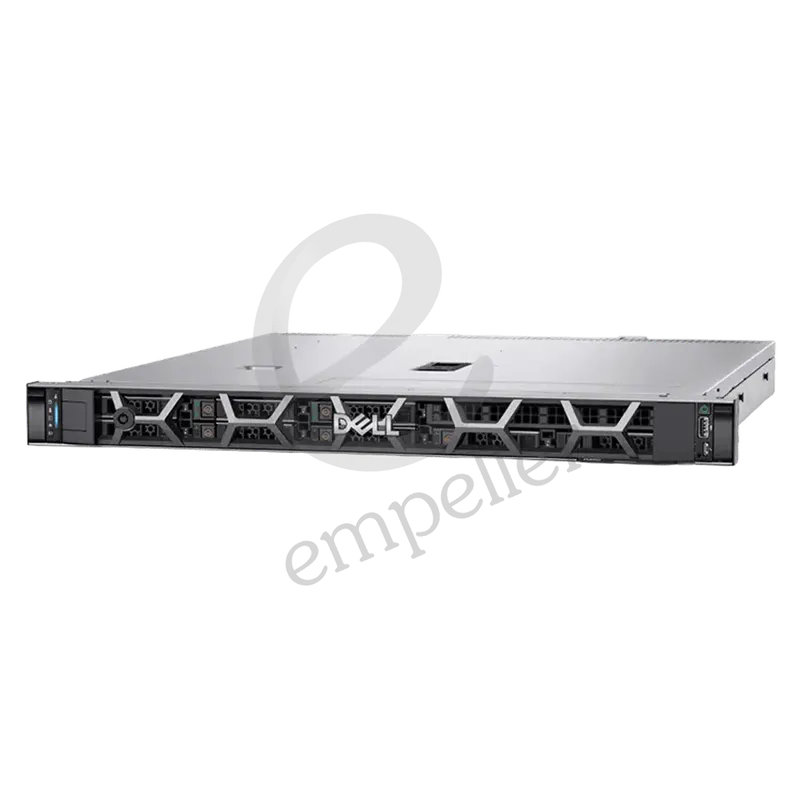
Dell PowerEdge R350 Rack Server
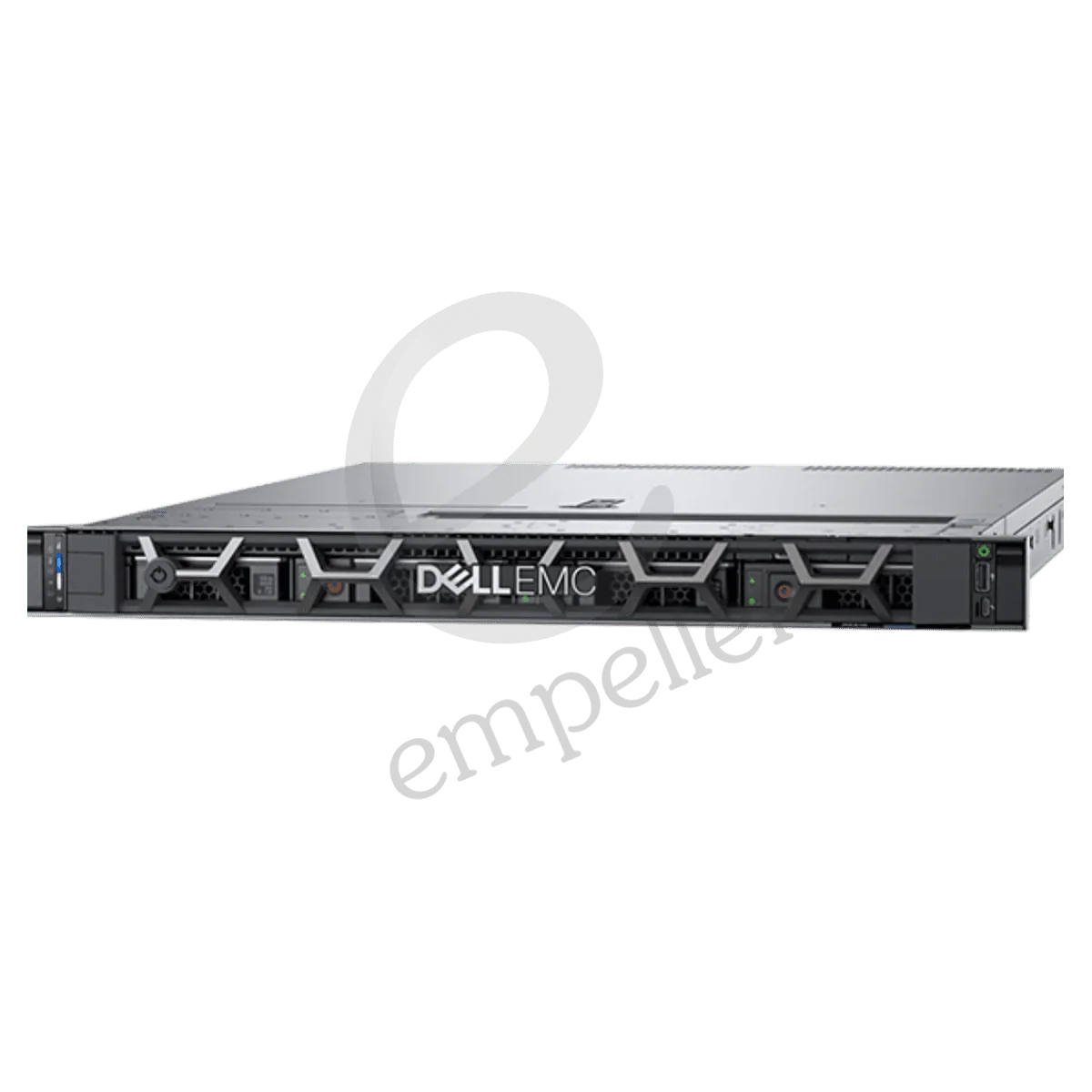
Dell PowerEdge R360 Rack Server
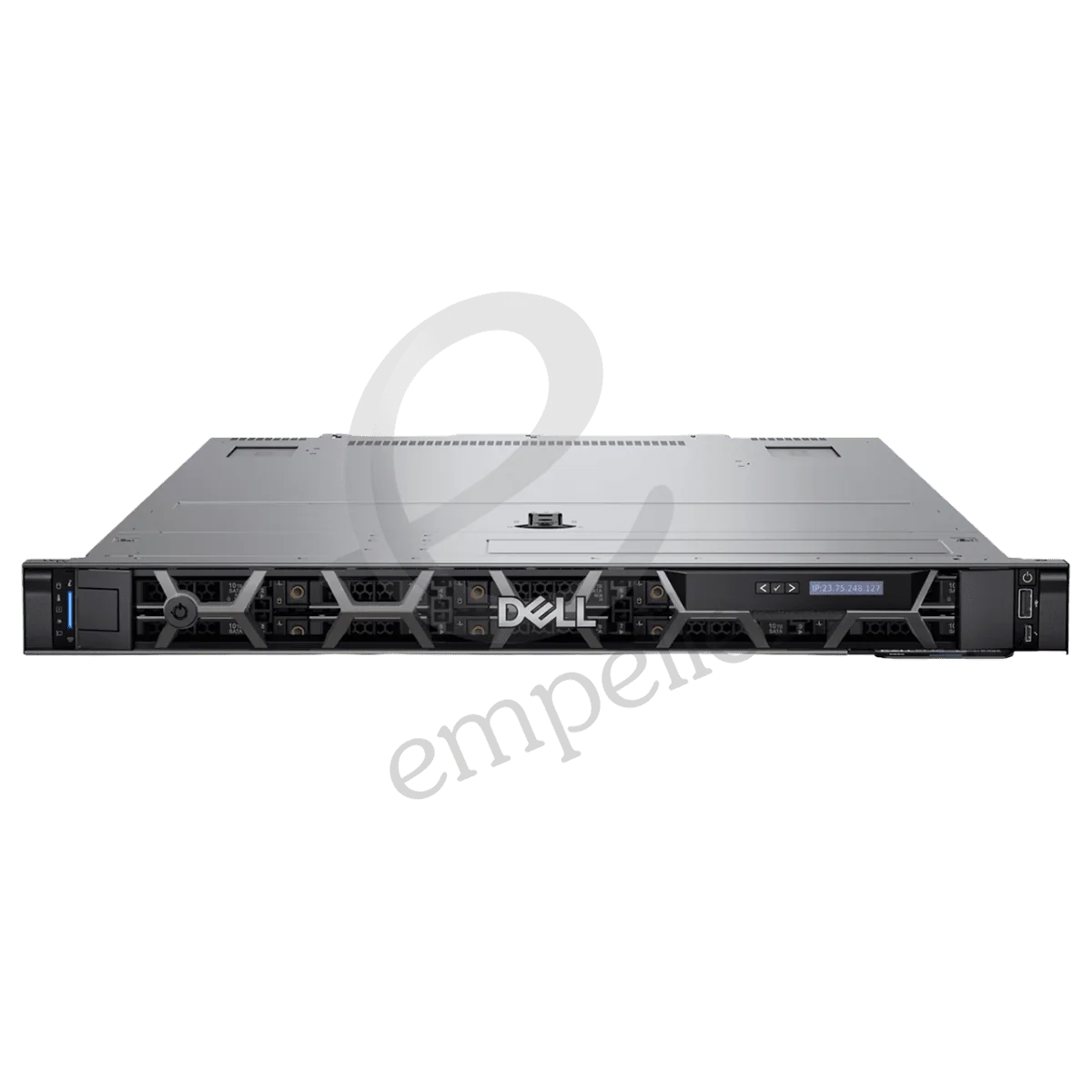
Dell PowerEdge R450 Rack Server
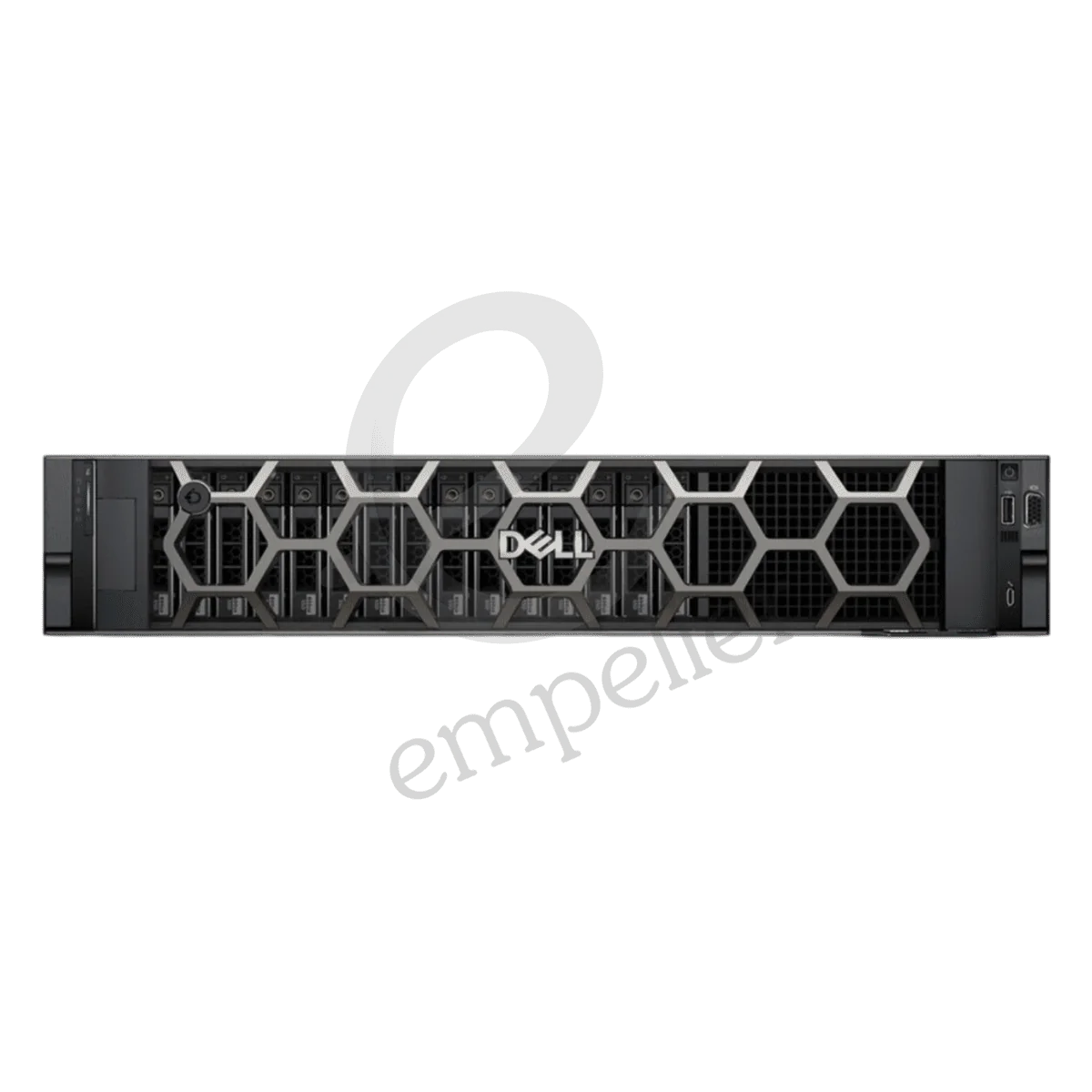
Dell PowerEdge R550 Rack Server
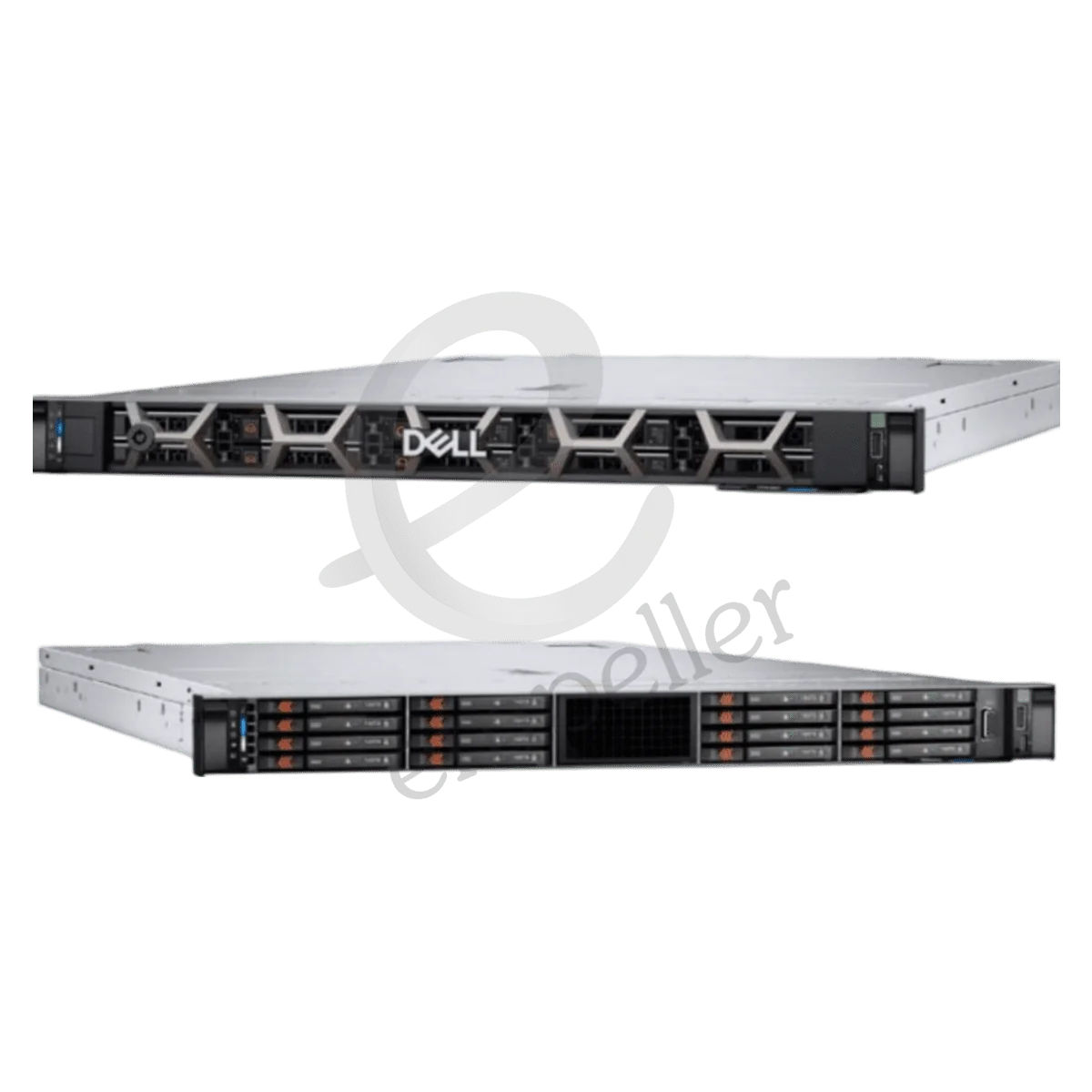
Dell PowerEdge R660 Rack Server
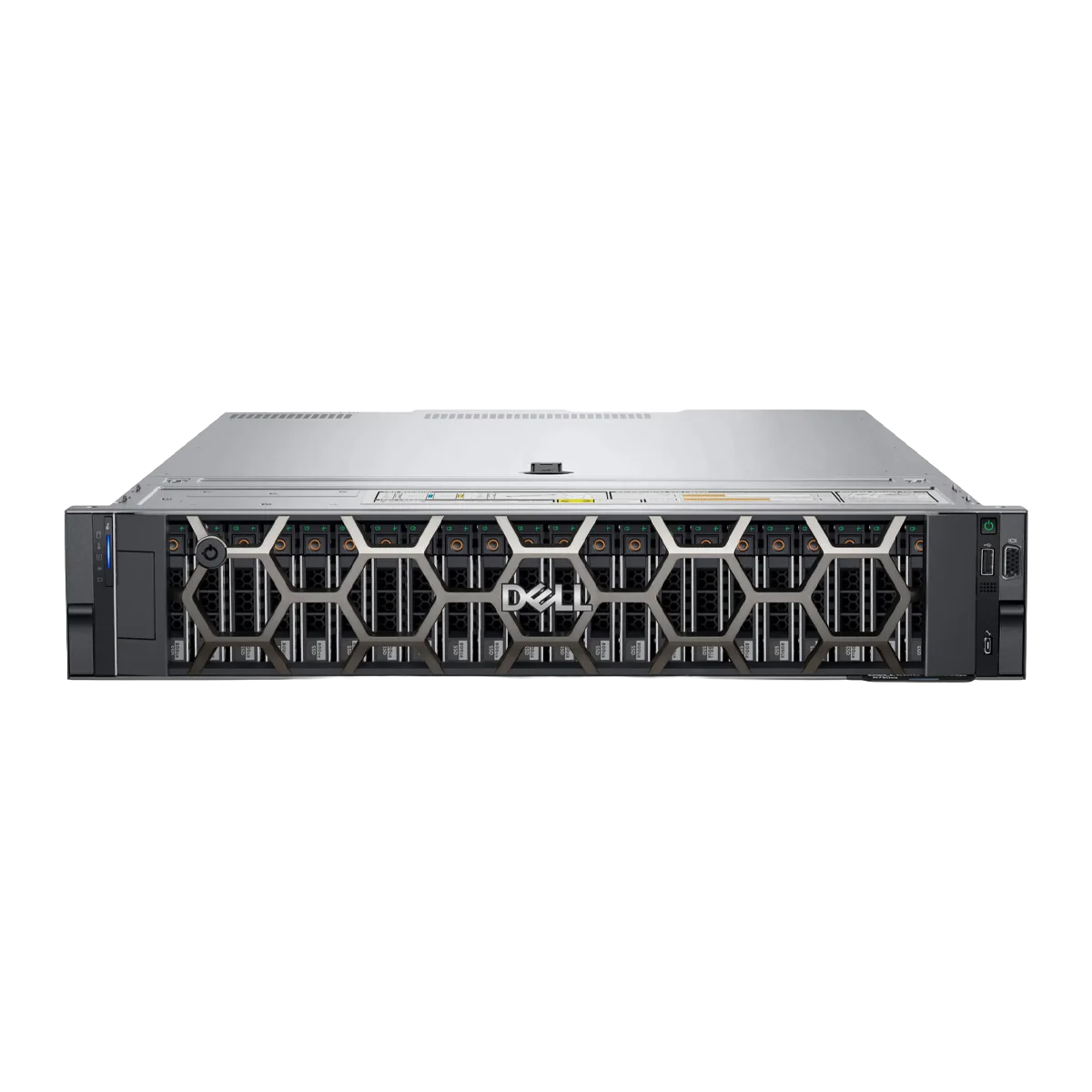
Dell PowerEdge R750 Rack Server
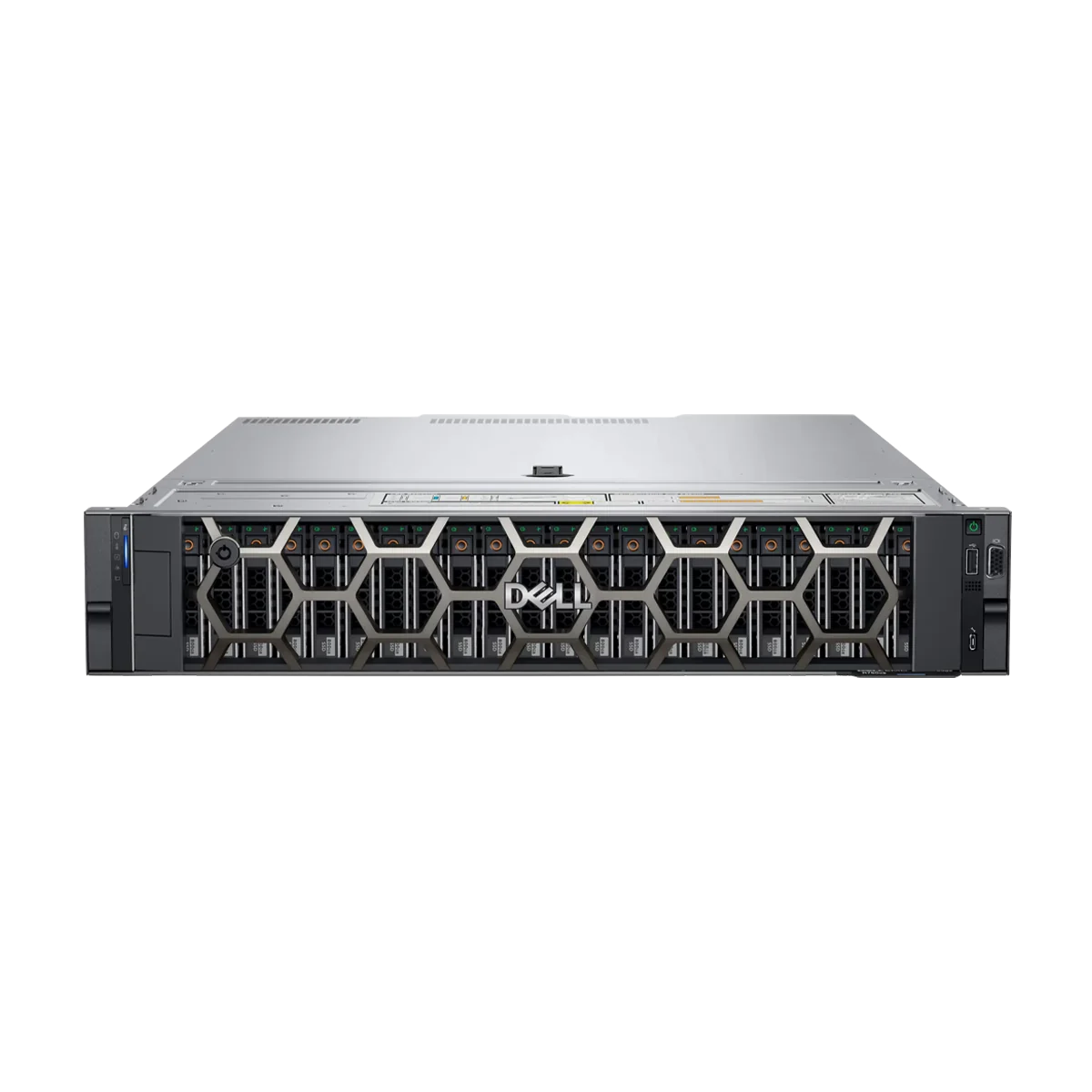
Dell PowerEdge R750XS Rack Server
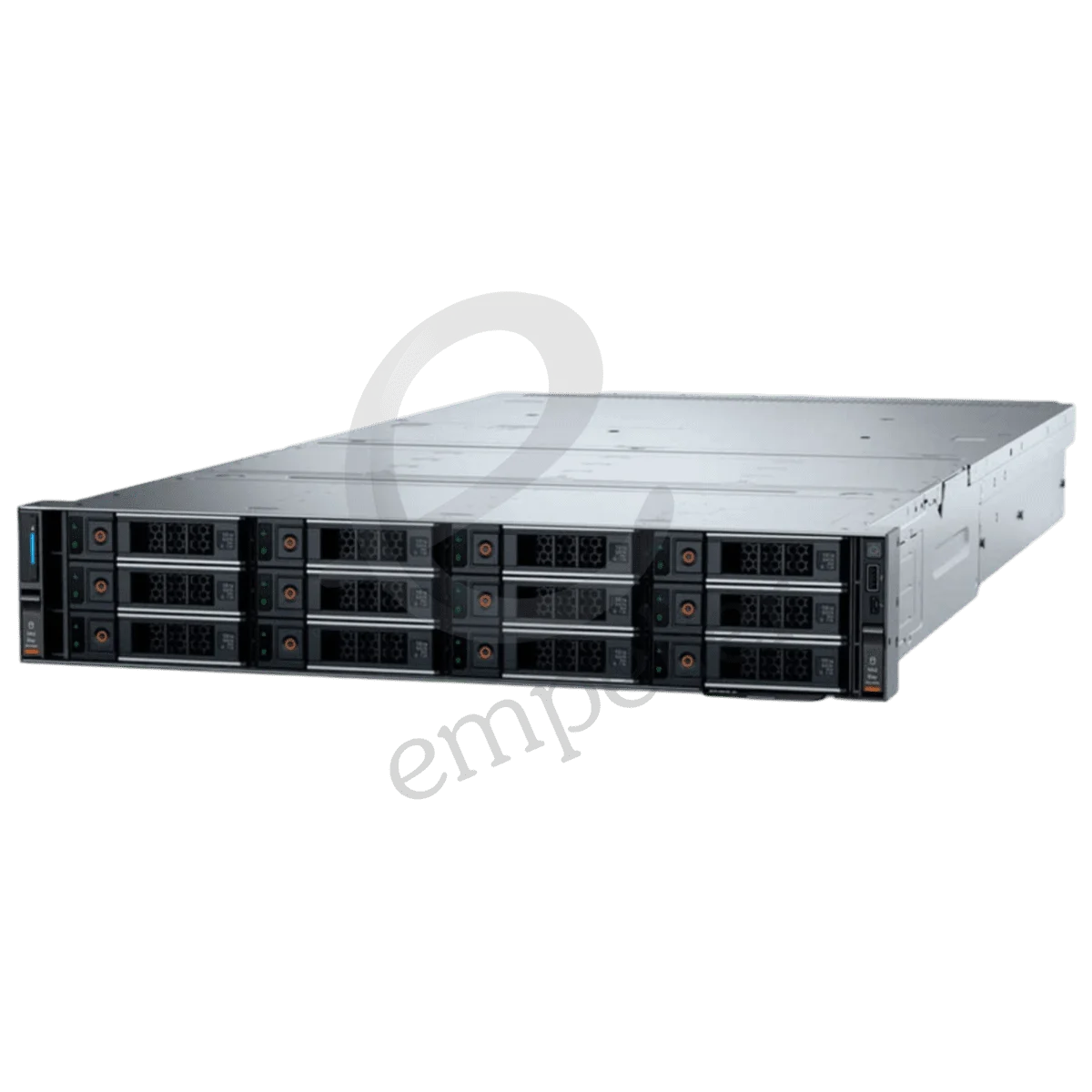
Dell PowerEdge R760 Rack Server
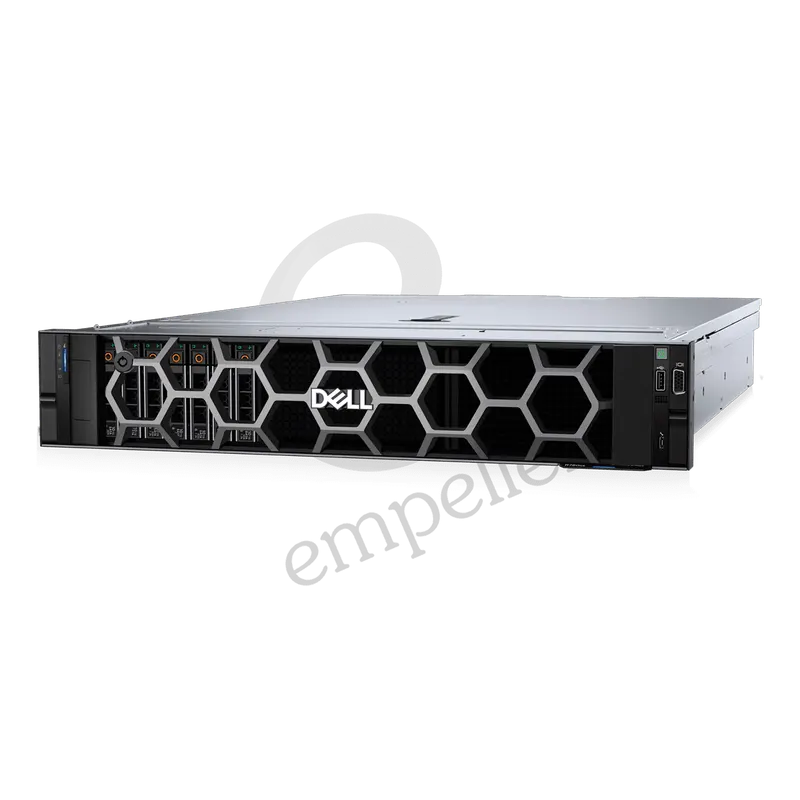
Dell PowerEdge R760xs Rack Server
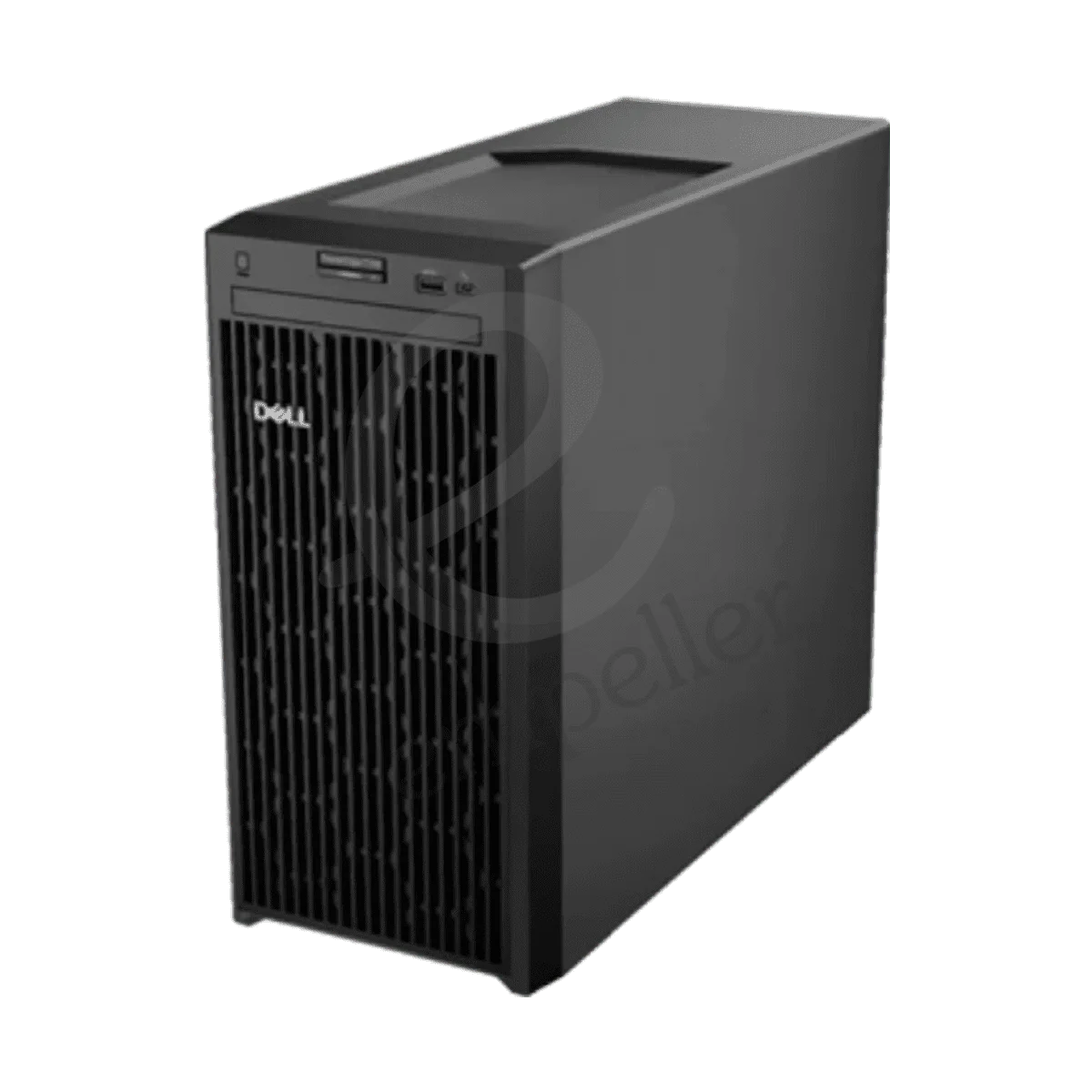
Dell PowerEdge T150 Tower Server
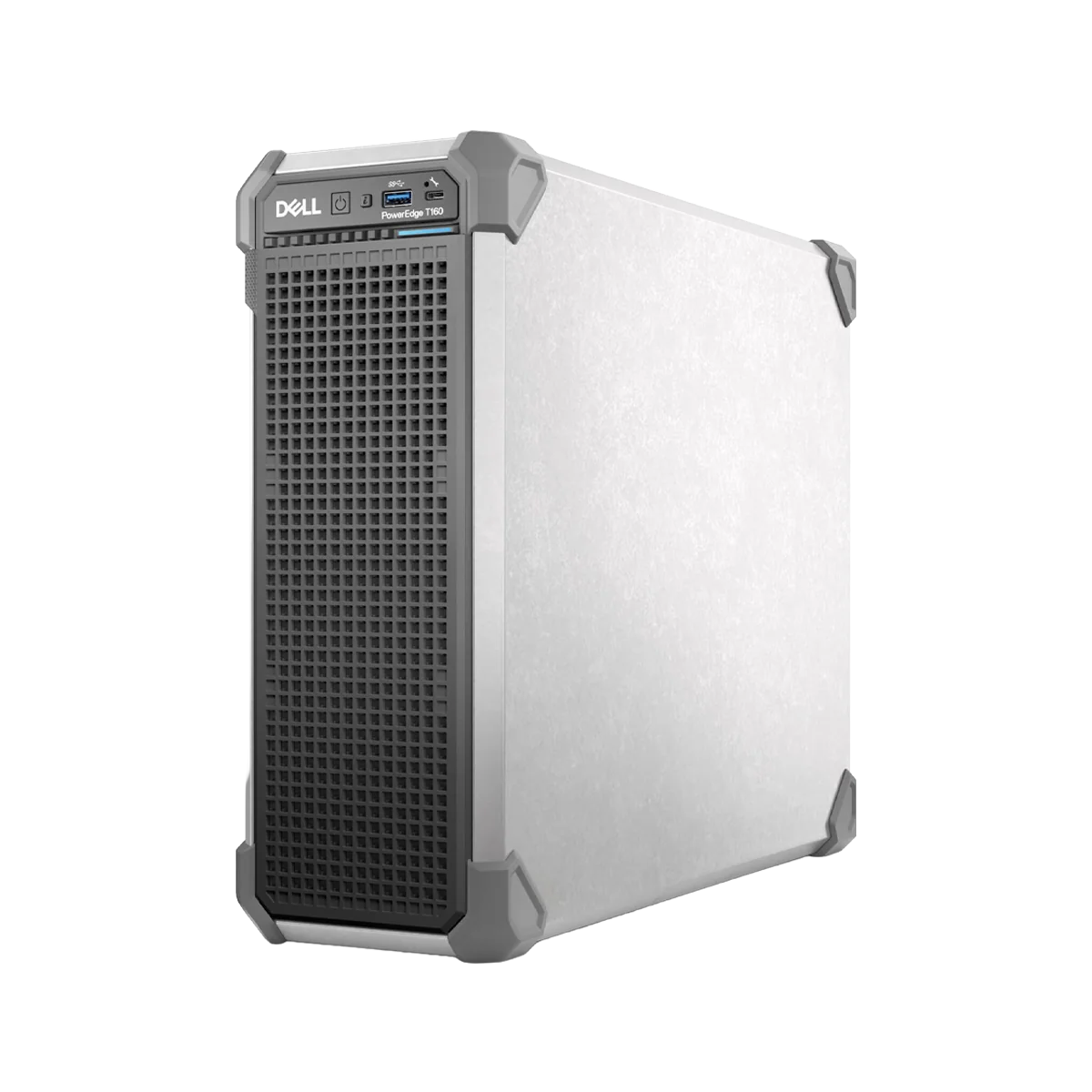
Dell PowerEdge T160 Tower Server
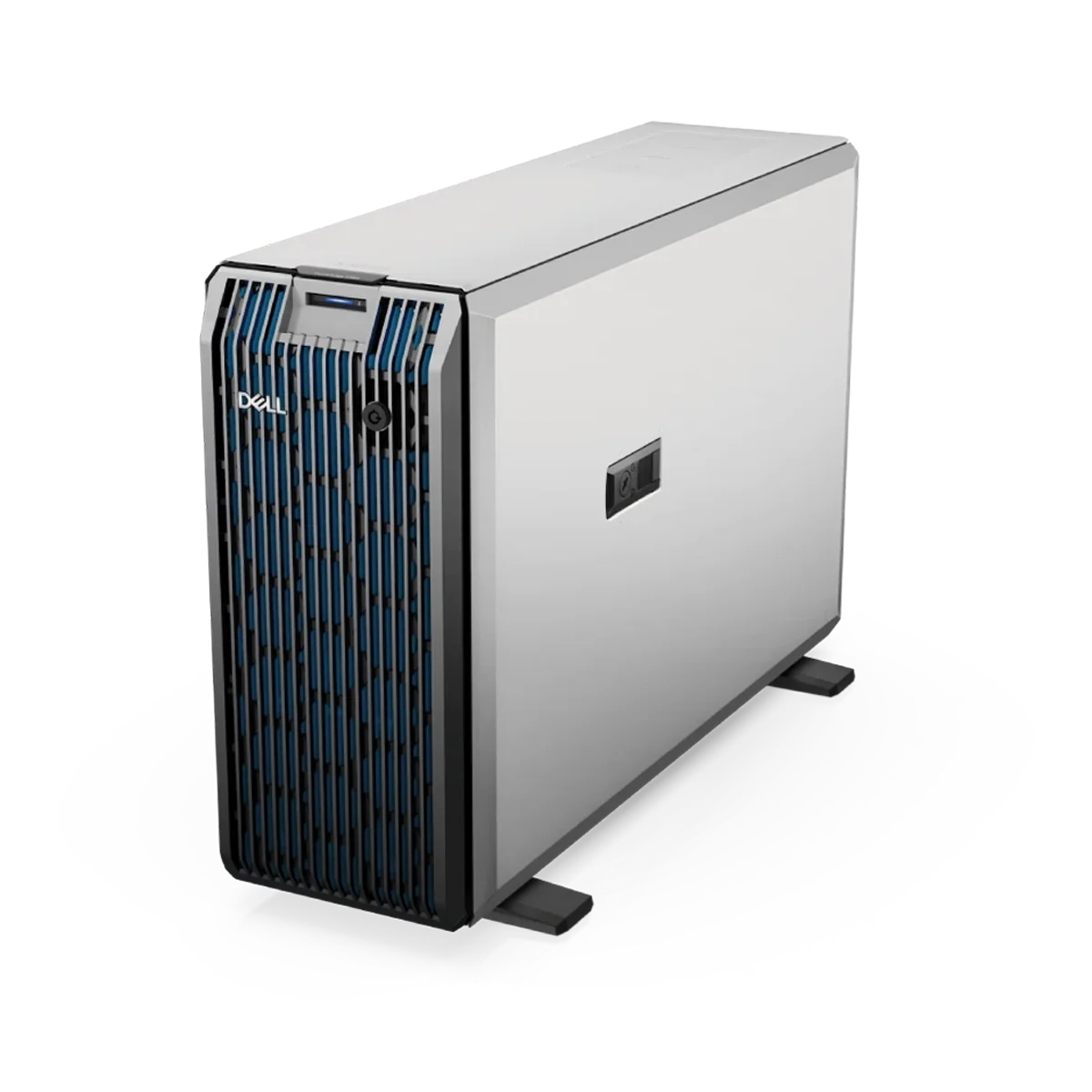
Dell PowerEdge T350 Tower Server
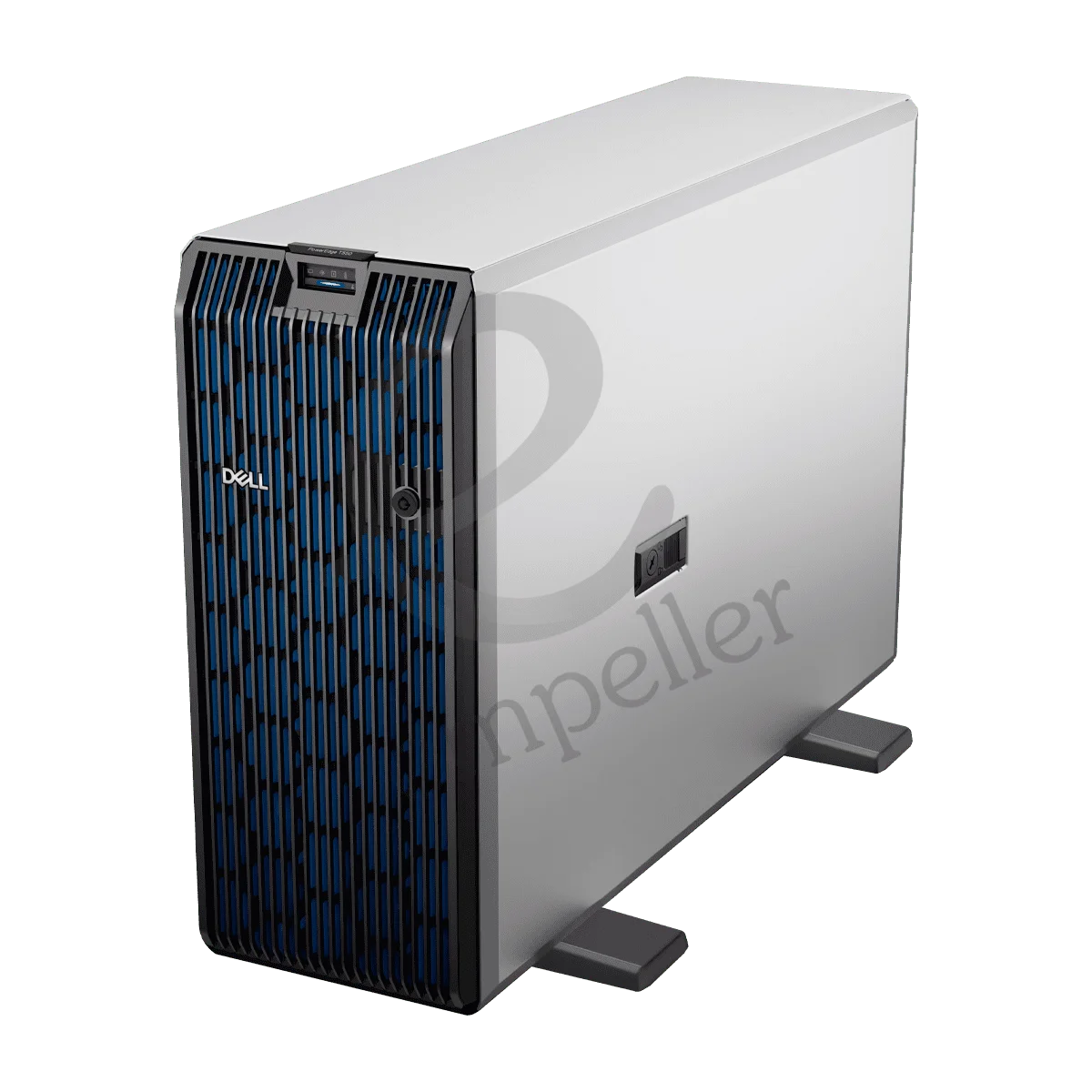
Dell PowerEdge T550 Tower Server
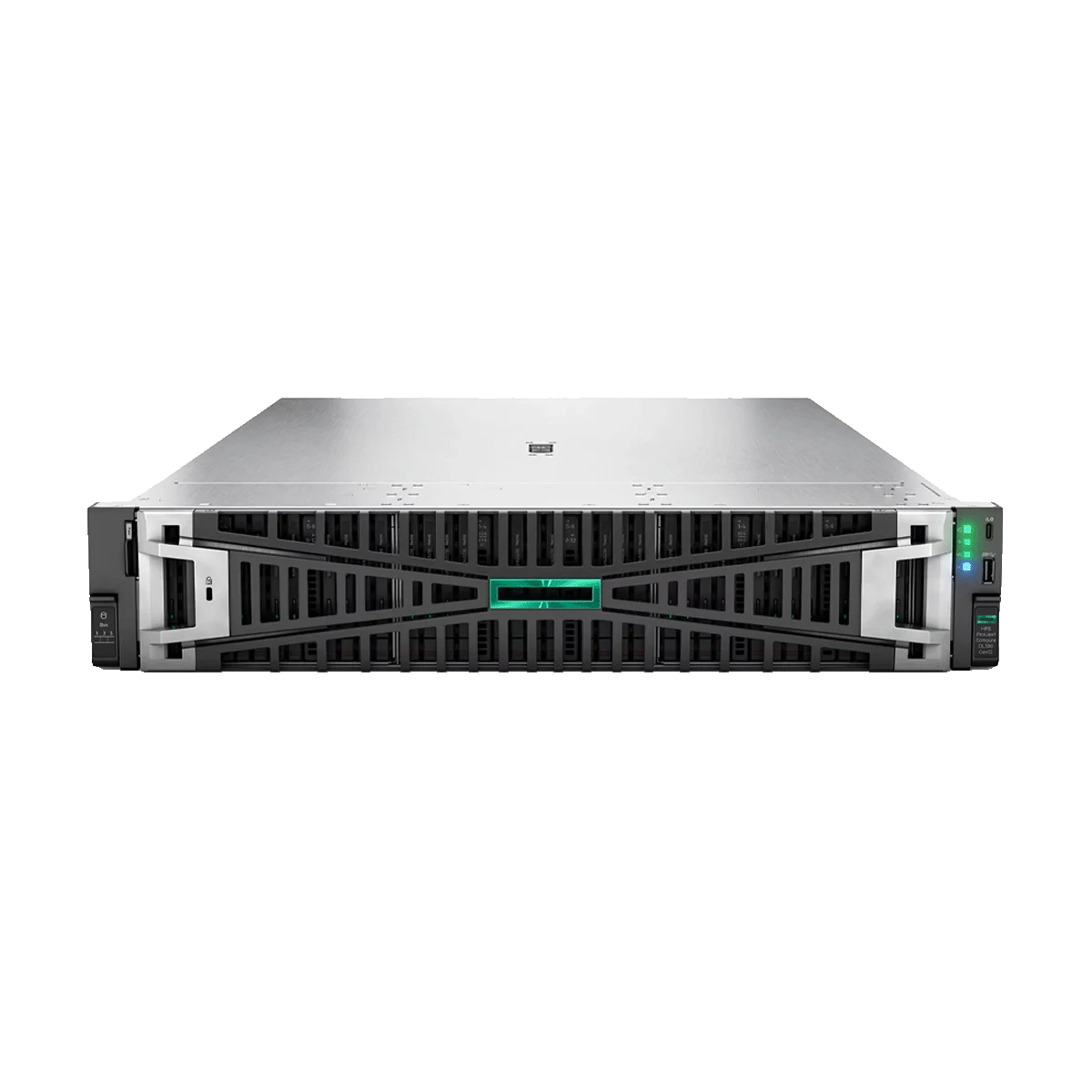
HPE ProLiant DL380 Gen12
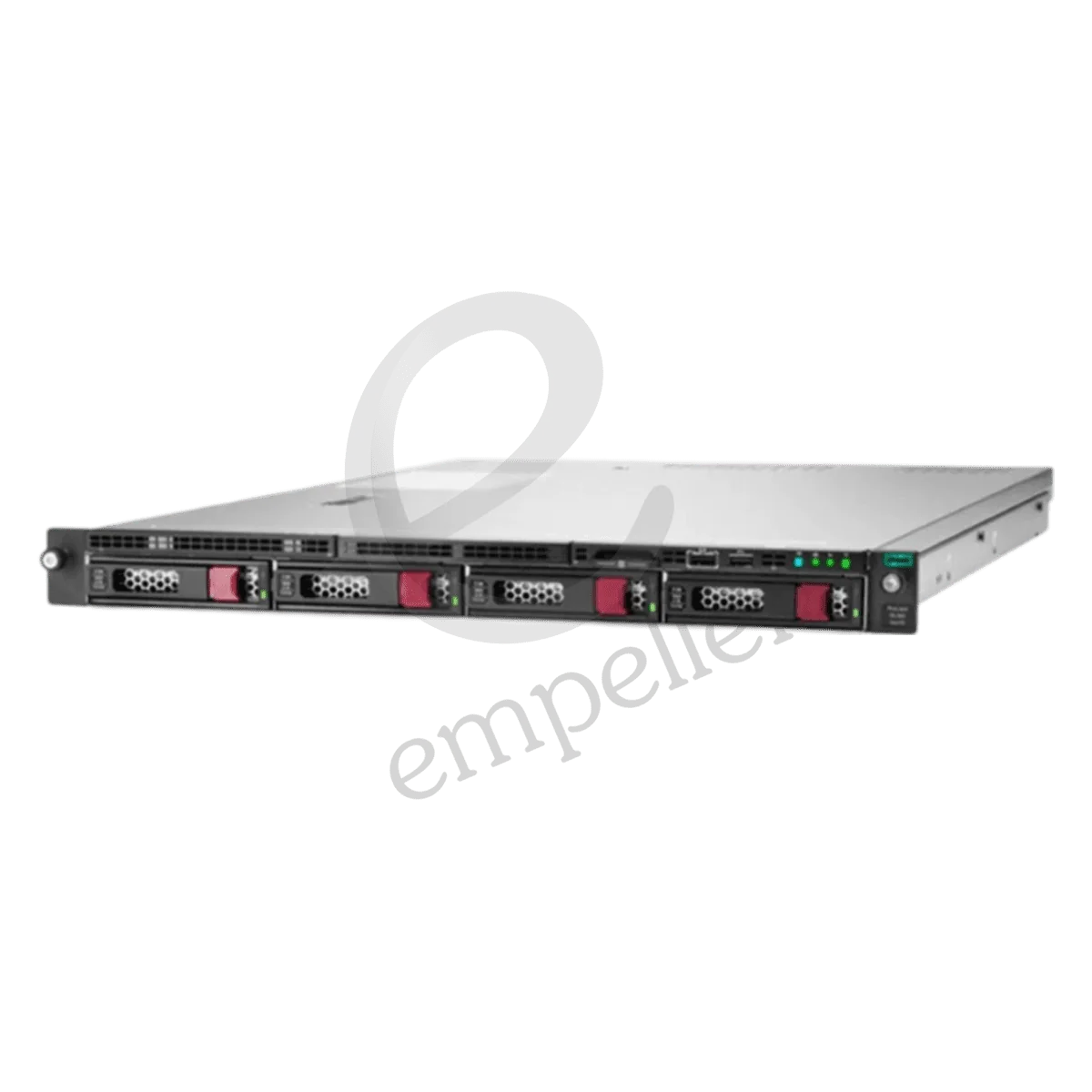
HPE ProLiant DL160 Gen10 Rack
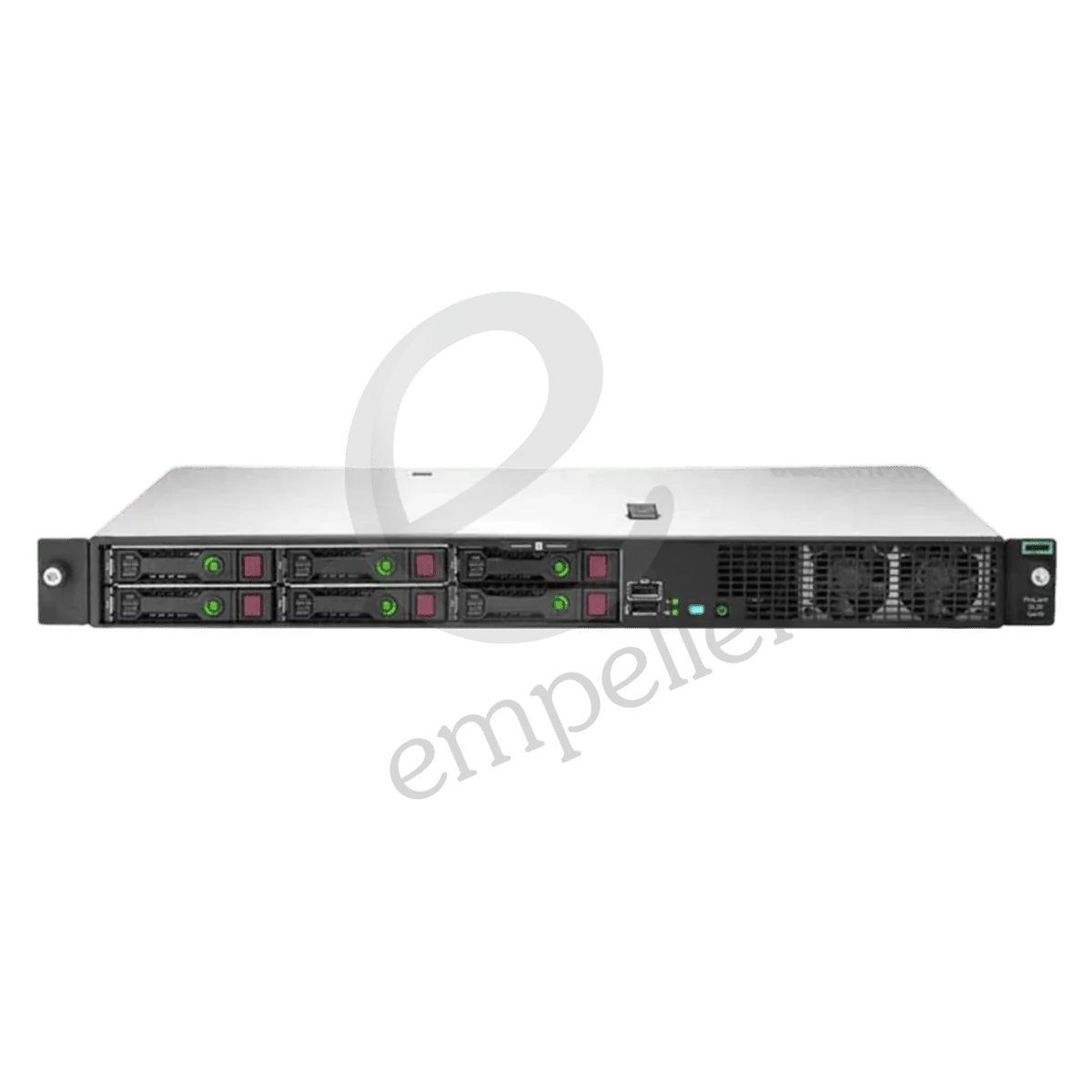
HPE ProLiant DL20 Gen10 Plus Rack
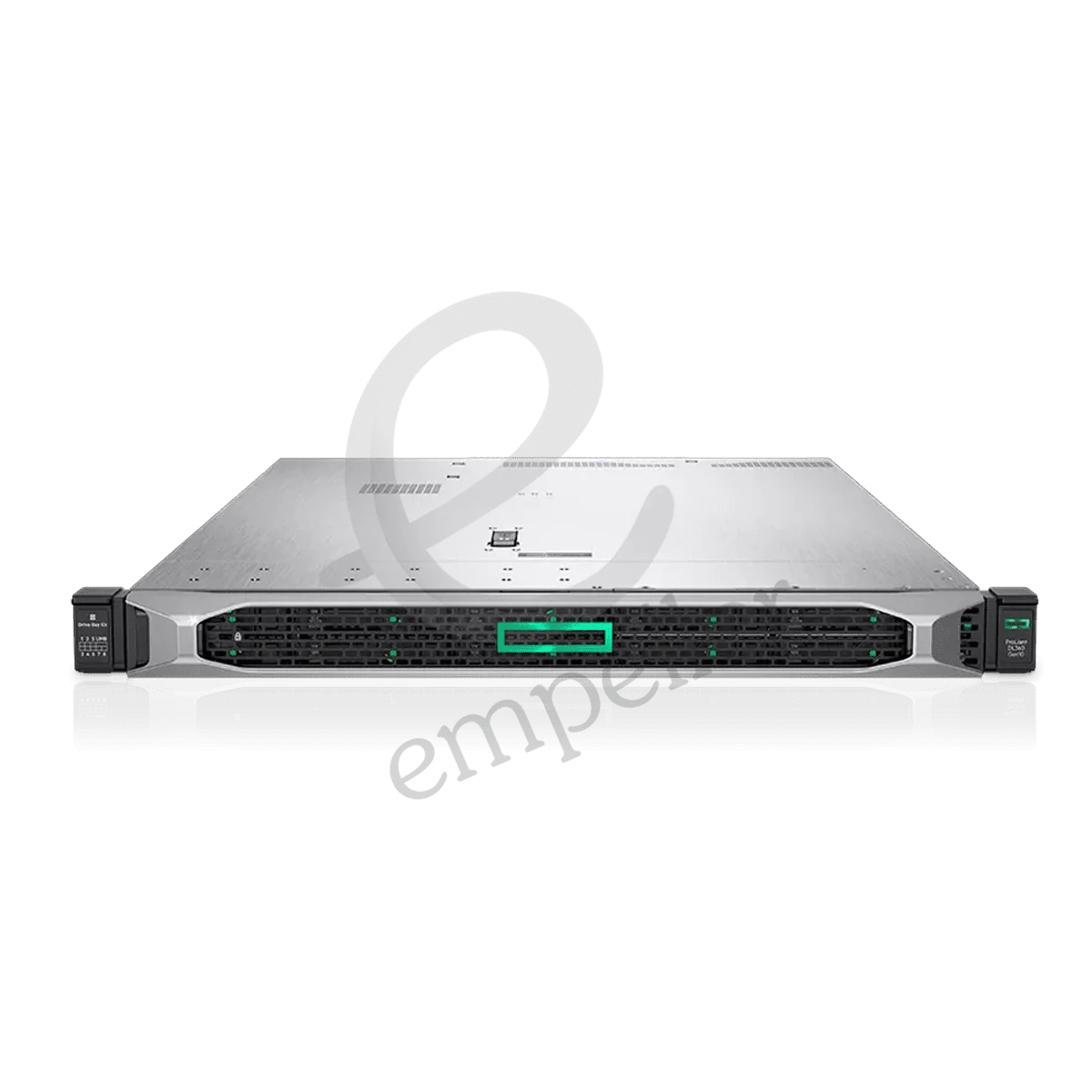
HPE ProLiant DL360 Gen10 Plus Rack
HPE ProLiant DL360 Gen10 Rack
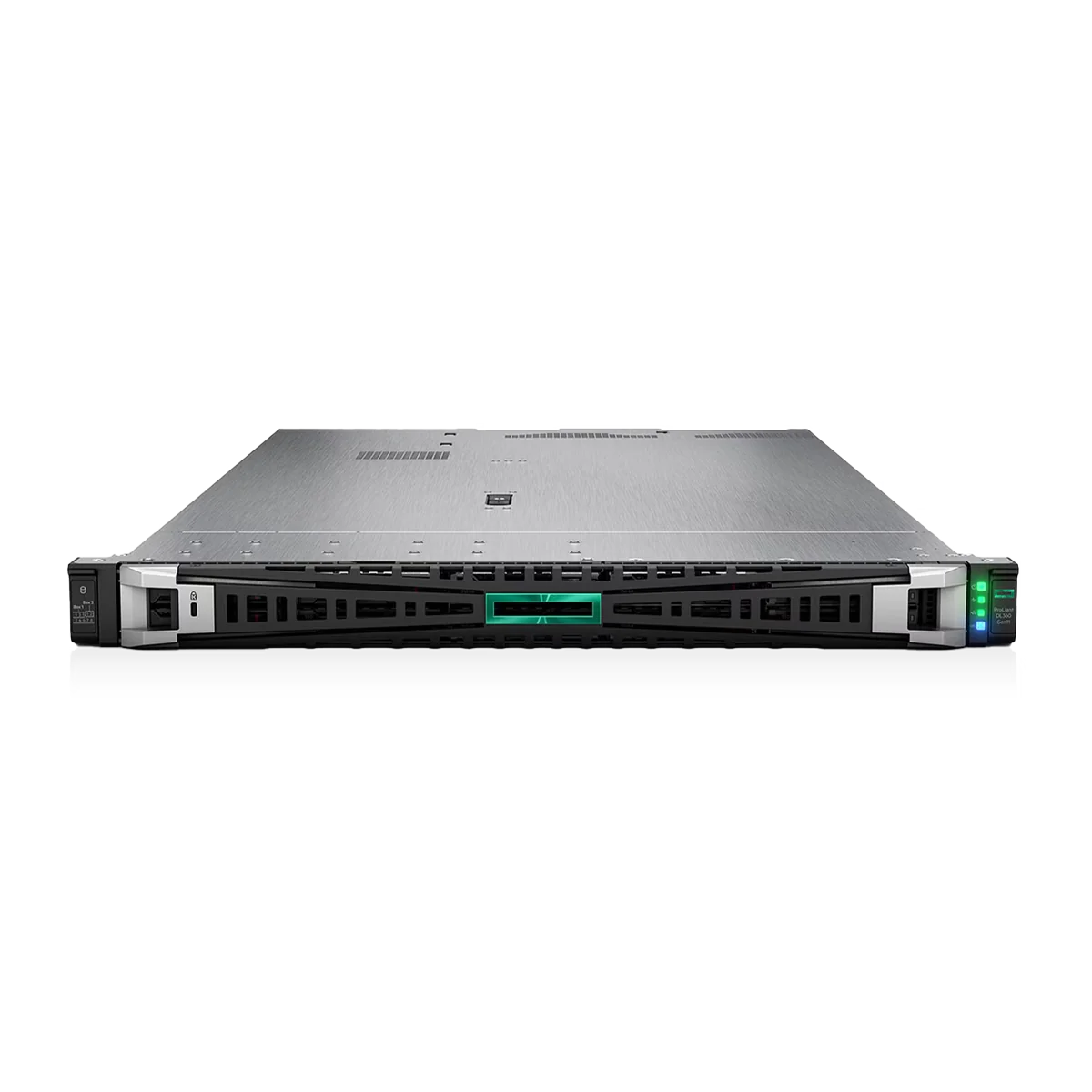
HPE ProLiant DL360 Gen11 Rack
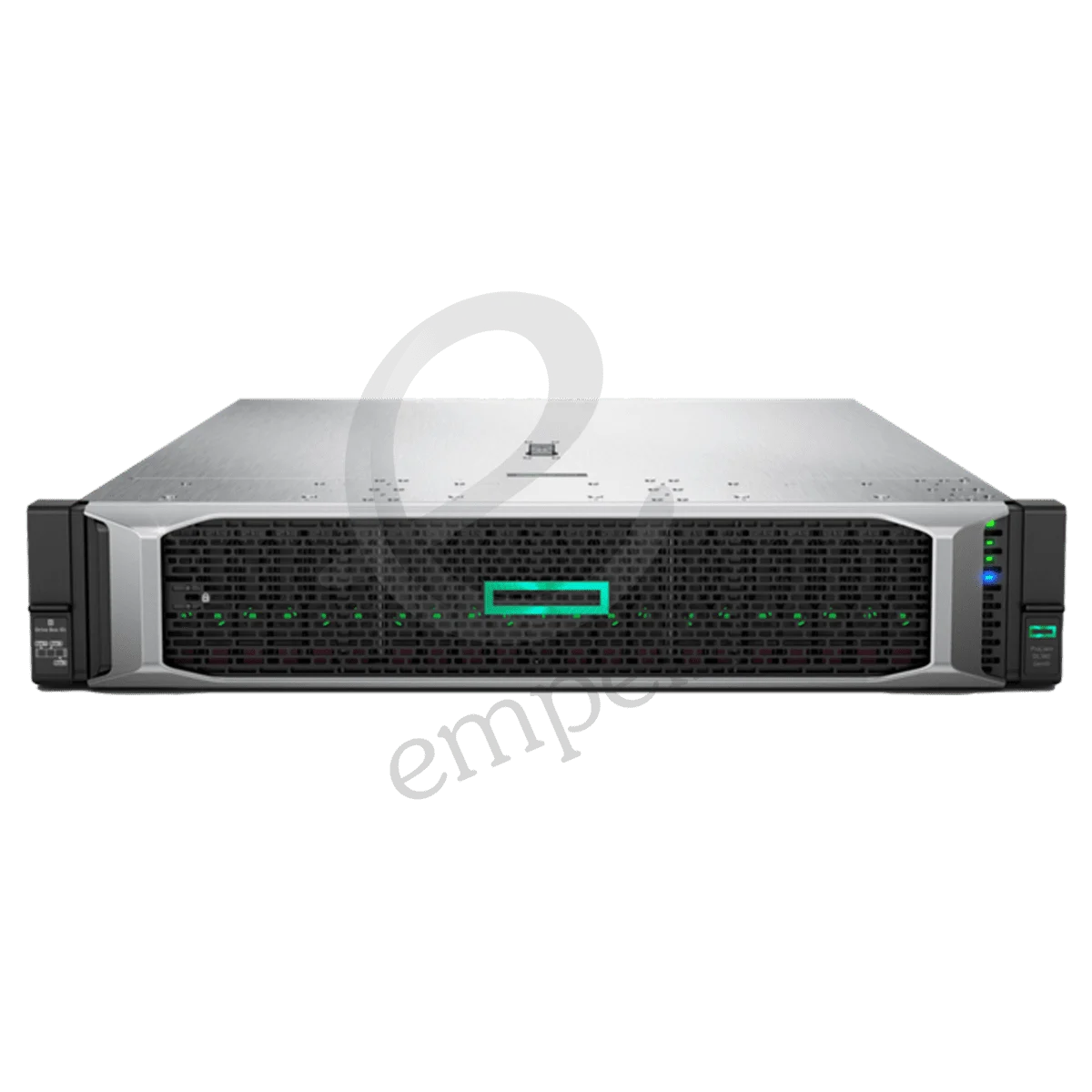
HPE ProLiant DL380 Gen10 Plus Rack
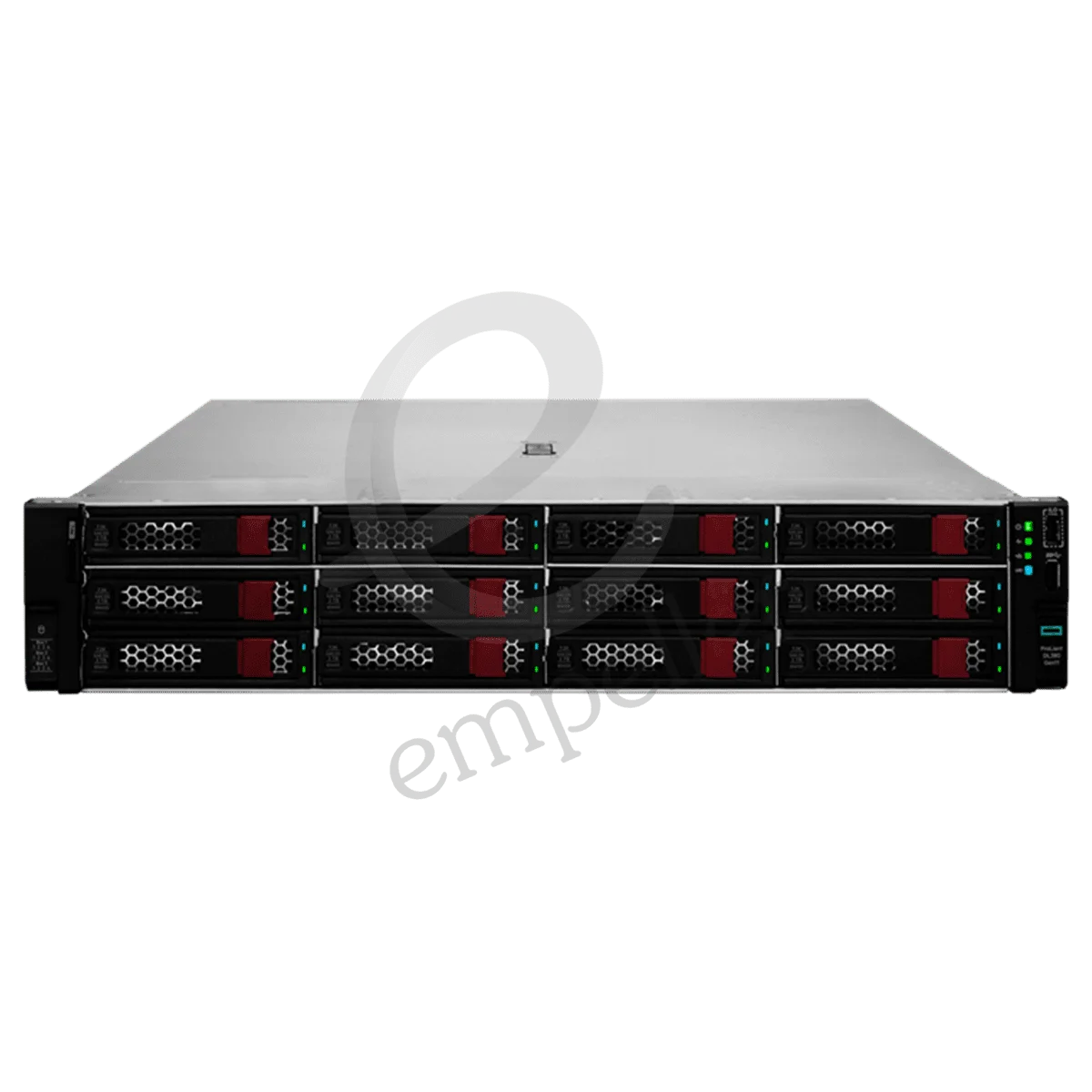
HPE ProLiant DL380 Gen10 Rack
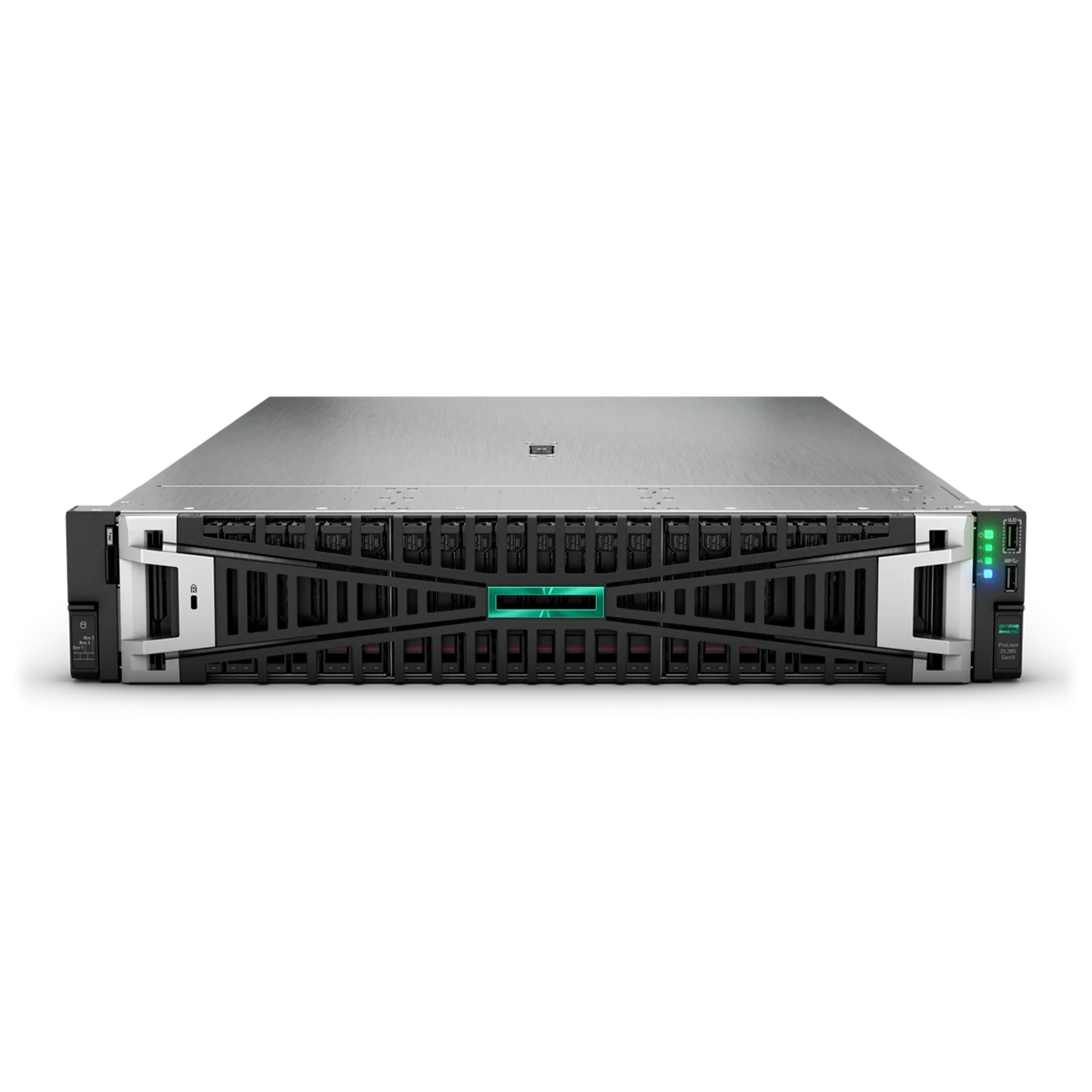
HPE ProLiant DL380 Gen11 Rack
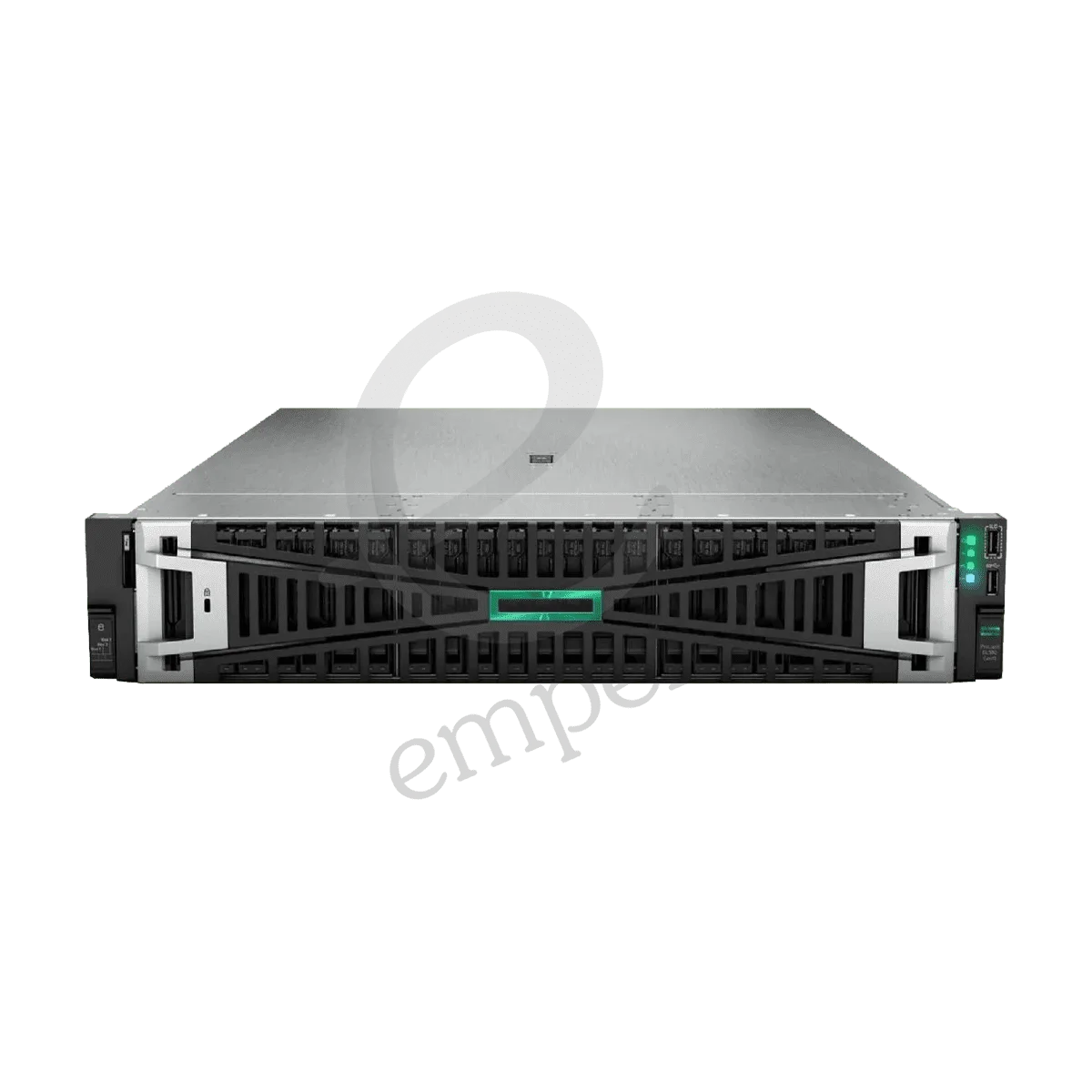
HPE ProLiant DL385 Gen11 Rack
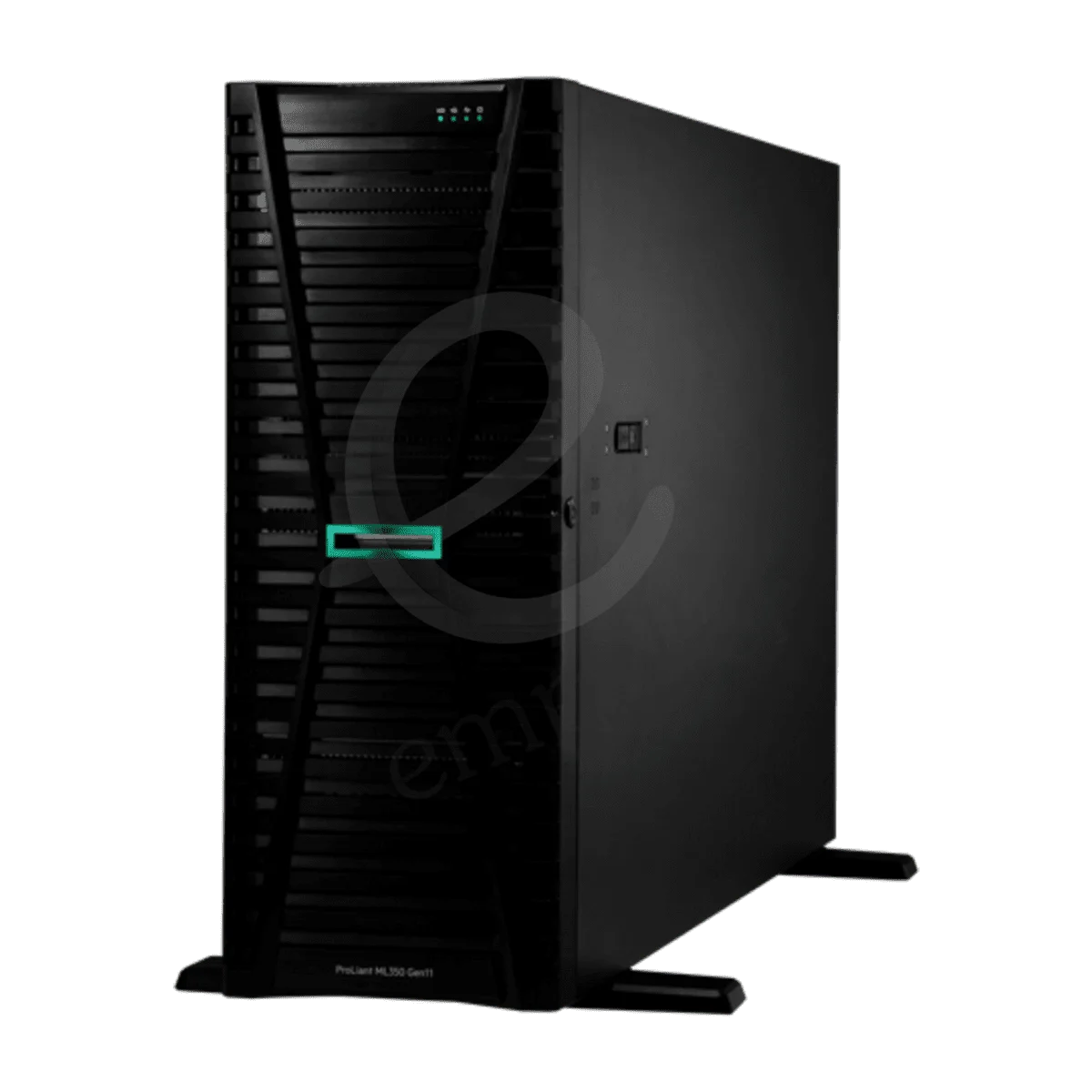
HPE ProLiant ML110 Gen11 Tower
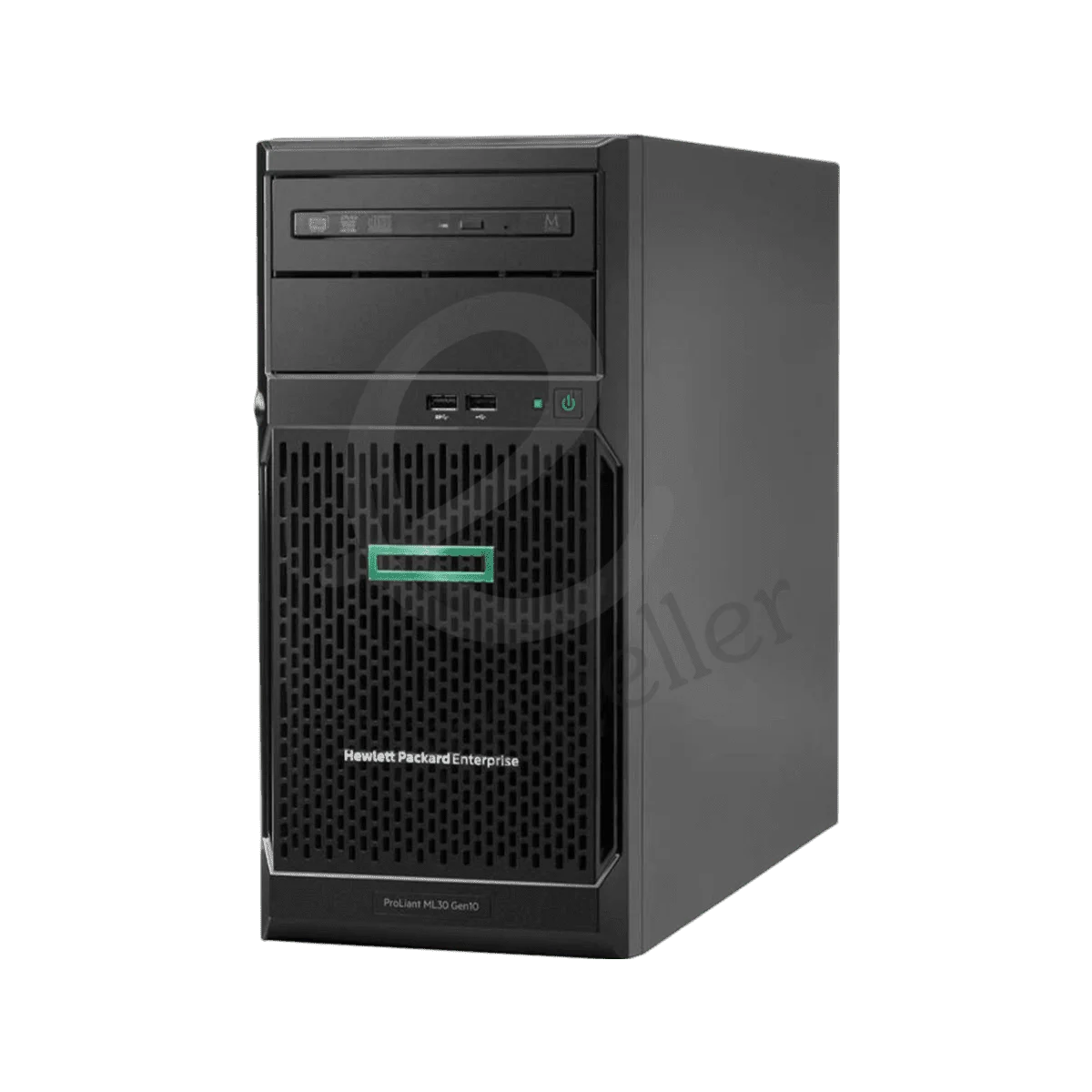
HPE ProLiant ML30 Gen10 Plus Tower
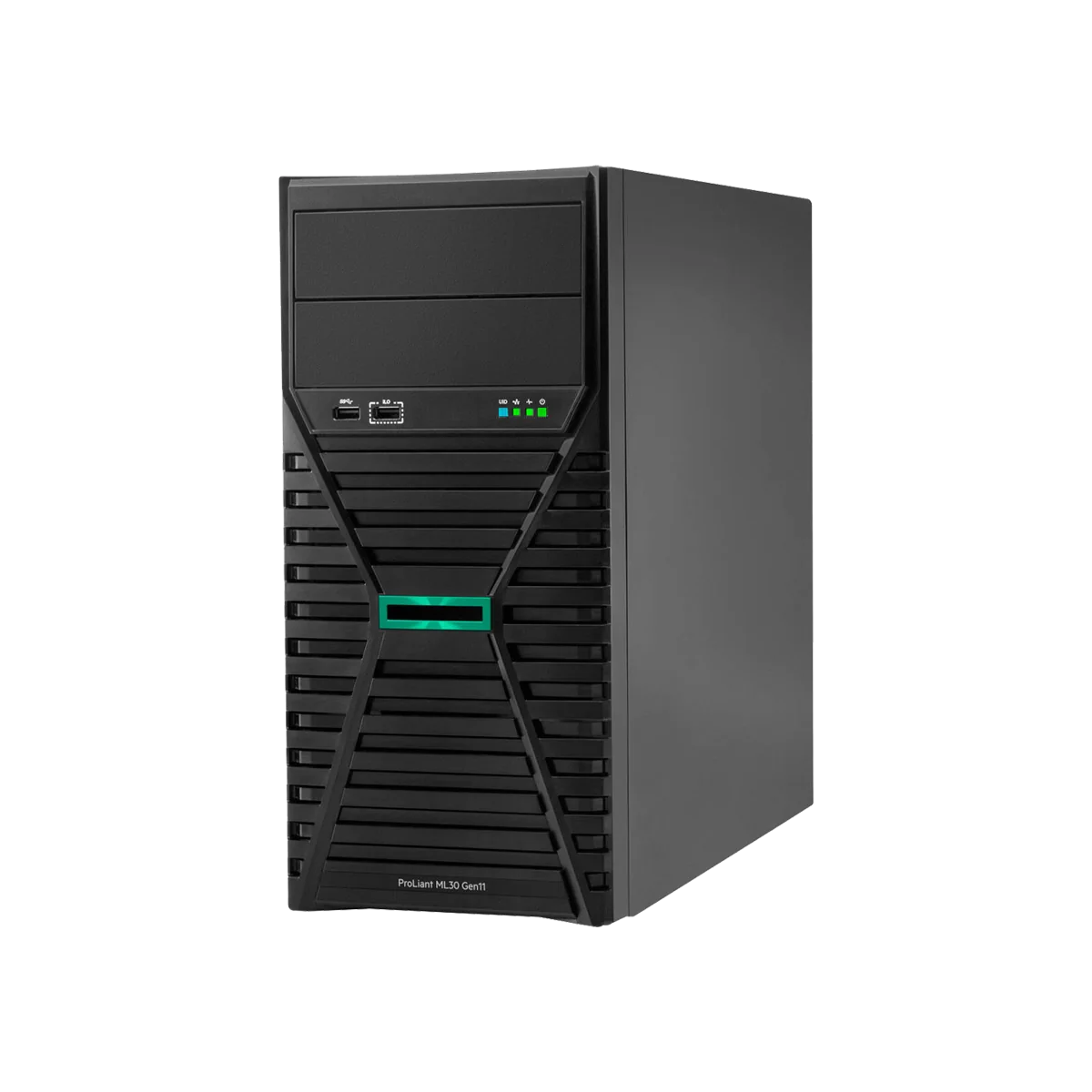
HPE ProLiant ML30 Gen11 Tower
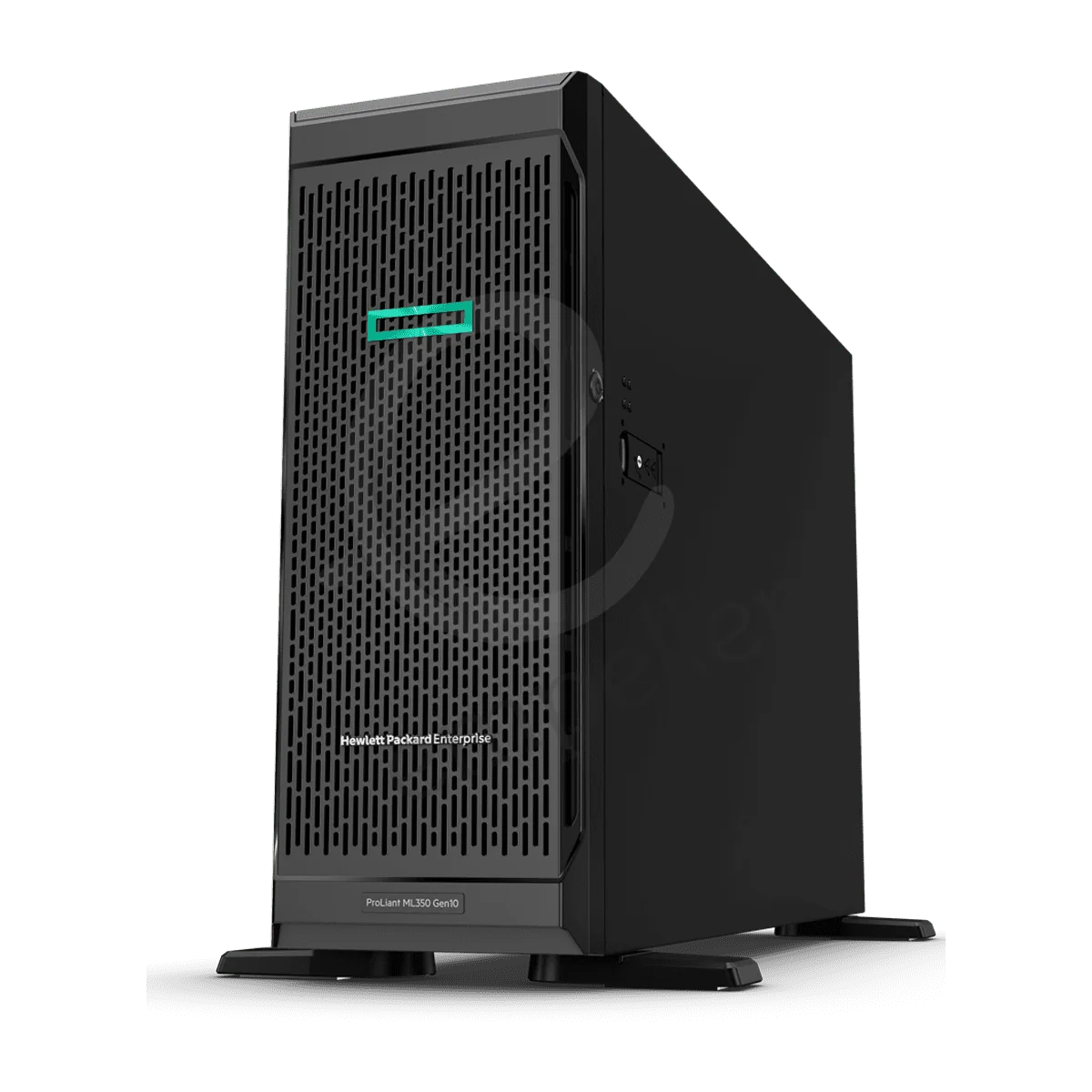
HPE ProLiant ML350 Gen10 Tower
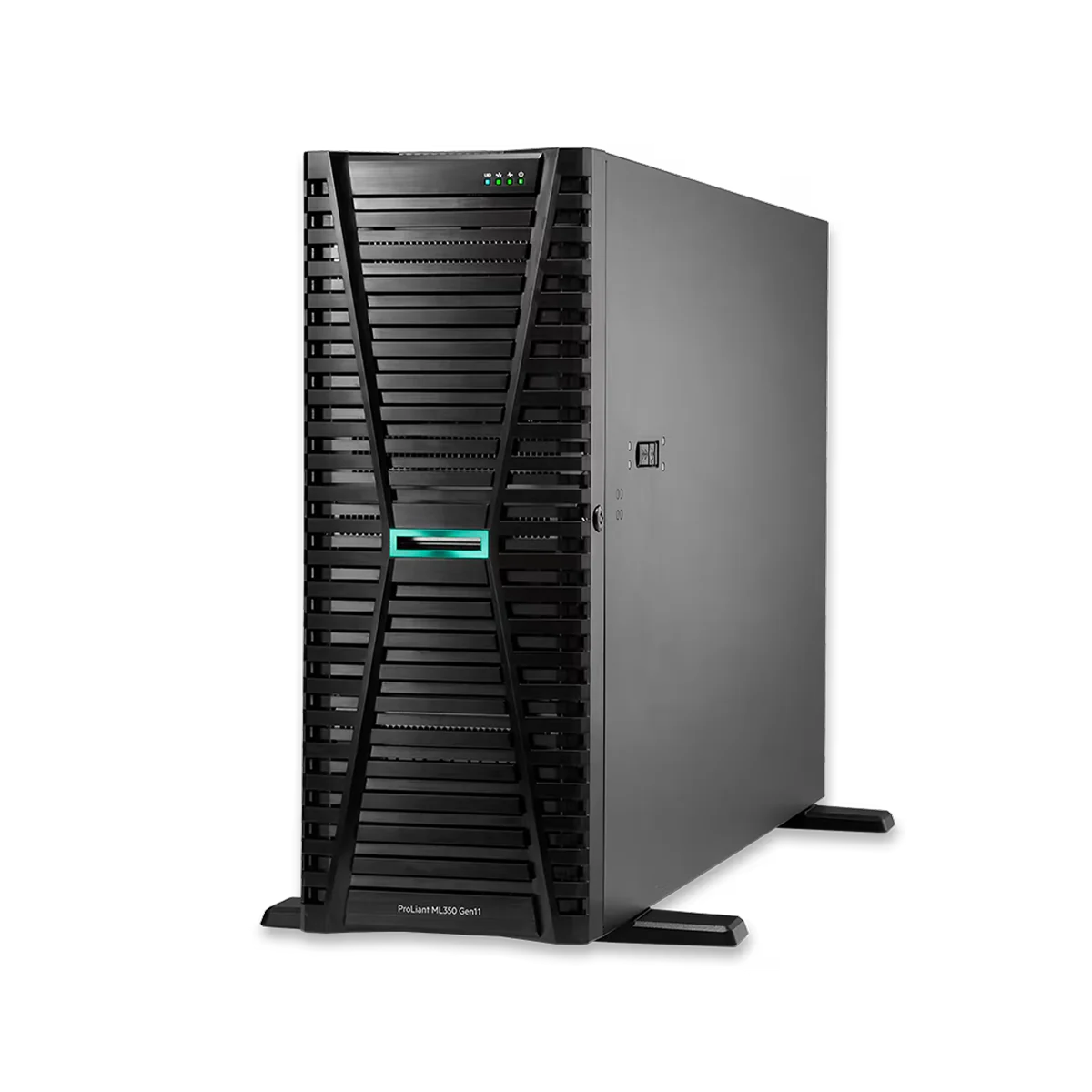
HPE ProLiant ML350 Gen11 Tower
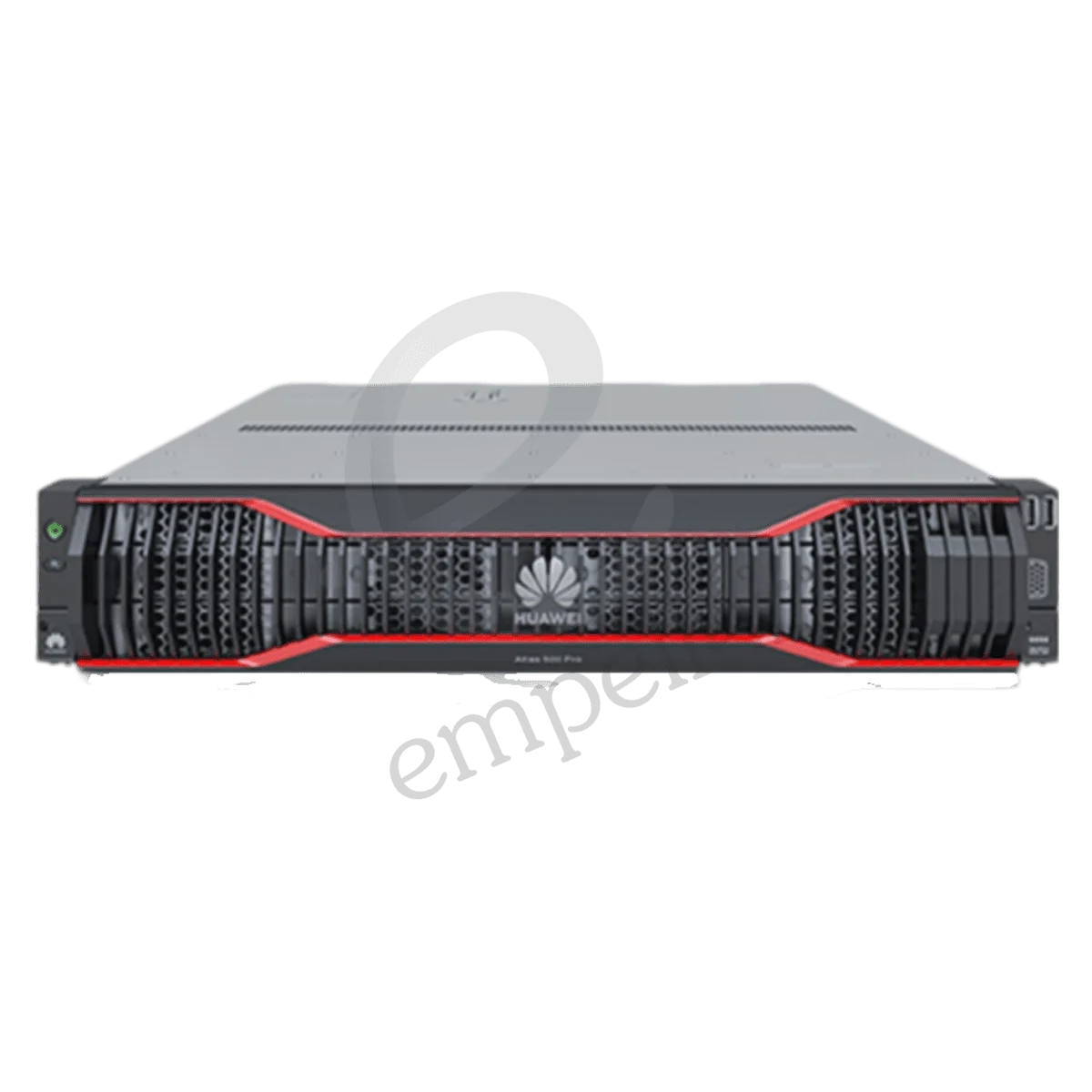
Huawei Atlas 500 Pro AI Edge Server
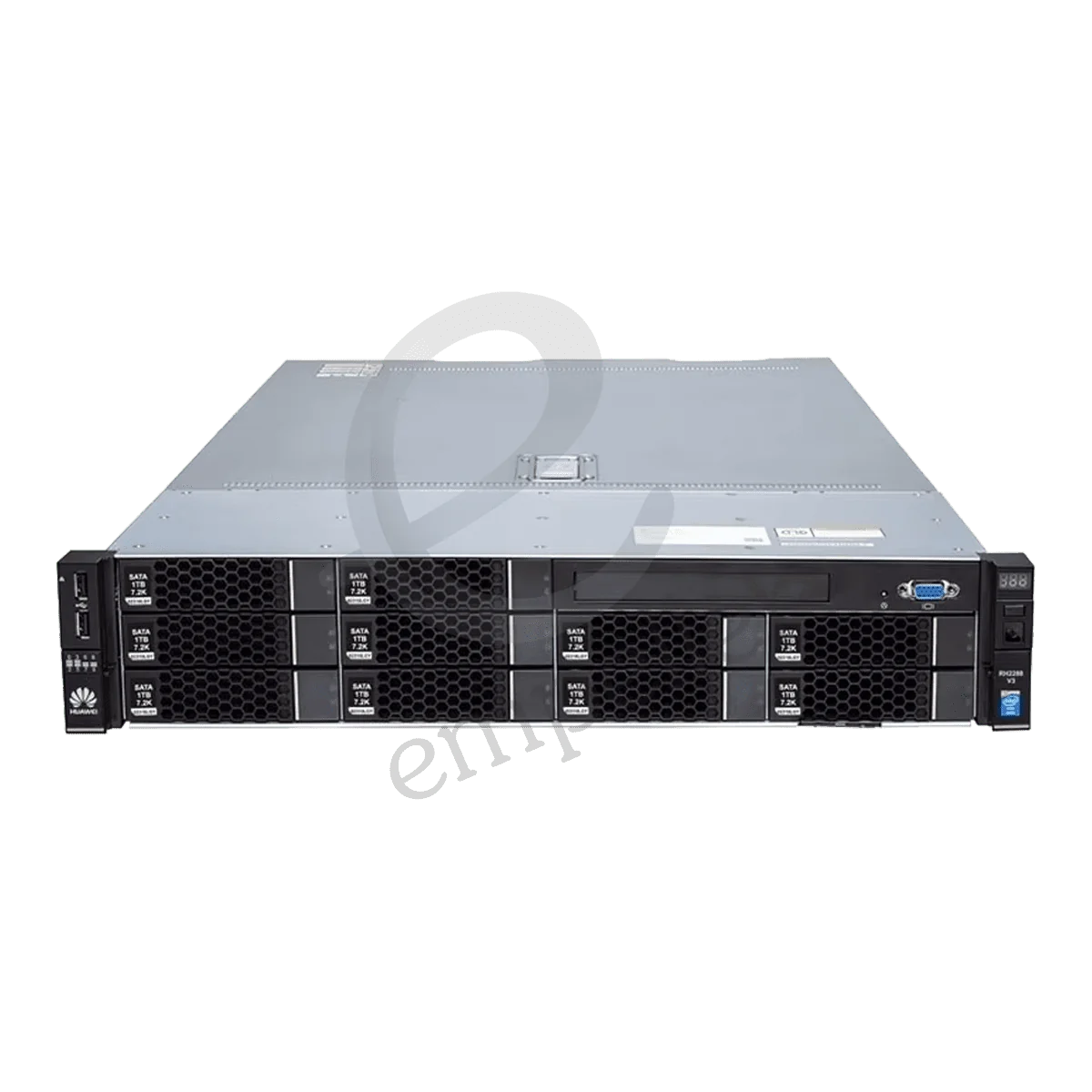
Huawei RH2288H V3 Xeon Rack Server
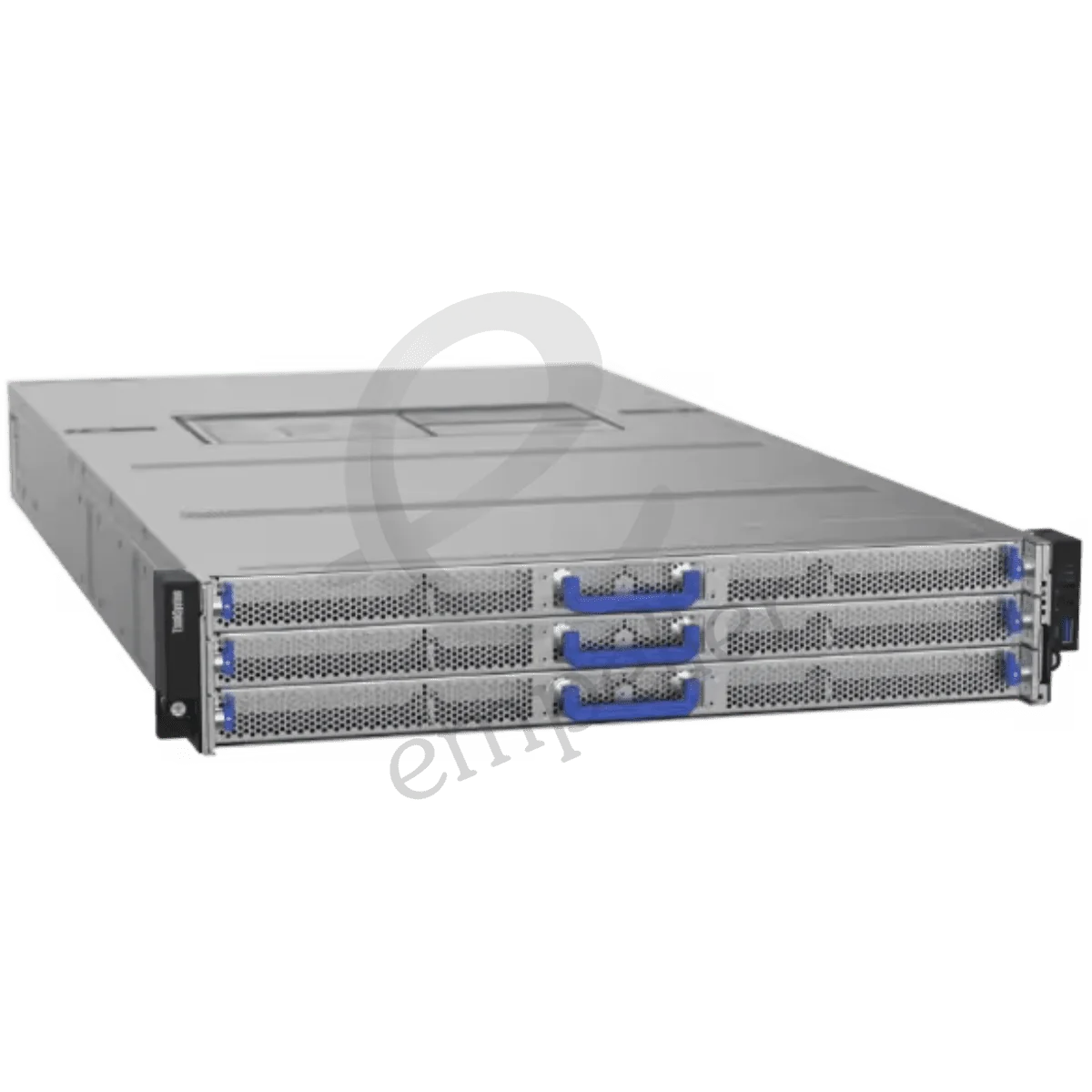
Lenovo ThinkSystem HS350X V3 Rack
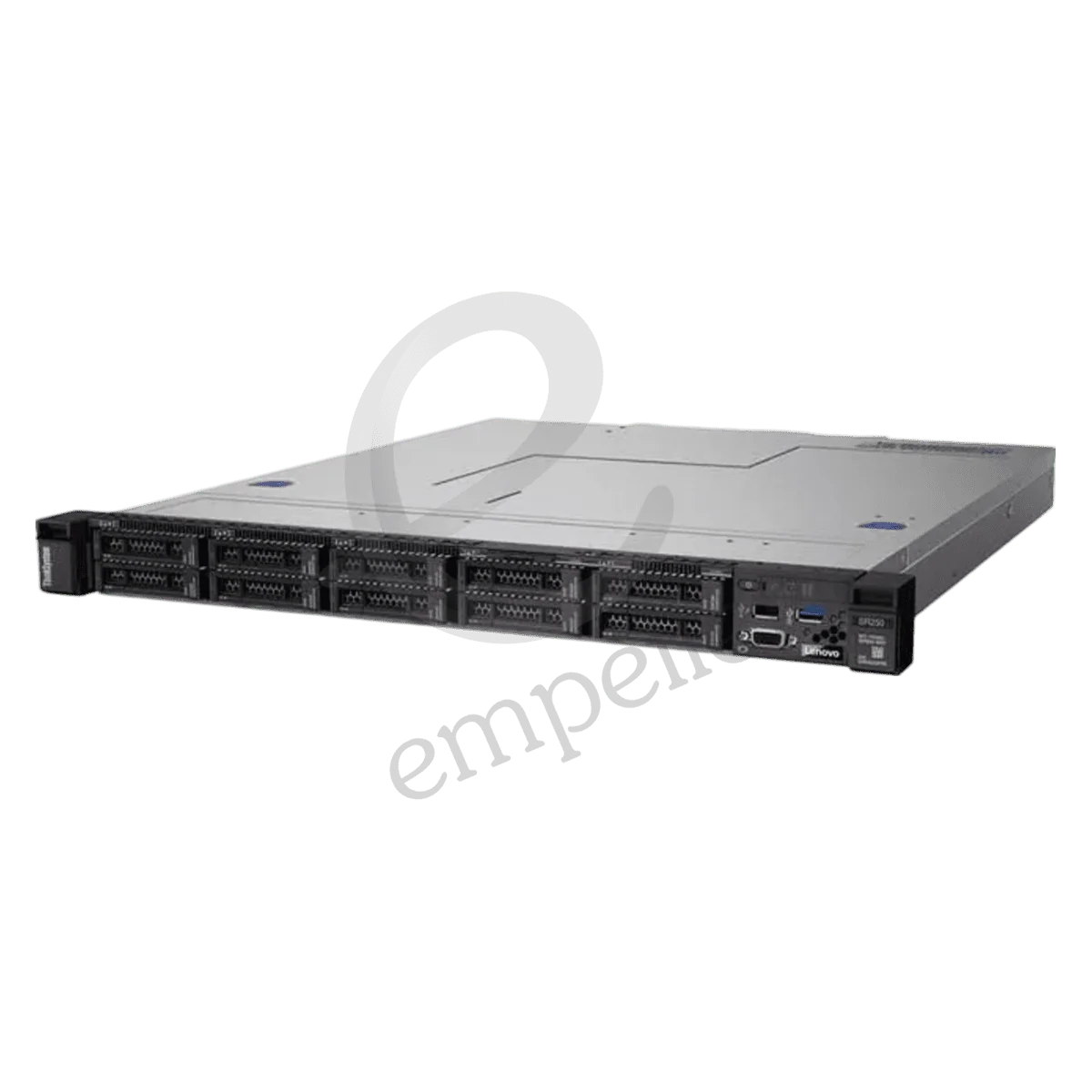
Lenovo ThinkSystem SR250 V2 Rack
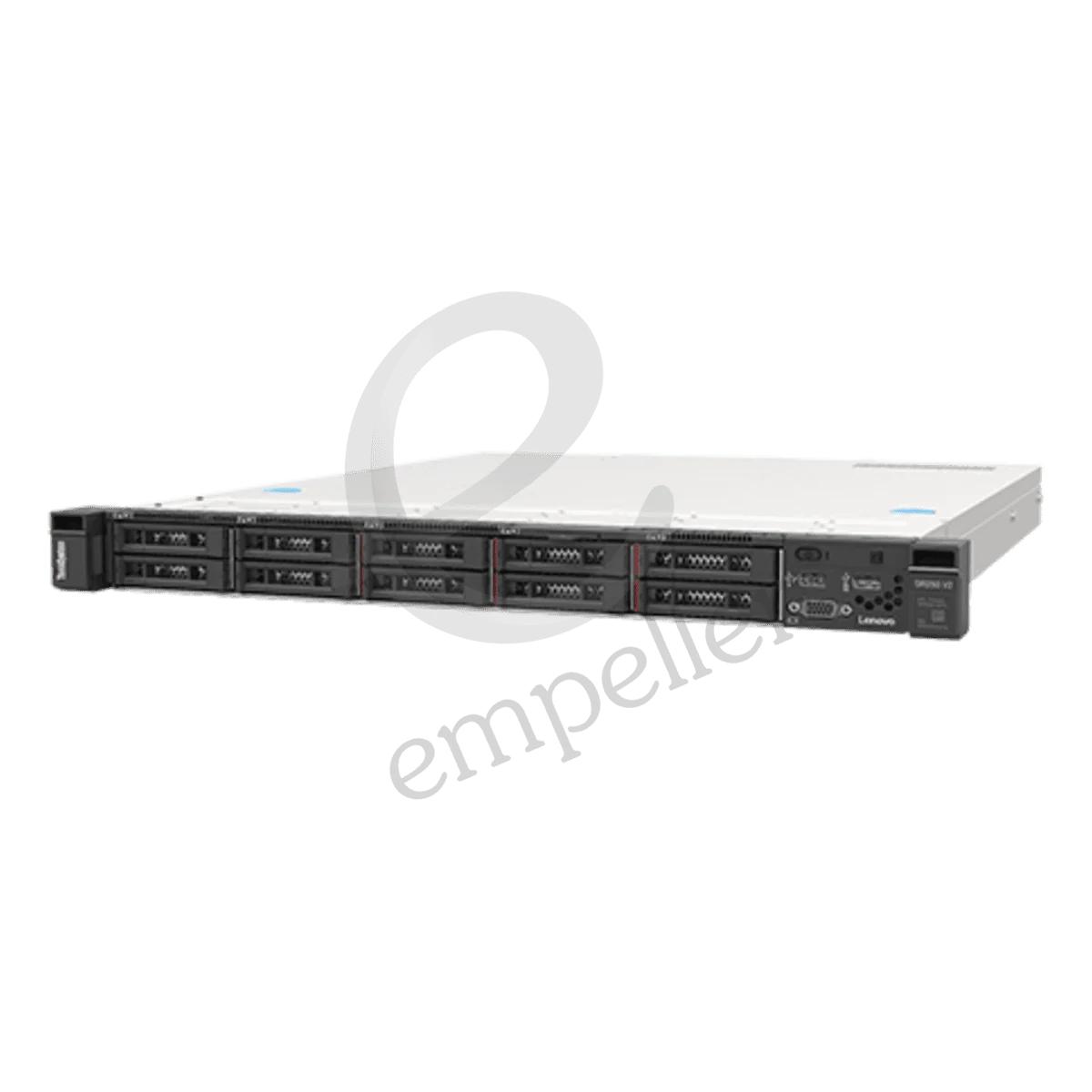
Lenovo ThinkSystem SR250 V3 Rack
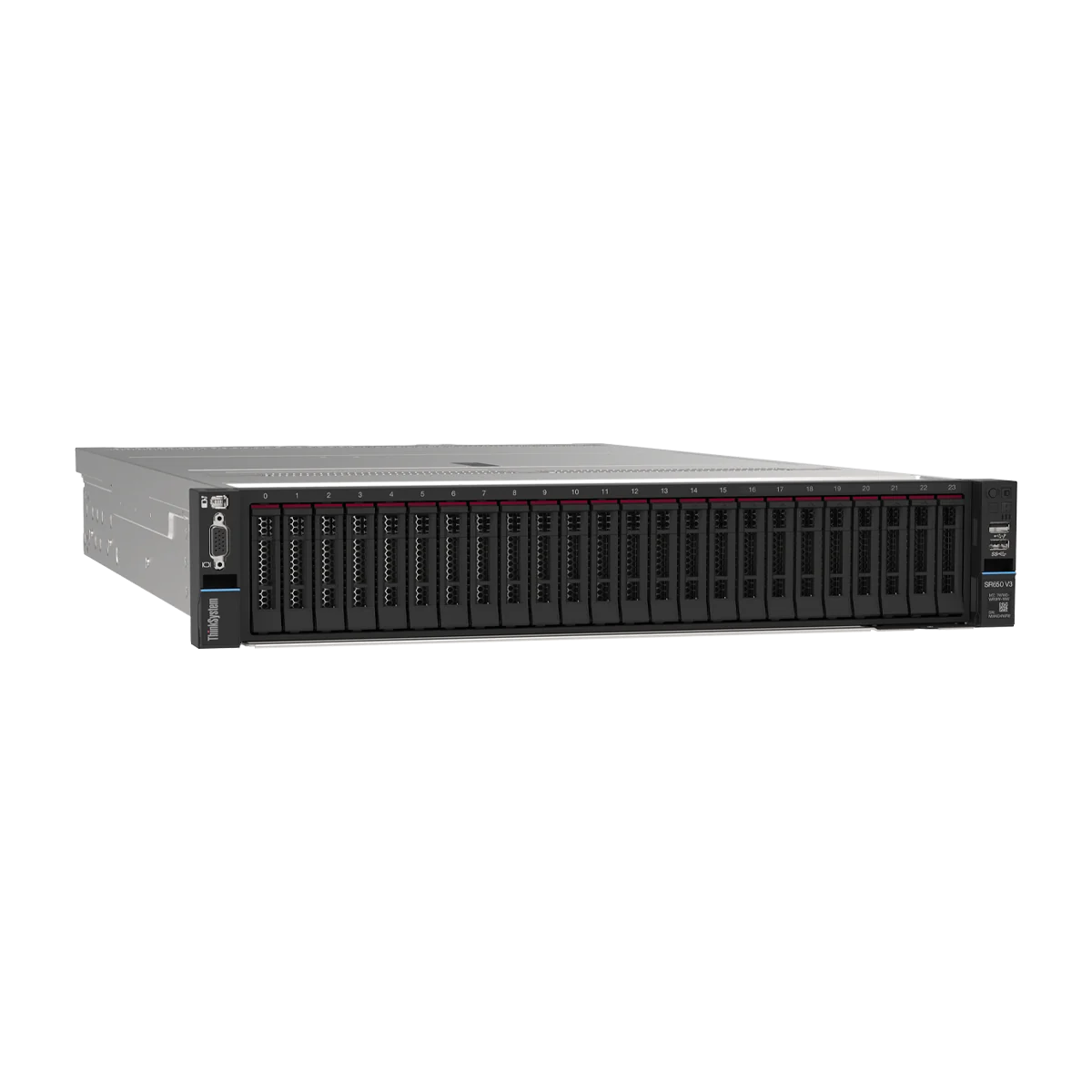
Lenovo ThinkSystem SR650 V3
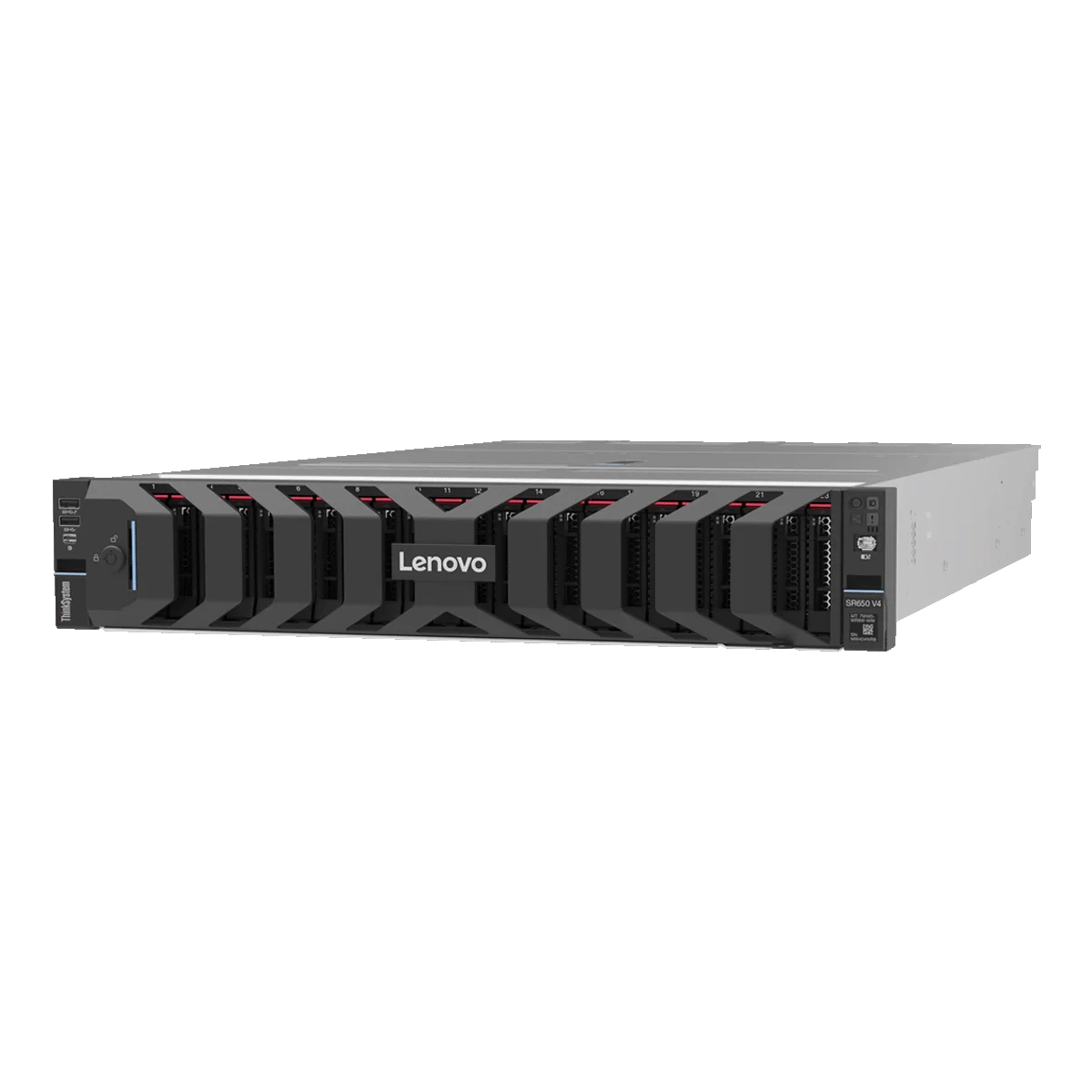
Lenovo ThinkSystem SR650 V4
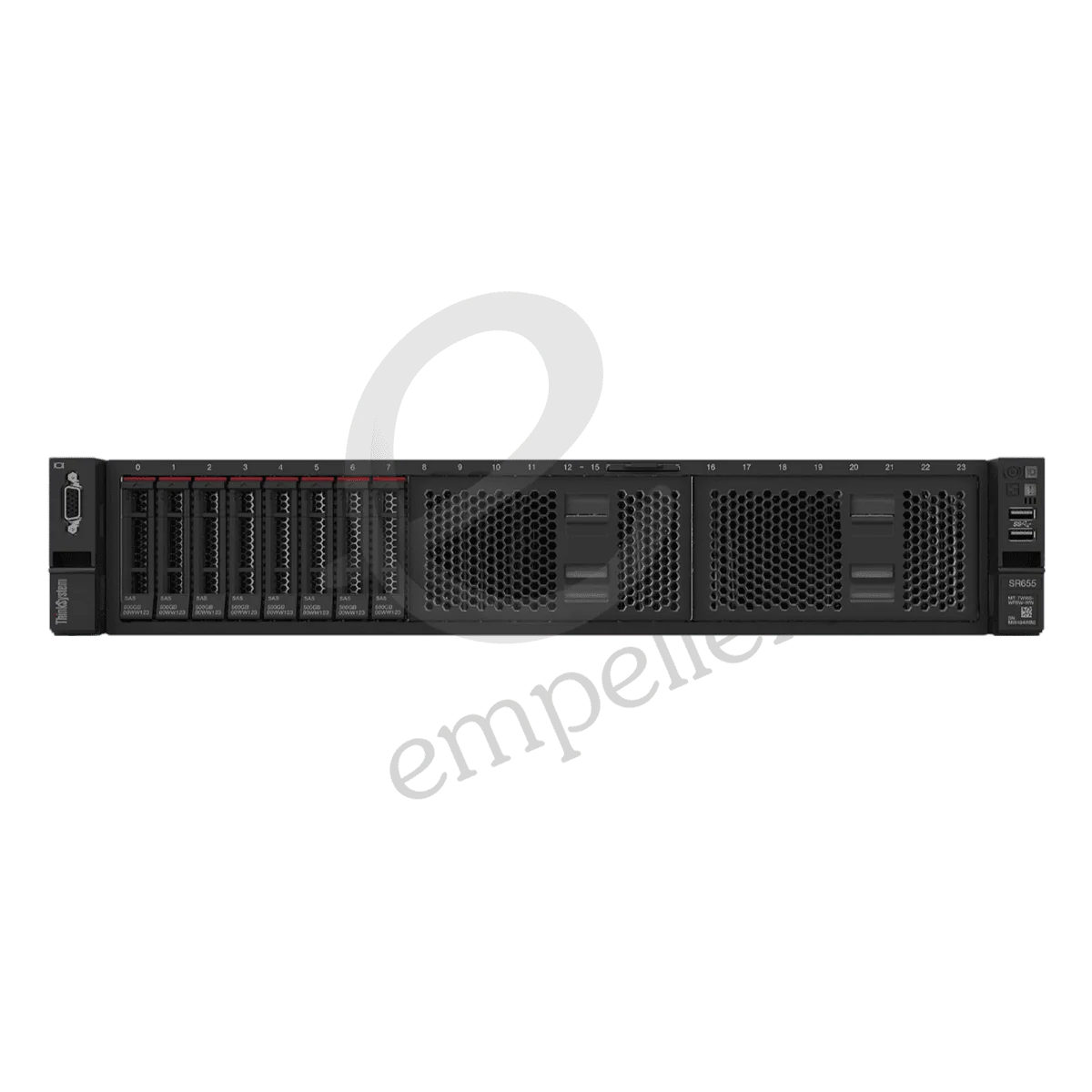
Lenovo ThinkSystem SR655 V3 Rack
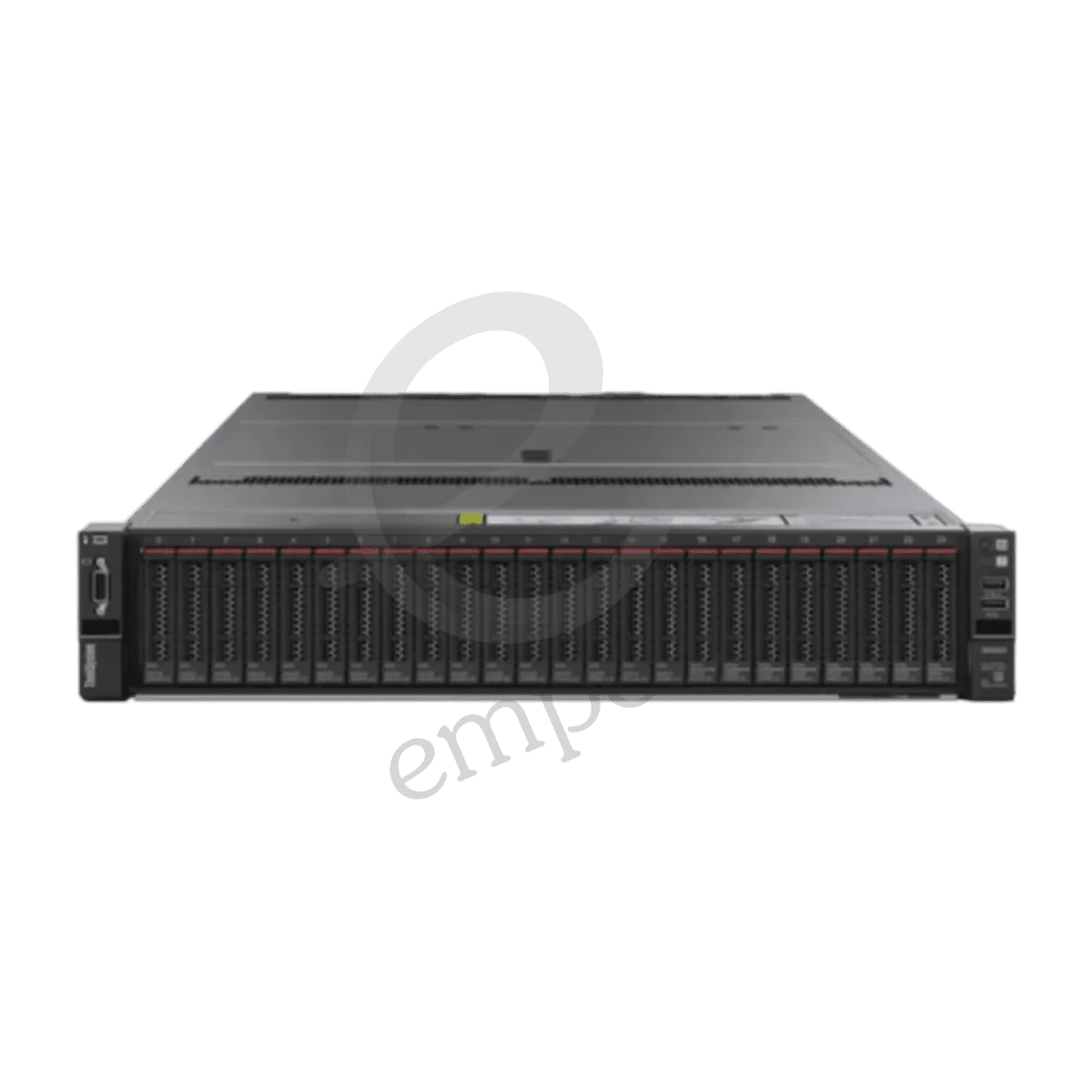
Lenovo ThinkSystem SR665 Rack
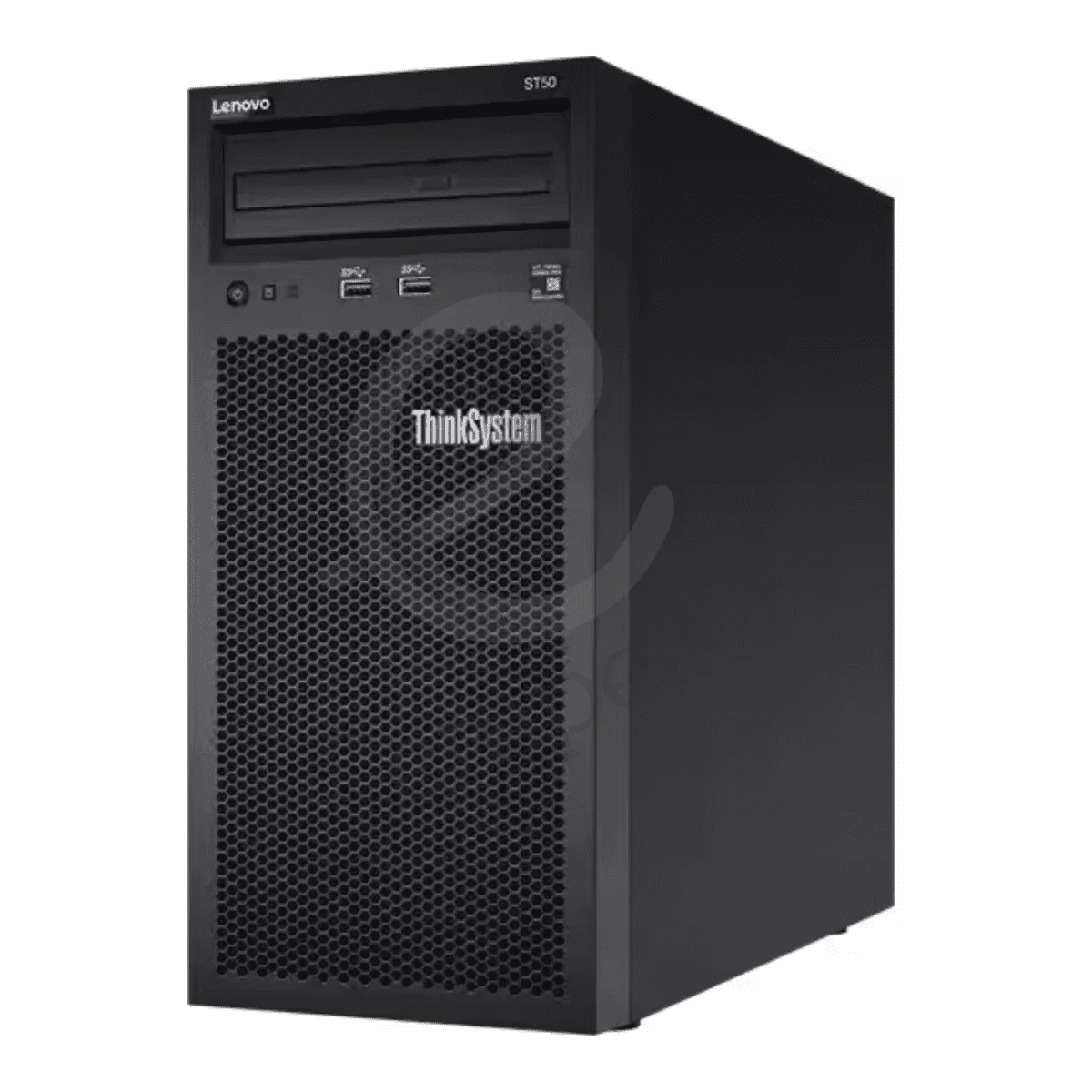
Lenovo ThinkSystem ST50 V2 Tower
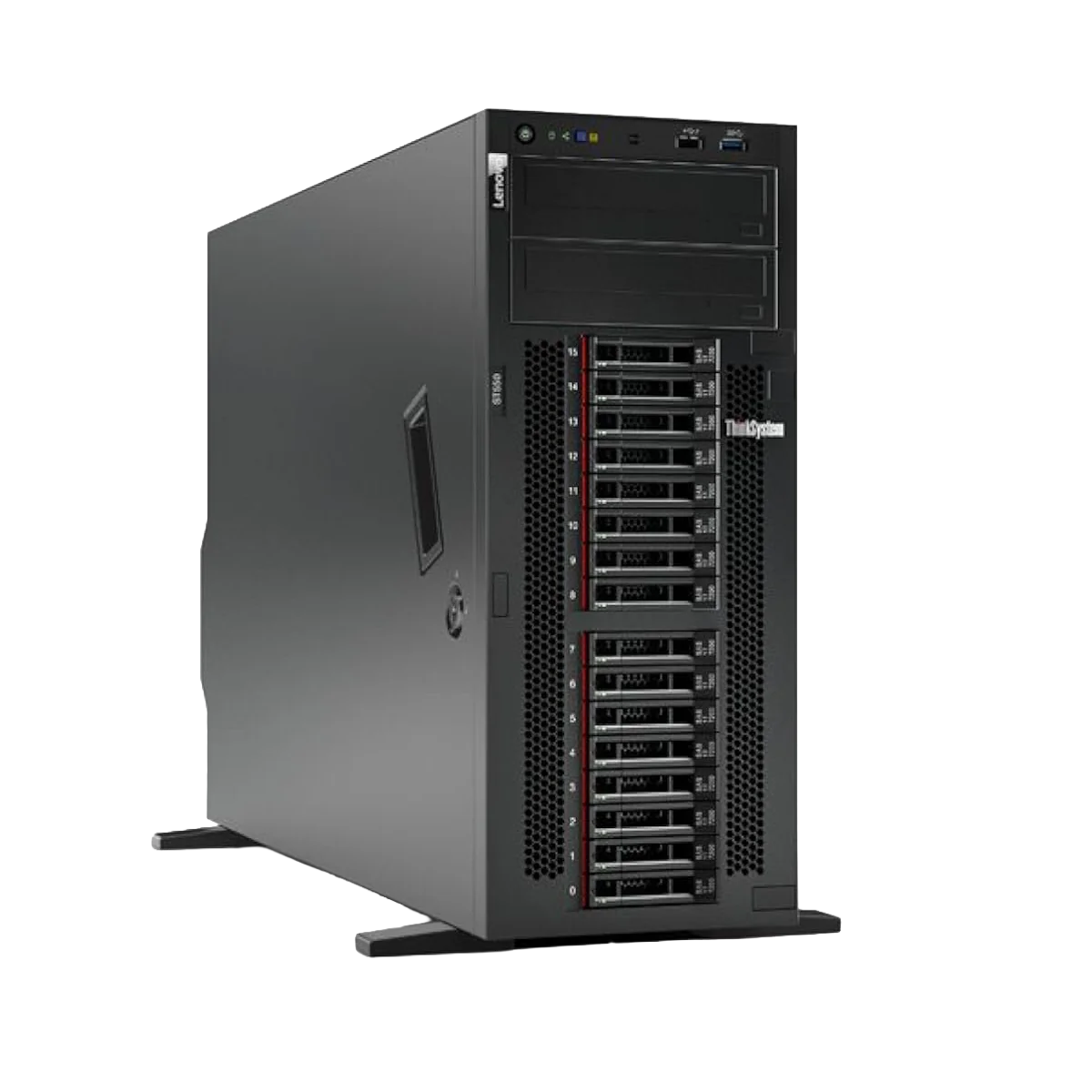
Lenovo ThinkSystem ST550 V2 Tower
Buy Servers in UAE – Different Brands, Sizes, Capacities & More for Your Business
Buy business servers in the UAE from Dell, HPE, Lenovo and Huawei for small offices, growing companies and enterprise IT environments online.
Empeller Systems offers a wide range of rack and tower servers for file storage, business applications, databases, ERP, virtualisation, backup, AI, analytics and other workloads.
But choosing a server isn't simply about finding the model with the most cores or RAM.
A small business running accounting software and file sharing may only need a simple tower server. A company running several virtual machines may need much more memory and processing power. And a larger organisation building a data centre may need several rack servers with redundant power, high-speed networking and large storage configurations.
So before choosing a server, start with one question: what does your business actually need the server to do?
If you already know, you can browse our Dell, HPE, Lenovo and Huawei server ranges.
If you don't, our team can help you choose a server and configuration based on your applications, number of users, storage requirements, expected growth and budget.
Find the Right Server for Your Business
You don't need to understand every server specification to narrow down your options.
Here is a simple place to start.
| Entry-level tower server | Small office, file sharing, accounting or POS |
| Higher-capacity tower or entry rack server | Growing business with several applications |
| Mid-range tower or rack server | ERP, CRM or business database |
| Higher-memory rack or tower server | Several virtual machines |
| Dual-socket rack server | Large virtualisation environment |
| Server with more drive bays and RAID options | Large local storage requirements |
| Rack servers | Data centre or multiple physical servers |
| Server with suitable GPU/accelerator support | AI, analytics or GPU workloads |
| Dedicated edge/AI server | Edge AI processing |
| Compact tower or 1U rack server | Branch or remote office |
This is only a starting point.
The exact processor, RAM, drives, RAID, networking and power configuration should be chosen around the applications you plan to run.
Rack Server or Tower Server – Which One Do You Need?
This is usually one of the first decisions to make.
Tower Servers
Tower servers look similar to large desktop computers and don't require a standard server rack.
They are often a good choice for:
- Small and medium businesses
- Offices without rack infrastructure
- Branch locations
- File and application servers
- Accounting and ERP systems
- Local databases
- Backup and storage
- Small virtualisation environments
For example, a small business may start with a Dell PowerEdge T160, HPE ProLiant ML30 Gen11 or Lenovo ThinkSystem ST50 V2.
Businesses needing considerably more power can also choose larger tower systems such as the Dell PowerEdge T550 or HPE ProLiant ML350 Gen11.
So choosing a tower server does not necessarily mean choosing a low-performance server.
Rack Servers
Rack servers are designed to be installed inside a standard server rack.
They make more sense when you have a dedicated server room, data centre or plan to operate several physical servers.
Rack servers are commonly used for:
- Virtualisation
- Databases
- ERP and enterprise applications
- Private and hybrid cloud
- Web and application hosting
- Analytics
- AI workloads
- High-density computing
- Larger IT environments
Rack servers also come in different sizes.
A 1U server takes less vertical rack space and can be useful when server density matters. A 2U server takes twice that space but generally gives manufacturers more room for drives, expansion cards, GPUs and other components.
Neither is automatically better. The correct choice depends on your workload and infrastructure.
Server Brands Available at Empeller Systems
Empeller Systems currently offers servers from Dell, HPE, Lenovo and Huawei.
Each brand has different server families and management tools, so your existing infrastructure and IT team's experience may also affect which one makes sense.
Dell PowerEdge Servers
Dell PowerEdge servers cover everything from compact small-business towers to powerful enterprise rack systems.
The current Empeller Systems range includes PowerEdge T-series tower servers and R-series rack servers. For example:
- PowerEdge T160 – compact tower for small businesses and everyday applications.
- PowerEdge R360 – 1U rack server for growing businesses that need a compact rack platform.
- PowerEdge R760 – powerful 2U dual-socket server for virtualisation, databases, analytics and demanding enterprise workloads.
Dell PowerEdge servers also use iDRAC and OpenManage for server monitoring and management.
Dell can therefore be a good place to start if your business already uses PowerEdge infrastructure or your IT team is familiar with Dell's management environment.
HPE ProLiant Servers
HPE has one of the broadest server ranges currently available from Empeller Systems.
The ProLiant family includes ML tower servers and DL rack servers, from smaller SMB systems through to enterprise platforms. For example:
- ProLiant ML30 Gen11 – entry-level tower server for small offices and everyday business workloads.
- ProLiant DL360 Gen11 – compact 1U server for businesses that need strong computing power while keeping rack usage low.
- ProLiant DL380 Gen11 – flexible 2U enterprise platform for virtualisation, databases and mixed workloads.
- ProLiant DL380 Gen12 – newer-generation 2U platform for businesses building or refreshing modern enterprise infrastructure.
HPE ProLiant servers use HPE iLO for remote server management, with newer platforms providing technologies such as DDR5 memory and PCIe Gen5.
If you have been searching for an HP server, the modern ProLiant server business is now under Hewlett Packard Enterprise, or HPE.
Lenovo ThinkSystem Servers
Lenovo ThinkSystem gives businesses another choice across entry-level, enterprise, Intel and AMD server platforms. For example:
- ThinkSystem ST50 V2 – compact tower server for small businesses, retail and branch-office applications.
- ThinkSystem SR250 V3 – 1U single-socket rack server for smaller rack deployments.
- ThinkSystem SR650 V3 – flexible 2U enterprise server for virtualisation, databases and larger workloads.
- ThinkSystem SR650 V4 – newer-generation ThinkSystem platform for businesses building modern infrastructure.
Lenovo also offers AMD-based systems such as the ThinkSystem SR655 V3.
ThinkSystem servers use the Lenovo XClarity family of management tools to help IT teams monitor and manage server infrastructure.
Huawei Servers
Our current Huawei range is smaller and more specialised.
The Huawei RH2288H V3 is a traditional 2U x86 rack server that can be used for established enterprise workloads such as virtualisation, databases and business applications.
The Huawei Atlas 500 Pro, on the other hand, is an AI edge server.
It is designed for situations where AI processing needs to happen closer to cameras, sensors, machines or other sources of data instead of sending everything back to a central data centre first.
So Huawei may be worth considering when your requirements include traditional Huawei infrastructure or specialised edge AI computing.
Popular Business Servers in UAE
There isn’t one “best server” for every business.
Instead, here are some useful models from our current range for different levels of workload.
| Dell PowerEdge T160 | Tower | Small businesses, files, POS and everyday applications |
| HPE ProLiant ML30 Gen11 | Tower | Small offices and first dedicated servers |
| Lenovo ThinkSystem ST50 V2 | Tower | Small business and branch-office workloads |
| Dell PowerEdge R360 | 1U Rack | Growing businesses moving to rack infrastructure |
| Lenovo ThinkSystem SR250 V3 | 1U Rack | Compact business and branch rack deployments |
| HPE ProLiant DL360 Gen11 | 1U Rack | Virtualisation and compute where rack density matters |
| HPE ProLiant DL380 Gen11 | 2U Rack | Enterprise applications, virtualisation and databases |
| Lenovo ThinkSystem SR650 V3 | 2U Rack | Virtualisation, databases and data-heavy workloads |
| Dell PowerEdge R760 | 2U Rack | Heavy virtualisation, databases, analytics and enterprise workloads |
| HPE ProLiant DL380 Gen12 | 2U Rack | New enterprise deployments and infrastructure refreshes |
Don't choose from this table based only on the label beside the server.
Two companies may buy the same server model with very different processors, memory, drives and RAID configurations.
The configuration inside the server matters just as much as the model itself.
How to Choose a Server for Your Business
If you're not sure what to buy, these are the things we would look at first.
1. What Applications Will Run on the Server?
Start here before looking at processors.
Write down exactly what you need to run. It could be:
- File sharing
- Accounting software
- ERP
- CRM
- SQL or other databases
- Website or application hosting
- CCTV applications
- Backup
- Virtual machines
- VDI
- AI applications
The workload determines almost everything else. For example, a file server and a server hosting 20 virtual machines should not be configured in the same way.
2. How Many Users Will Use It?
Think about both your current users and expected growth.
A server supporting 10 employees has very different requirements from infrastructure supporting hundreds of users.
Also consider whether everyone will use the server at the same time and what applications they will be running.
3. How Much CPU Do You Need?
Server processors are available with different numbers of cores, clock speeds and capabilities.
More cores are useful for many workloads, but more cores do not automatically mean a better server for your business.
Software licensing can also matter. Some business and virtualisation software is licensed according to processors or cores.
The processor should therefore be selected around your actual applications rather than simply choosing the CPU with the biggest number.
4. How Much RAM Do You Need?
Memory is especially important for virtualisation, databases and applications that keep large amounts of information in memory.
If you're planning virtual machines, calculate the memory needed by each VM plus what is required by the host and leave some room for growth.
Also check how many DIMM slots the server has.
A server may support more RAM than you initially buy, but the way you populate those memory slots can affect how easy and economical future upgrades will be.
5. How Much Storage Do You Need?
Don’t simply ask, “How many terabytes?”
You also need to think about speed, redundancy and future growth.
HDDs can provide large amounts of storage at a lower cost. SSDs provide much faster access and can make sense for applications, databases and virtual machines. NVMe storage can provide even higher performance for workloads that need it.
Many servers support combinations of SAS, SATA and NVMe drives depending on the model and chassis.
6. SFF or LFF Drives?
You may see server configurations described as SFF or LFF.
SFF generally refers to 2.5-inch drive bays. LFF generally refers to 3.5-inch drive bays.
SFF configurations can provide more drives in the same server and are commonly used with enterprise SSDs and SAS drives. LFF configurations can be useful when large-capacity 3.5-inch drives are important.
Choose the chassis carefully because changing the entire drive-bay configuration later may not be as simple as replacing a drive.
7. What RAID Do You Need?
RAID combines multiple drives in different ways to provide performance, redundancy or both.
Common options include RAID 1, RAID 5, RAID 6 and RAID 10.
The correct choice depends on your number of drives, required usable capacity, performance and how much protection you want against drive failure.
And one important point: RAID is not a backup. RAID can help keep a server running after certain drive failures, but it does not protect you from every problem such as accidental deletion, ransomware, corruption or a complete server failure.
Important business data should still have a proper backup plan.
8. Do You Need Redundant Power?
Many business and enterprise servers can be configured with two power supplies.
With a properly configured redundant PSU setup, the server can continue operating if one power supply fails.
For an important production server, this can be worth considering.
You may also want the two power supplies connected to separate UPS or power sources depending on how critical the environment is.
9. Do You Need a GPU?
Most everyday business servers don't.
But GPUs and other accelerators can be important for:
- Artificial intelligence
- Machine learning
- Video processing
- VDI
- Rendering
- Scientific computing
- Certain analytics workloads
If you need a GPU, check this before choosing the server. Not every chassis supports the same number, size or power requirements of GPUs.
10. How Will You Back Up the Server?
This is something businesses sometimes think about only after buying the hardware.
Decide where your backup will go and how quickly you need to recover if something goes wrong.
Depending on the business, this could involve another server, NAS, dedicated backup storage, cloud backup or a combination of local and off-site copies.
Your server and backup plan should be designed together.
11. How Much Will Your Business Grow?
Try not to buy a server that is already at its limit on day one.
Think about the next two or three years. Will you add more employees? More applications? More virtual machines? Will your database become larger? How quickly is your stored data growing?
Leaving sensible room for memory, storage and expansion can be cheaper than replacing the whole server sooner than expected.
A Simple Example: Choosing a Server for a Small Business
Suppose you have an office with 15 employees.
You need:
- File sharing
- Accounting software
- A small business database
- Local backup
- No heavy virtualisation
- No existing server rack
You probably don't need a large dual-socket enterprise rack server.
A tower system such as a Dell PowerEdge T160, HPE ProLiant ML30 Gen11 or Lenovo ThinkSystem ST50 V2 could be a much more sensible place to start.
Now imagine another company needs:
- 15–20 virtual machines
- Large SQL databases
- ERP
- High-speed storage
- Redundant power
- Multiple network connections
- Room for significant growth
That business should be looking at a completely different class of server, such as an HPE DL380, Dell PowerEdge R760 or Lenovo ThinkSystem SR650, configured around the exact workload.
This is why we don't recommend choosing a server based only on price or a model name.
Intel or AMD Server?
Both can be good choices.
Many Dell PowerEdge and HPE ProLiant systems in our current range use Intel Xeon processors.
Lenovo and HPE also offer server platforms based on AMD EPYC processors.
AMD systems can be attractive for workloads that benefit from high core counts and memory capacity, while Intel Xeon remains widely used across enterprise applications and server infrastructure.
But the processor brand should not be the first decision.
Software compatibility, core requirements, licensing, memory, workload performance and budget are more useful things to compare.
If your software vendor has specific hardware requirements, check those before buying.
Server for Virtualisation – What Matters Most?
If you're buying a server for virtual machines, pay particular attention to:
- CPU cores: Every VM needs processing resources.
- Memory: Often one of the first limits you reach when adding more virtual machines.
- Storage performance: Several VMs can be reading and writing data at the same time.
- Networking: Your VMs may need substantial network bandwidth.
- Redundancy: Production virtualisation hosts should be designed carefully because one physical server may be responsible for many business systems.
Also think about what happens if that physical server goes offline.
For important environments, a single powerful server may not provide the same availability as multiple hosts with suitable shared or replicated infrastructure.
New Server or Upgrade Your Existing Server?
You don't always need to replace the whole server.
If your existing server is still supported and the main problem is memory or storage capacity, an upgrade may be enough.
Replacement becomes more worth considering when:
- The processor is too old for your workload
- You have reached the memory limit
- Storage expansion is limited
- Hardware support is ending
- The server no longer supports the software you need
- Power or cooling costs are becoming inefficient
- You need newer networking, PCIe or NVMe capabilities
- Reliability is becoming a concern
Before replacing an existing server, our team can help you look at what you already have and determine whether upgrading or moving to a newer platform makes more sense.
Why Buy Business Servers from Empeller Systems?
Server Supplier in Dubai & Across the UAE
Empeller Systems has been serving the IT market from Dubai since 2009 and supplies business IT hardware across the UAE (Dubai, Abu Dhabi, Sharjah).
Our server range currently includes Dell PowerEdge, HPE ProLiant, Lenovo ThinkSystem and Huawei systems for small businesses through to enterprise infrastructure.
We are certified server suppliers or dealers or distributors in the UAE (Dubai, Abu Dhabi, Sharjah and others).
Genuine Server Hardware
A server can be responsible for some of the most important systems in your company.
You should know exactly what hardware you are buying.
Empeller Systems supplies genuine server products with applicable warranty and support options.
For specific models, contact our team to confirm the exact configuration, warranty and availability before ordering.
Help Choosing the Right Server
You don't need to come to us knowing the exact model number.
Tell us what you're trying to run.
We can look at your applications, users, storage requirements, virtualisation plans, expected growth and budget to help narrow down suitable options.
Custom Server Configurations
The same server chassis can be configured in many different ways.
Depending on the model, we can help you select processor, memory, HDD/SSD/NVMe storage, RAID controller, network adapters, power supplies, GPU or accelerator options and other supported components.
The goal is to build around your workload rather than simply adding expensive hardware you may never use.
Delivery Across the UAE
Empeller Systems supplies server hardware across the UAE, including Dubai, Abu Dhabi, Sharjah, Umm Al Quwain and other locations.
Contact our team to confirm current stock and delivery for the server configuration you require.
Technical Support Before and After Purchase
Choosing a server can involve more than buying the hardware.
Our team can assist with server selection and configuration before purchase and provide technical assistance for your server requirements after the sale.
If you're replacing an existing server or building a larger environment, tell us what infrastructure you already have so we can help you choose compatible hardware.
Need Help Choosing a Server?
If you're still comparing Dell, HPE, Lenovo, rack, tower, Intel, AMD, different generations and dozens of configurations, don't worry about choosing from model numbers alone. Tell us what applications you need to run, how many users you have, whether you need virtualisation, how much data you currently store, how quickly that data is growing, whether you already have a server rack, what server or infrastructure you currently use, and your approximate budget. From there, we can help you narrow down the server and configuration that fits your business.
Contact Empeller Systems for server availability, configuration advice and a tailored quote.
Frequently Asked Questions
Q1What server should I buy for my business?
Start with your workload rather than a brand or model. For a small office running files, accounting and basic applications, an entry-level tower server may be enough. For virtualisation, databases or larger applications, you may need a higher-memory rack or tower server. Tell us your applications, users and storage requirements if you need help sizing the system.
Q2What is the difference between a rack server and a tower server?
A tower server is a standalone system that can be installed without a server rack. This makes it useful for small businesses, offices and branch locations. A rack server is designed to fit into a standard server rack and usually makes more sense when you have several servers or dedicated server infrastructure.
Q3Which server brands does Empeller Systems offer?
Empeller Systems currently offers Dell PowerEdge, HPE ProLiant, Lenovo ThinkSystem and Huawei servers. The range includes entry-level tower systems, 1U and 2U rack servers and specialised AI edge hardware.
Q4Which server brand is best: Dell, HPE or Lenovo?
There isn't one brand that is best for every business. Dell PowerEdge, HPE ProLiant and Lenovo ThinkSystem all offer capable business and enterprise server platforms. Your existing infrastructure, required configuration, management tools, support requirements, software compatibility, availability and budget can be more important than choosing a brand based only on reputation.
Q5How much RAM does my business server need?
It depends on what you're running. Basic file and application servers may need relatively modest amounts of RAM, while virtualisation, databases and analytics can require much more. If you're using virtual machines, calculate the memory required by each VM plus the host requirements and leave room for growth.
Q6HDD, SSD or NVMe – which should I use in a server?
HDDs are useful when you need a lot of storage at a lower cost. SSDs provide much faster performance and are often a better choice for applications, databases and virtual machines. NVMe can provide even higher storage performance for workloads that need it. Many businesses use a combination depending on their requirements.
Q7What is RAID in a server?
RAID combines multiple drives to provide different levels of performance and redundancy. Common RAID levels include RAID 1, RAID 5, RAID 6 and RAID 10. The correct RAID setup depends on your number of drives, capacity, performance and redundancy requirements. RAID should not be treated as a replacement for backup.
Q8Can I run virtual machines on these servers?
Yes. Many Dell PowerEdge, HPE ProLiant and Lenovo ThinkSystem servers can be configured for virtualisation. The correct server depends on how many virtual machines you need, what they will run and how much CPU, memory, storage and network performance they require.
Q9Can a small business use a tower server?
Yes. Tower servers are often a very good choice for small businesses because they don't require a server rack. Models such as the Dell PowerEdge T160, HPE ProLiant ML30 Gen11 and Lenovo ThinkSystem ST50 V2 are examples of tower servers designed for smaller business and branch workloads.
Q10When should I move from a tower server to a rack server?
Consider rack infrastructure when you need several physical servers, already have a dedicated server room, need better server density or expect your IT environment to grow significantly. If you only need one or a few servers, a tower system may remain simpler.
Q11Can I upgrade my server later?
Usually, yes, within the limits of the model. Depending on the server, you may be able to add RAM, drives, networking, RAID controllers, processors or other supported components. Check the expansion limits before buying if future growth is important.
Q12Do business servers come with warranty?
Warranty depends on the manufacturer, model and configuration. Empeller Systems supplies servers with applicable warranty and support options. Confirm the exact warranty for the particular server configuration before ordering.
Q13Does Empeller Systems deliver servers across the UAE?
Yes. Empeller Systems supplies server hardware across the UAE, including Dubai, Abu Dhabi, Sharjah, Umm Al Quwain and other locations. Contact the team to confirm current stock and delivery for the model and configuration you require.
Q14Can Empeller Systems help configure a server for my business?
Yes. You can provide your applications, number of users, storage requirements, virtualisation plans, existing infrastructure and budget. The team can then help you choose a suitable server model and configuration rather than requiring you to work everything out from the specifications alone.