
Buy Tower Servers in UAE
11 ProductsAll Tower Servers
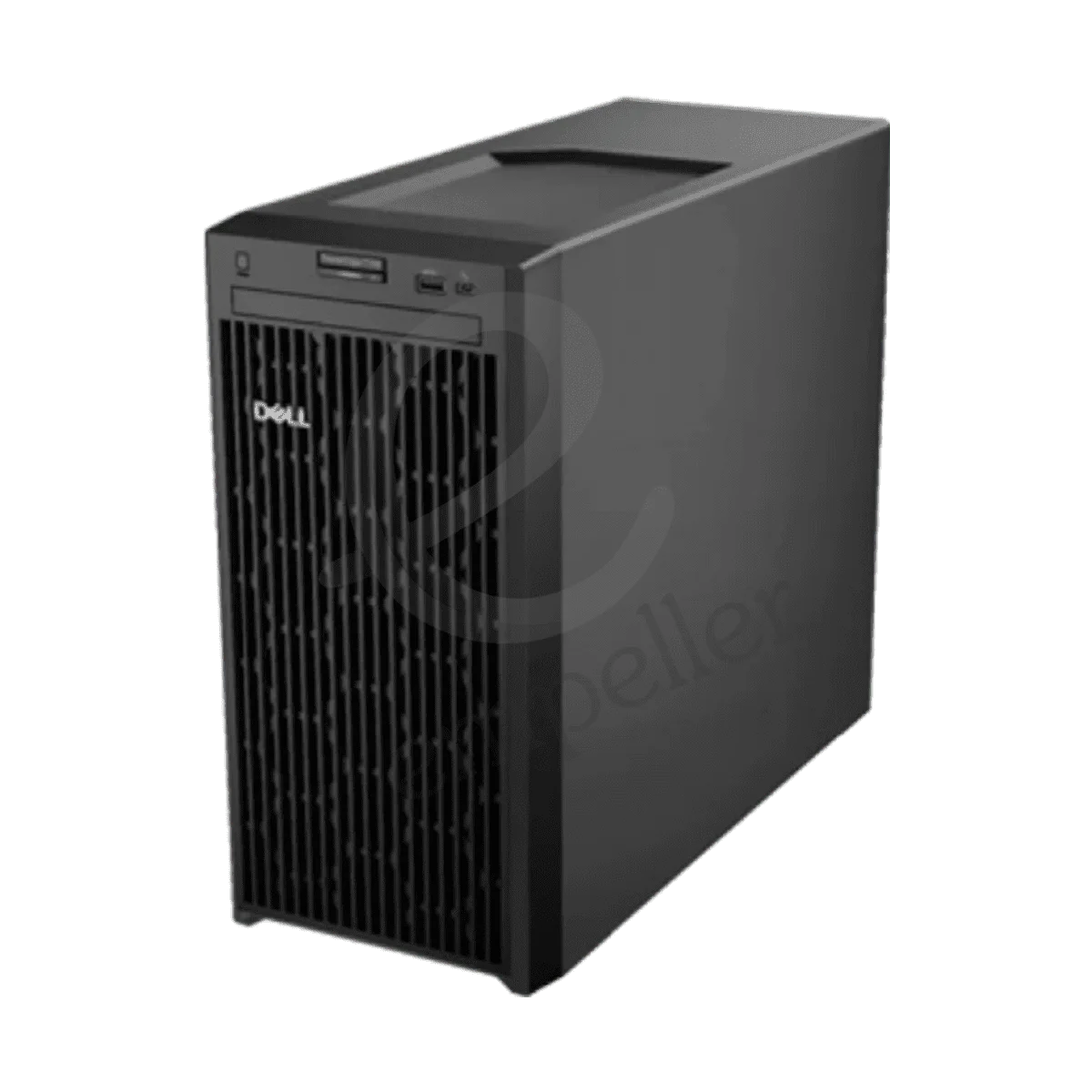
Dell PowerEdge T150 Tower Server
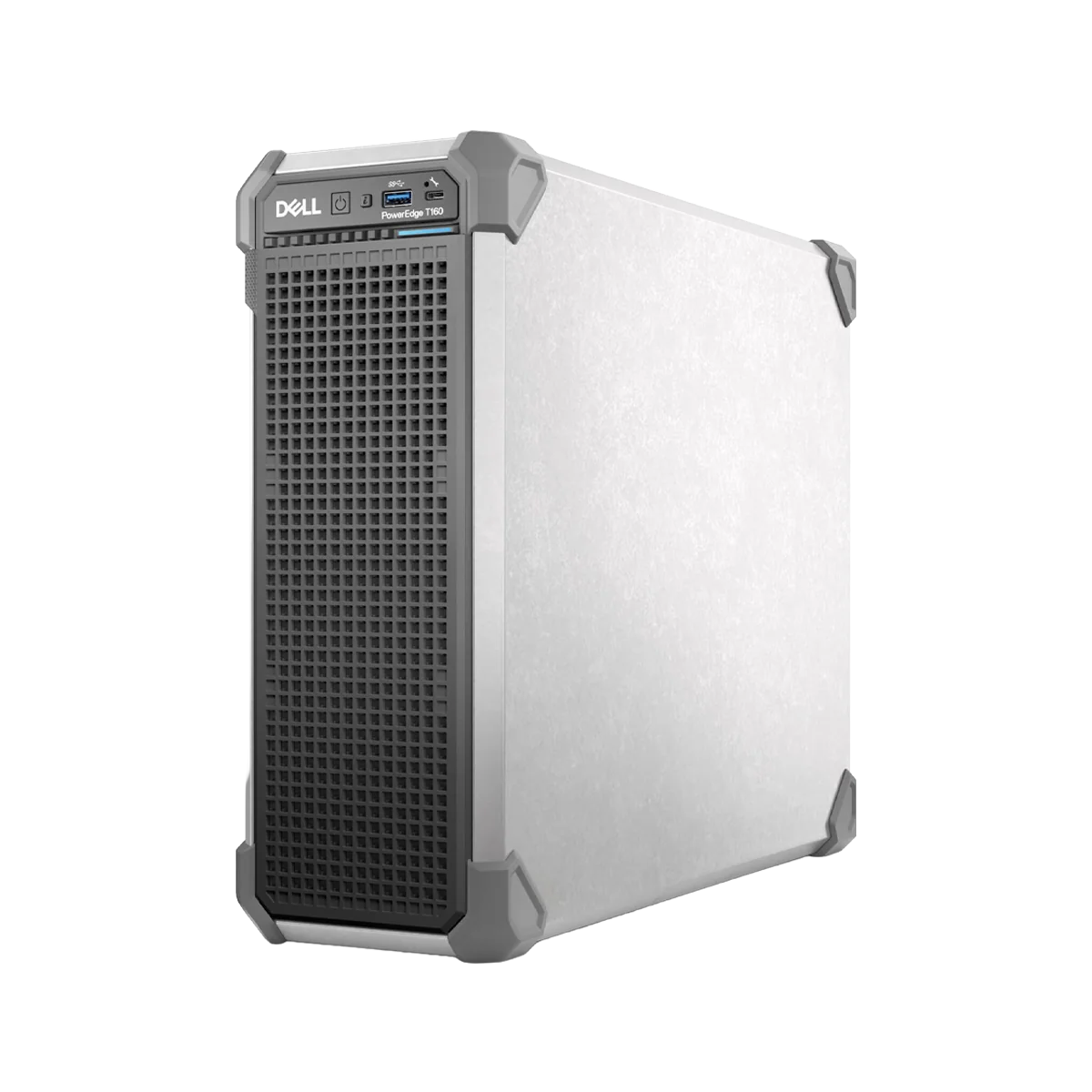
Dell PowerEdge T160 Tower Server
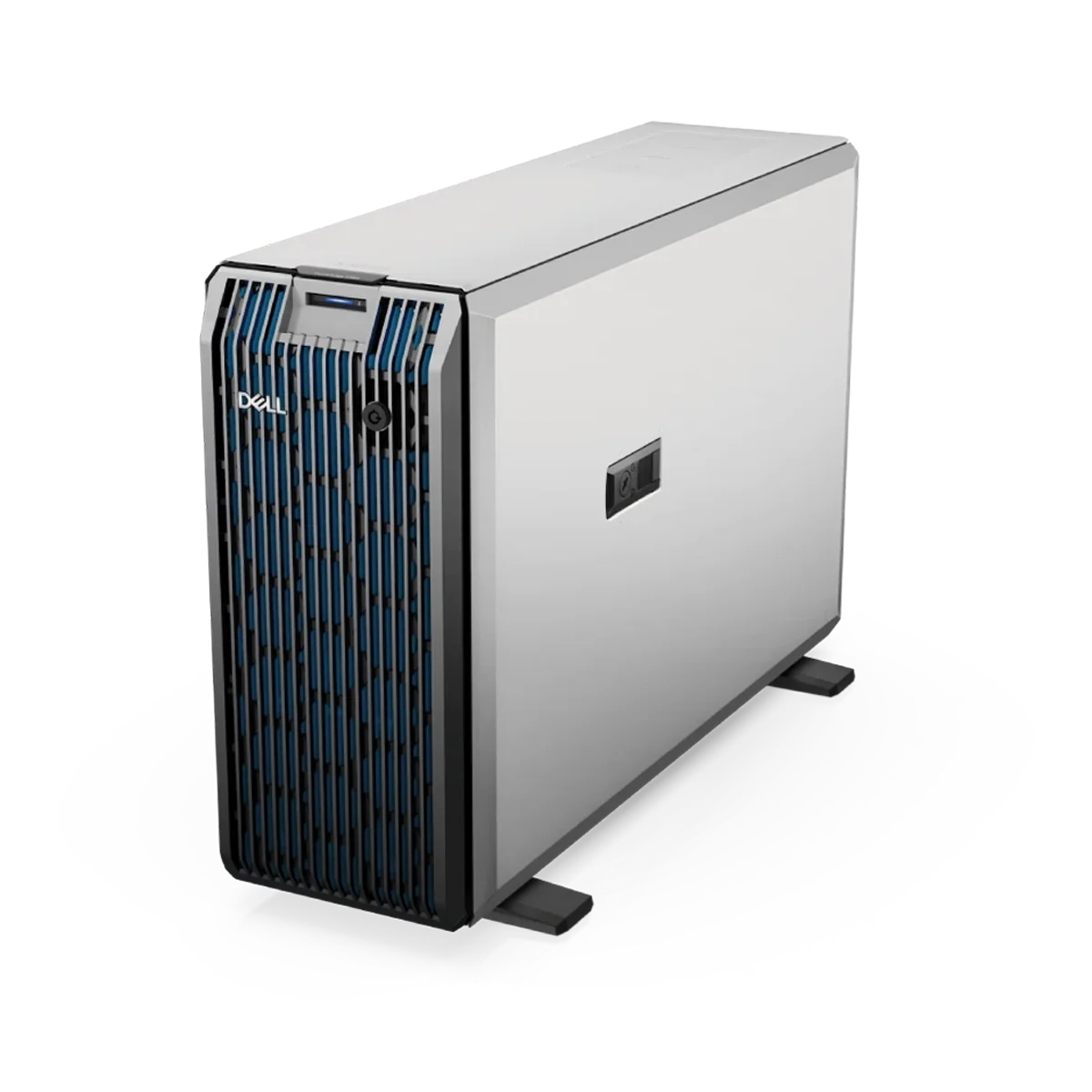
Dell PowerEdge T350 Tower Server
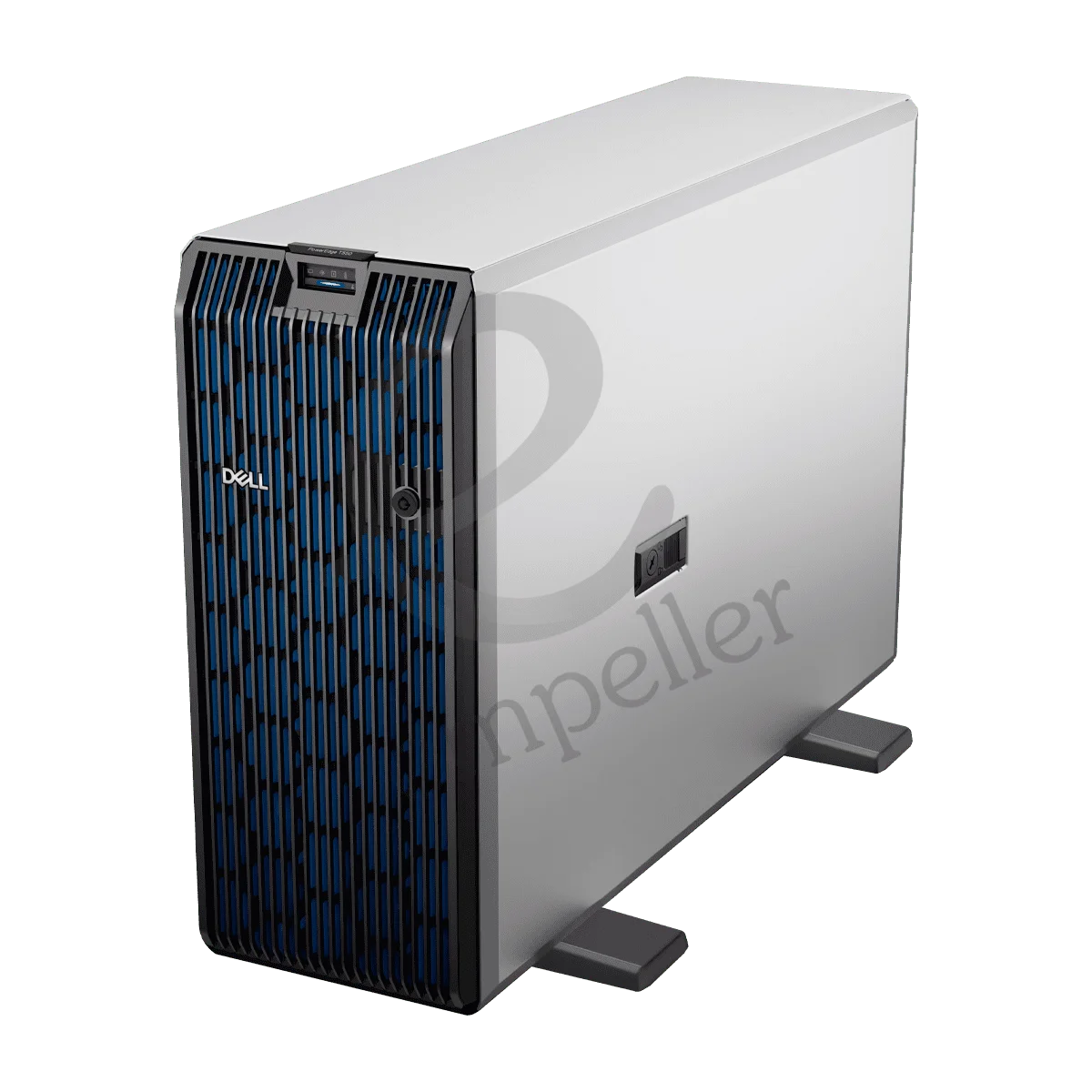
Dell PowerEdge T550 Tower Server
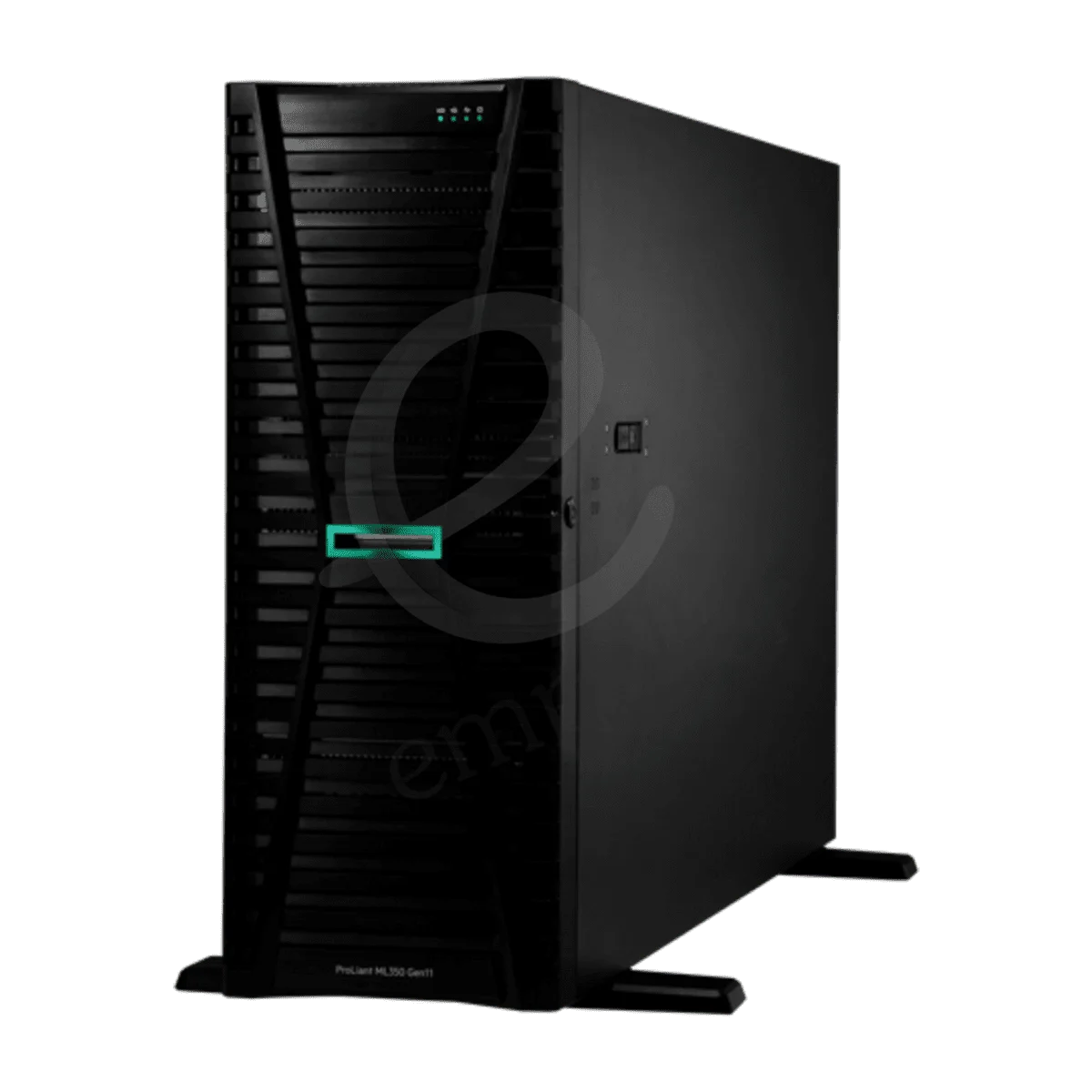
HPE ProLiant ML110 Gen11 Tower
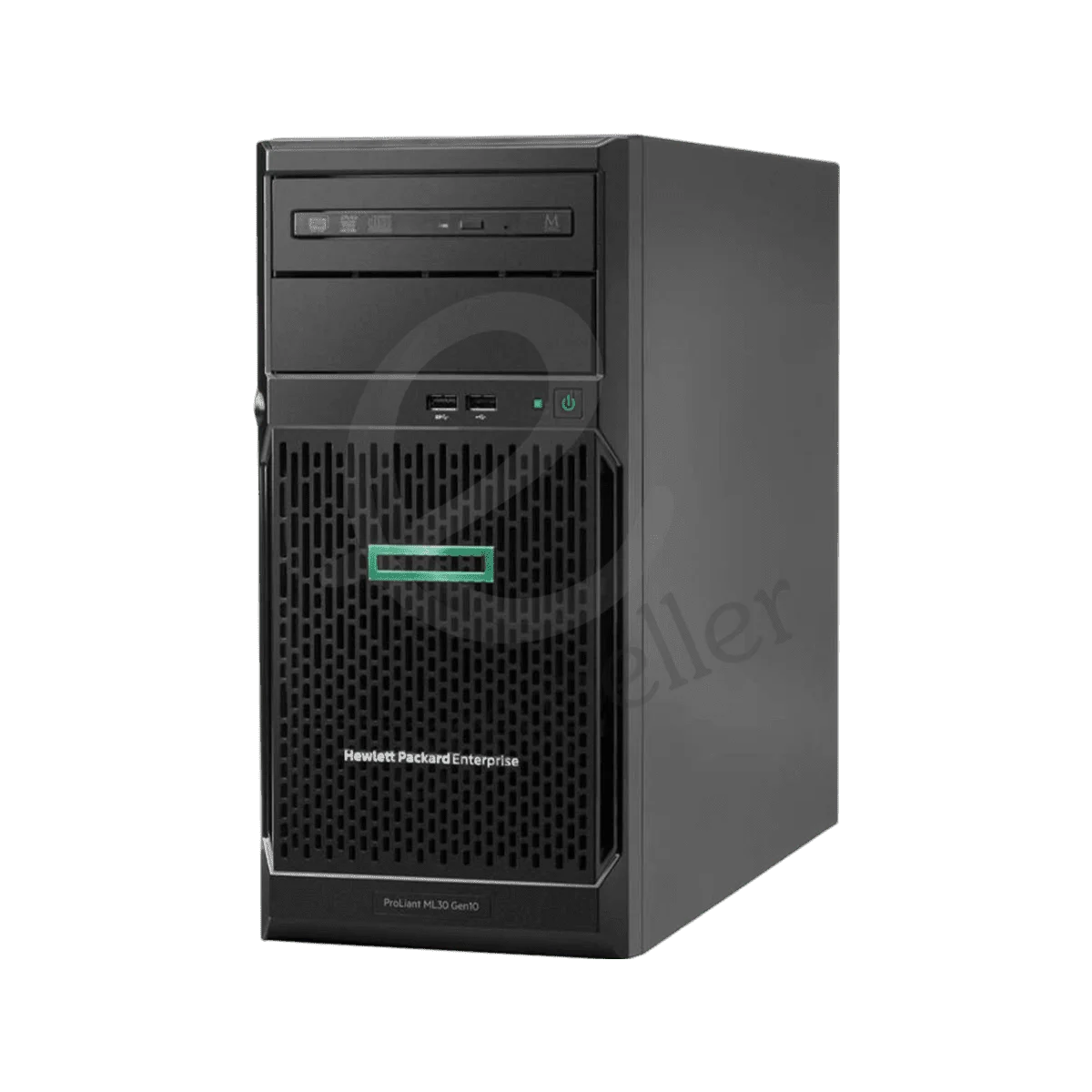
HPE ProLiant ML30 Gen10 Plus Tower
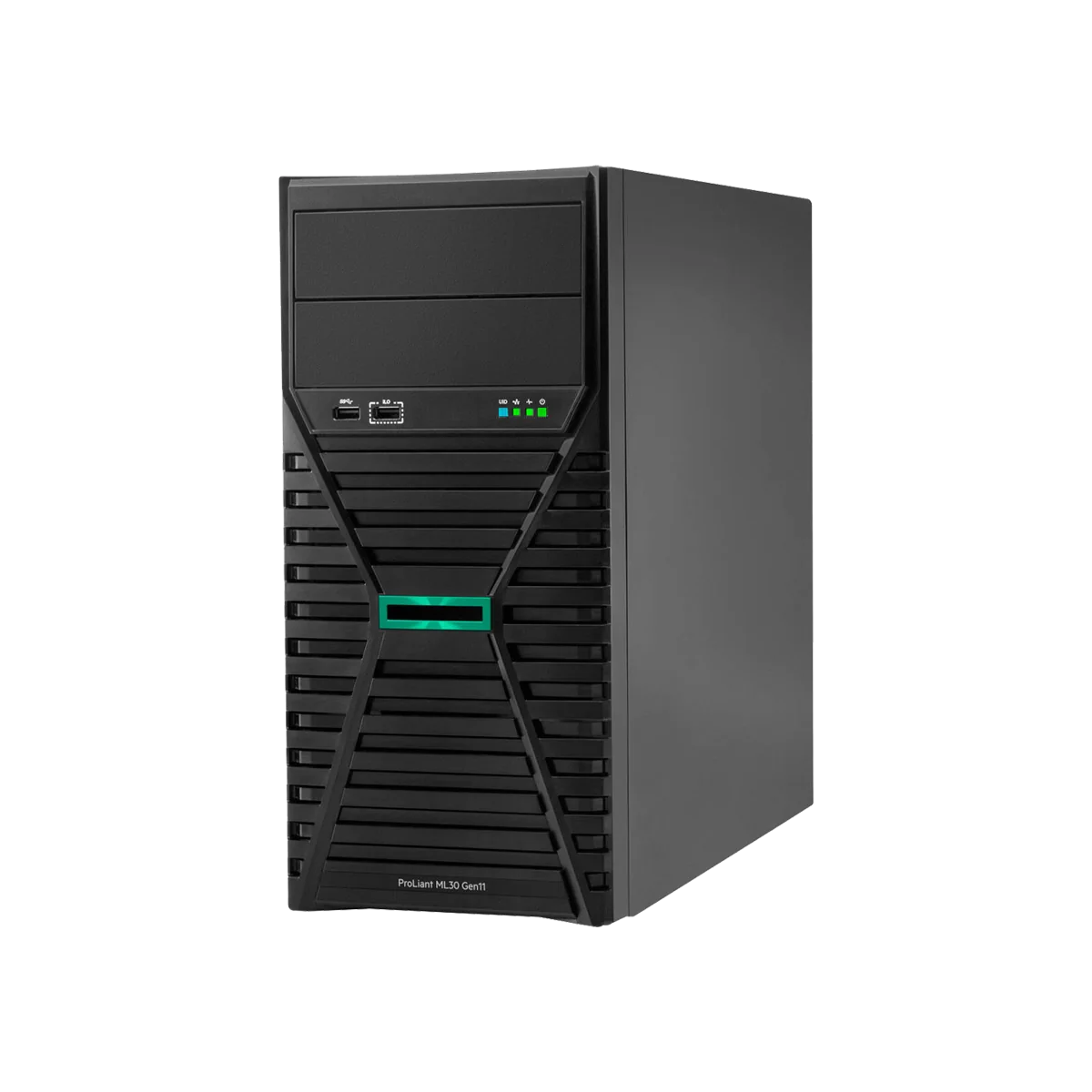
HPE ProLiant ML30 Gen11 Tower
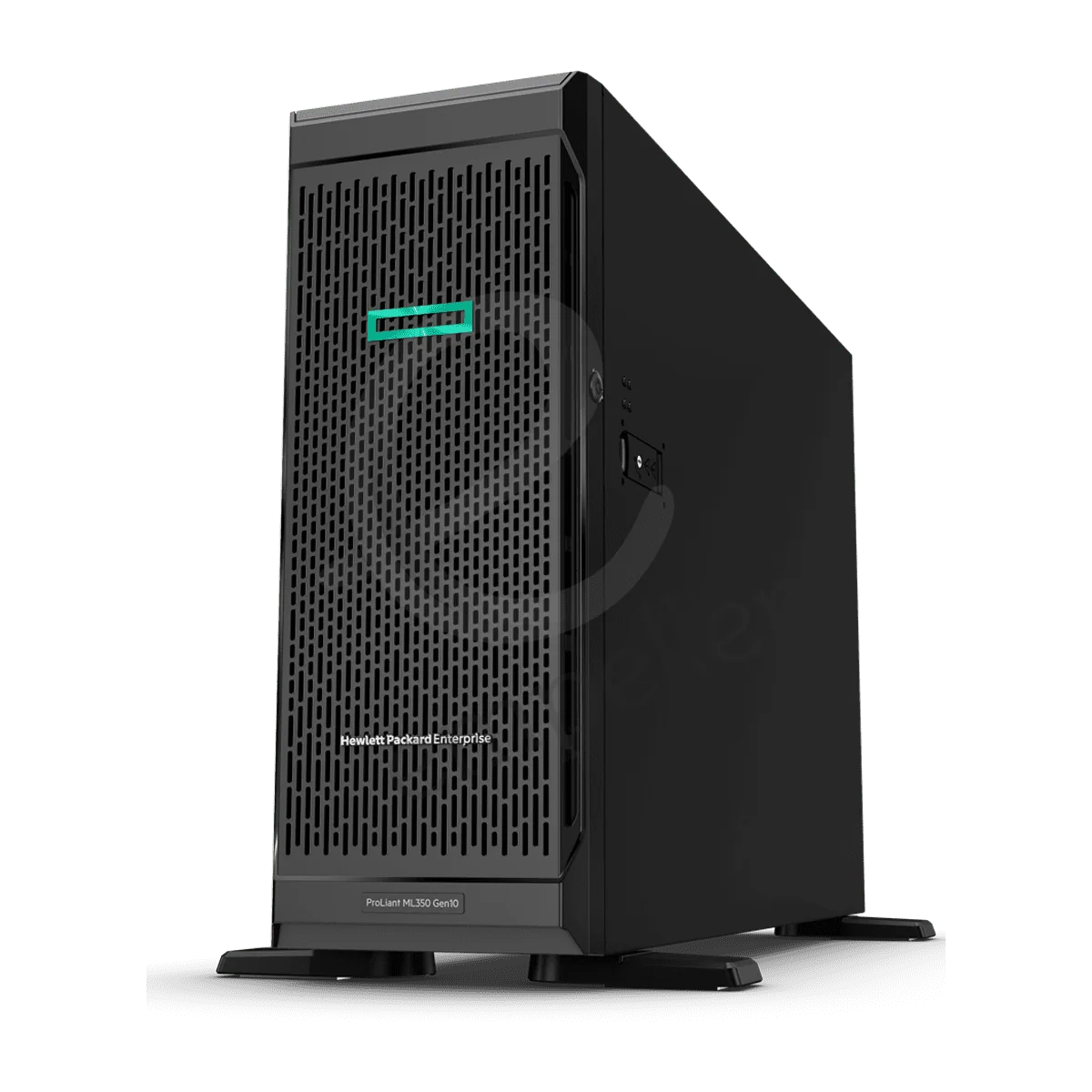
HPE ProLiant ML350 Gen10 Tower
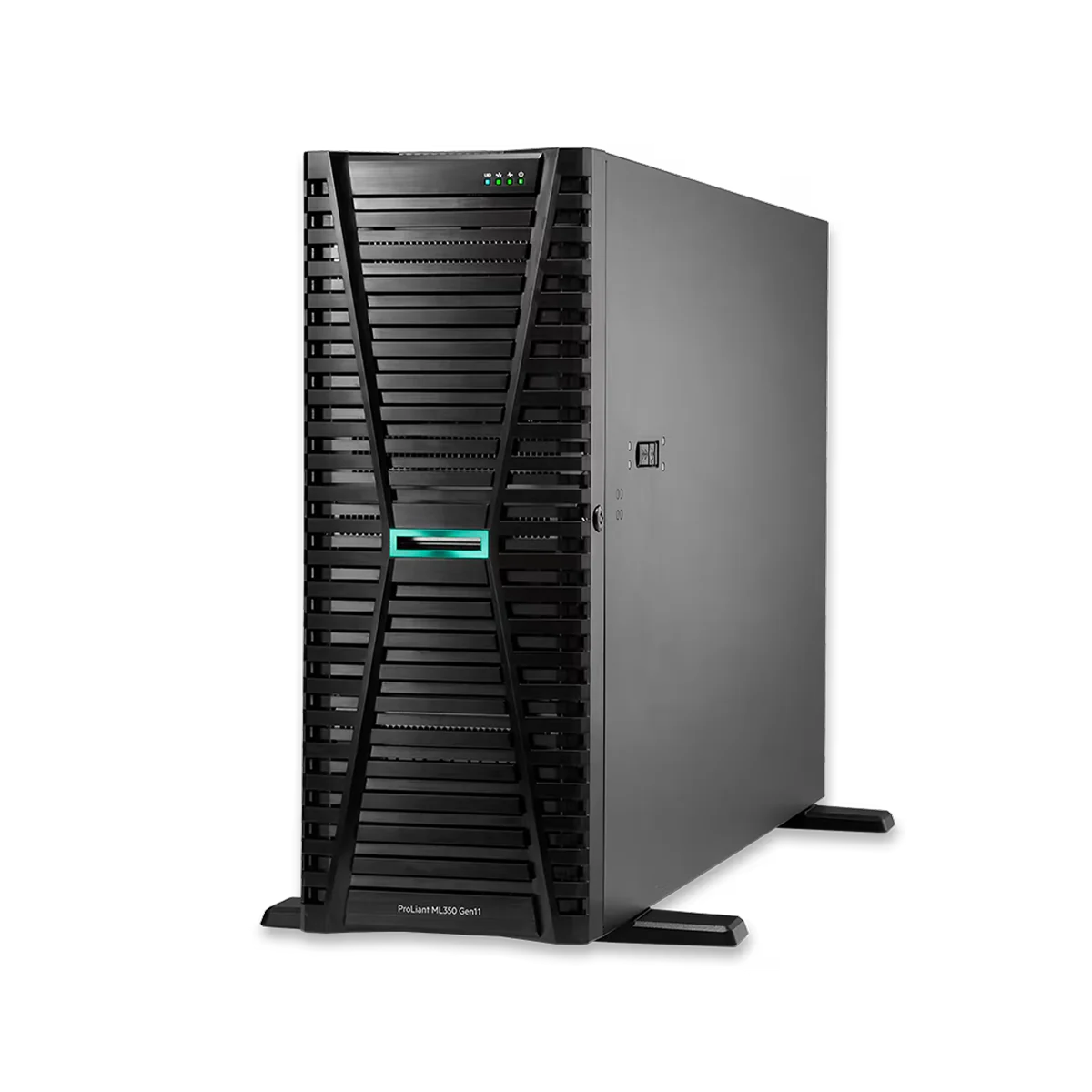
HPE ProLiant ML350 Gen11 Tower
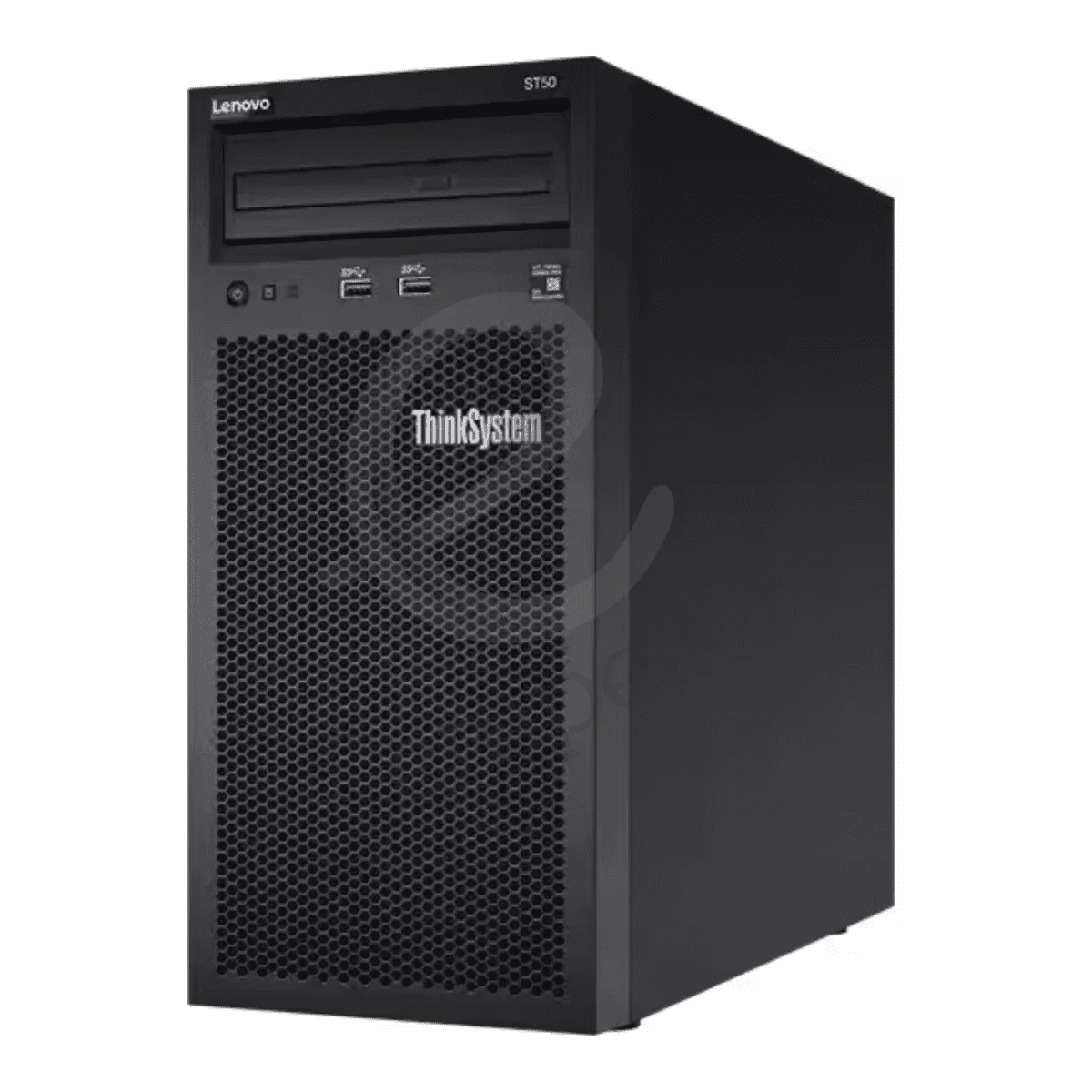
Lenovo ThinkSystem ST50 V2 Tower
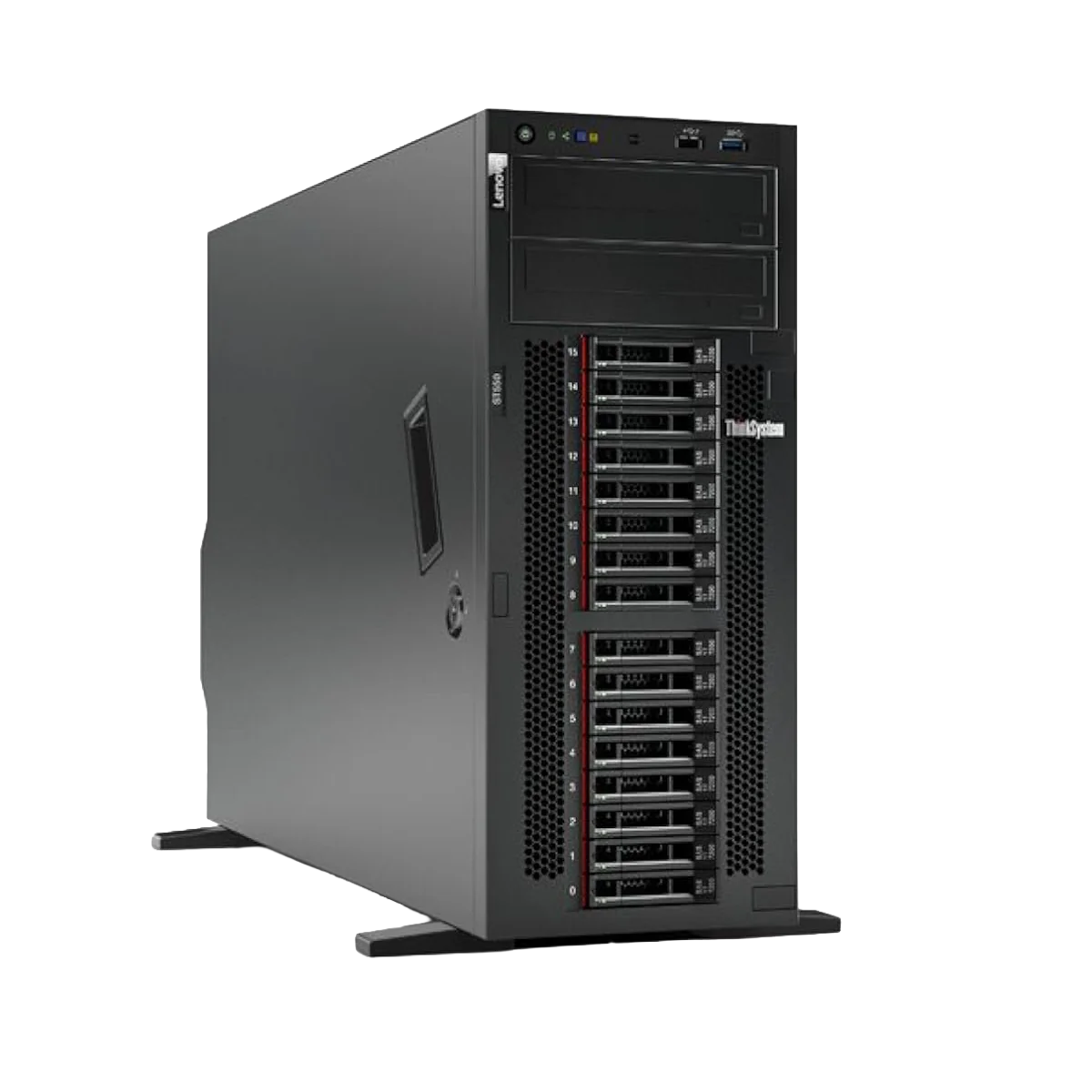
Lenovo ThinkSystem ST550 V2 Tower
Buy Tower Servers in UAE – Dell, HPE & Lenovo Business Servers
Buy tower servers in the UAE for businesses, growing companies, branch offices and organisations that need dedicated server hardware without building a full rack setup.
Empeller Systems offers tower servers from Dell PowerEdge, HPE ProLiant and Lenovo ThinkSystem, with options for simple office workloads through to virtualisation, databases and demanding business applications.
Tower servers are especially useful when you need one or a few physical servers and don’t already have a dedicated server rack.
You can start with a compact entry-level server for files and everyday applications, or choose a much more powerful tower with larger memory, storage and processor capacity as your requirements grow.
The important thing is choosing the server around your applications, users, storage and future growth rather than simply buying the model with the highest specifications.
Why Choose a Tower Server?
A tower server looks similar to a large desktop computer, but it is built as a proper business server.
Depending on the model and configuration, you can get features such as:
- ECC server memory
- Intel Xeon processors
- RAID support
- Hot-swap drives
- Redundant power supplies
- Remote server management
- Multiple storage options
- PCIe expansion
- Upgradeable memory and storage
The biggest advantage is simple deployment.
You don’t need a standard server rack, so tower servers work well in offices, shops, clinics, warehouses, branch locations and smaller server rooms.
They can be used for:
- File sharing and storage
- Accounting software
- ERP and CRM
- Business applications
- Databases
- Backup
- POS systems
- Small and medium virtualisation environments
- Branch-office infrastructure
Which Tower Server Is Right for Your Business?
You don’t need to compare every model at once.
Start with the size of your workload.
| Business Requirement | Tower Server to Consider |
| Small office, files, accounting and POS | Entry-level tower |
| First dedicated business server | Entry-level tower |
| Growing business with several applications | Mid-range tower |
| More local storage and drive bays | Expandable mid-range tower |
| ERP and business databases | Mid/high-range tower |
| Virtualisation | Higher-memory tower |
| Heavy databases and multiple applications | Dual-socket tower |
| Large workload without rack infrastructure | High-end tower server |
The final configuration still depends on the applications you run.
Two businesses buying the same tower server may need completely different amounts of RAM, storage and processing power.
Popular Tower Servers in UAE
Here are some useful starting points from our current server range.
Dell PowerEdge Tower Servers
Dell’s PowerEdge T-series covers different levels of business requirements.
The Dell PowerEdge T160 is a compact newer-generation tower with DDR5 ECC memory and is a good starting point for small businesses, offices and branch locations.
The PowerEdge T350 provides more drive capacity and redundancy options for businesses that need more local storage.
For considerably heavier workloads, the PowerEdge T550 moves into a different class with dual Intel Xeon Scalable processor support and much larger memory and storage configurations.
HPE ProLiant Tower Servers
HPE’s tower server family uses the ProLiant ML name.
The HPE ProLiant ML30 Gen11 is a good starting point for smaller offices that need file sharing, business applications, storage or their first dedicated server.
The ML110 Gen11 gives a growing business much more room for processor, memory and storage expansion.
For demanding workloads, the HPE ProLiant ML350 Gen11 supports dual Intel Xeon Scalable processors and much larger memory configurations, making it suitable for virtualisation, databases and larger business applications.
Lenovo ThinkSystem Tower Servers
Lenovo offers ThinkSystem ST-series tower servers for office and business environments.
The ThinkSystem ST50 V2 is a compact entry-level system suitable for files, POS, business applications and branch-office workloads.
The larger ThinkSystem ST550 provides much more processor, memory, storage and expansion capacity for businesses with heavier requirements.
Quick Comparison: Dell vs HPE vs Lenovo Tower Servers
There isn’t one brand that is automatically best for every business.
| Brand | Tower Family | Examples | Good Starting Point For |
| Dell | PowerEdge T-Series | T160, T350, T550 | Small business through to demanding workloads |
| HPE | ProLiant ML | ML30, ML110, ML350 | SMB, growing business and larger workloads |
| Lenovo | ThinkSystem ST | ST50, ST550 | Small offices through to larger business applications |
Your existing IT environment can also affect the choice.
For example, a company already using Dell PowerEdge servers and iDRAC may prefer to stay within Dell. An organisation familiar with HPE iLO may prefer ProLiant, while another may already manage Lenovo ThinkSystem infrastructure.
Instead of choosing only by brand, compare the actual configuration, management tools, expansion, warranty and price that fit your workload.
How to Choose a Tower Server
1. Start With Your Applications
First, make a list of what the server needs to run.
For example:
- File sharing
- Accounting
- ERP
- CRM
- SQL database
- Backup
- POS
- Virtual machines
- Business applications
A basic file server doesn’t need the same hardware as a server running several virtual machines.
2. Think About Your Users
How many employees will use the server?
Also think about future growth.
If 15 people use the server today but you expect 30 or 40 users within a few years, it is worth leaving some room for expansion.
3. Choose Enough Memory
Basic workloads may not need large amounts of RAM.
Virtualisation, databases and larger applications can require considerably more.
Also check the server’s maximum memory and available DIMM slots so you know whether RAM can be expanded later.
4. Plan Your Storage
Think about both capacity and performance.
HDDs can be useful when you need larger storage capacity at a lower cost.
SSDs provide much faster performance for applications, databases and virtual machines.
Depending on the server, you may also have SAS, SATA and NVMe options.
5. Think About RAID and Backup
RAID can provide storage redundancy and help protect against certain drive failures.
But RAID is not a backup.
Important company data should still be backed up separately so you can recover from accidental deletion, ransomware, corruption or a complete server failure.
6. Check Redundant Power
For important business applications, consider whether you need redundant power supplies.
Some larger tower servers support two power supplies so the system can continue operating if one fails.
7. Leave Room to Grow
A business server may stay in use for several years.
Think about whether you may need:
- More RAM
- Additional storage
- More users
- More applications
- Virtual machines
- Faster networking
- Additional expansion cards
You don’t need to overspend today, but buying a server that is already close to its limits can become expensive later.
Why Buy Tower Servers from Empeller Systems?
Dell, HPE & Lenovo Tower Servers
Empeller Systems supplies tower servers from major business server brands including Dell PowerEdge, HPE ProLiant and Lenovo ThinkSystem.
This lets you compare different platforms instead of being limited to one manufacturer.
Serving the UAE IT Market Since 2009
Empeller Systems operates from Dubai and has been serving the IT market since 2009.
We supply business server hardware to organisations across the UAE, including Dubai, Abu Dhabi, Sharjah and other locations.
Help Choosing the Right Server
You don’t need to know whether you need a T160, ML30, ST50, ML350 or another model before contacting us.
Tell us:
- What applications you use
- How many users you have
- How much storage you need
- Whether you need virtualisation
- Your current server, if any
- How much you expect the business to grow
- Your approximate budget
Our team can help you narrow down a suitable tower server and configuration.
Genuine Server Hardware
Empeller Systems supplies genuine business server hardware with applicable warranty and support options.
Before ordering, you can confirm the exact processor, memory, storage, warranty and configuration with our team.
Delivery Across the UAE
Tower servers can be supplied from Dubai to businesses across the UAE.
Contact us for current availability, configuration options and delivery information.
Need Help Choosing a Tower Server?
Not sure whether you need a Dell PowerEdge, HPE ProLiant or Lenovo ThinkSystem tower server? Tell us what your business needs to run. We’ll help you choose a suitable server based on your applications, users, storage requirements and budget.
For a deeper comparison before buying, you can also read our Best Tower Servers for Small Business in the UAE – 2026 Buyer’s Guide.
Frequently Asked Questions
Q1Which tower server is best for a small business?
It depends on the applications, users and storage you need. The Dell PowerEdge T160, HPE ProLiant ML30 Gen11 and Lenovo ThinkSystem ST50 V2 are good examples of entry-level tower servers to compare for smaller business workloads.
Q2Do I need a server rack for a tower server?
No. A tower server is designed to operate as a standalone system, which makes it useful for businesses that don’t have dedicated rack infrastructure.
Q3Dell, HPE or Lenovo tower server – which should I choose?
All three brands offer capable business tower servers. Compare the specific processor, memory, storage, expansion, management tools, warranty and price you need rather than choosing only by brand.
Q4Can a tower server run virtual machines?
Yes. The number and type of virtual machines you can run depend on the server’s CPU, memory, storage and network configuration. For heavier virtualisation, consider higher-capacity tower systems such as the HPE ProLiant ML350 or Dell PowerEdge T550.
Q5Can I upgrade a tower server later?
Usually, yes, within the limits of the model. Depending on the server, you may be able to add RAM, drives, networking and other supported components. Check expansion limits before buying if you expect the business to grow.
Q6What is the difference between a tower server and a normal desktop PC?
A tower server may look similar to a desktop, but it is designed to run business server workloads. Depending on the model, it can provide ECC memory, server processors, RAID, redundant power, remote management and other features designed for business infrastructure.
Q7Does Empeller Systems supply tower servers across the UAE?
Yes. Empeller Systems supplies Dell, HPE and Lenovo tower servers from Dubai to businesses across the UAE. Contact our team to check the exact configuration, availability, warranty and current pricing.