
Lenovo Workstations in UAE
8 ProductsAll Lenovo Workstations
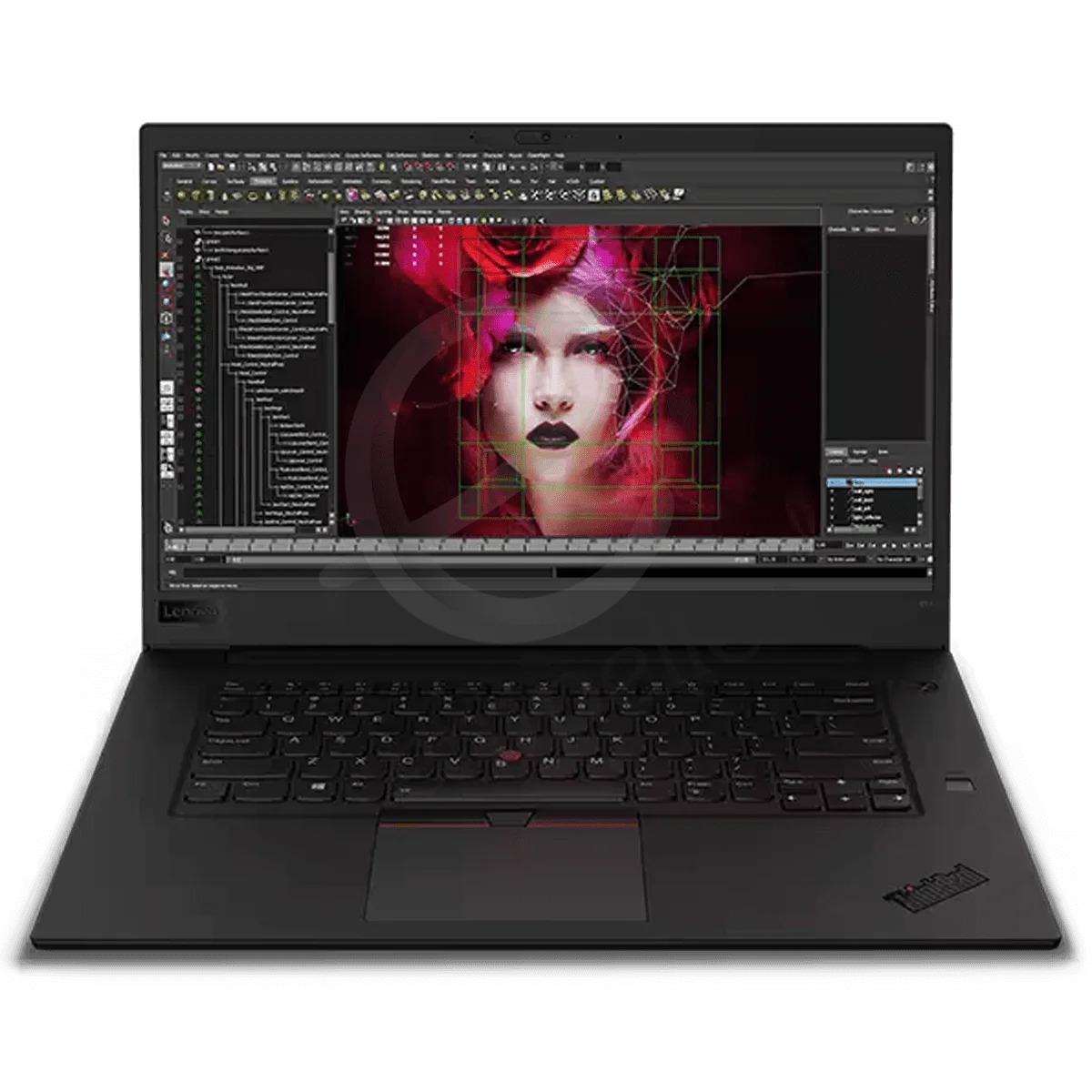
Lenovo Thinkpad P1 Mobile
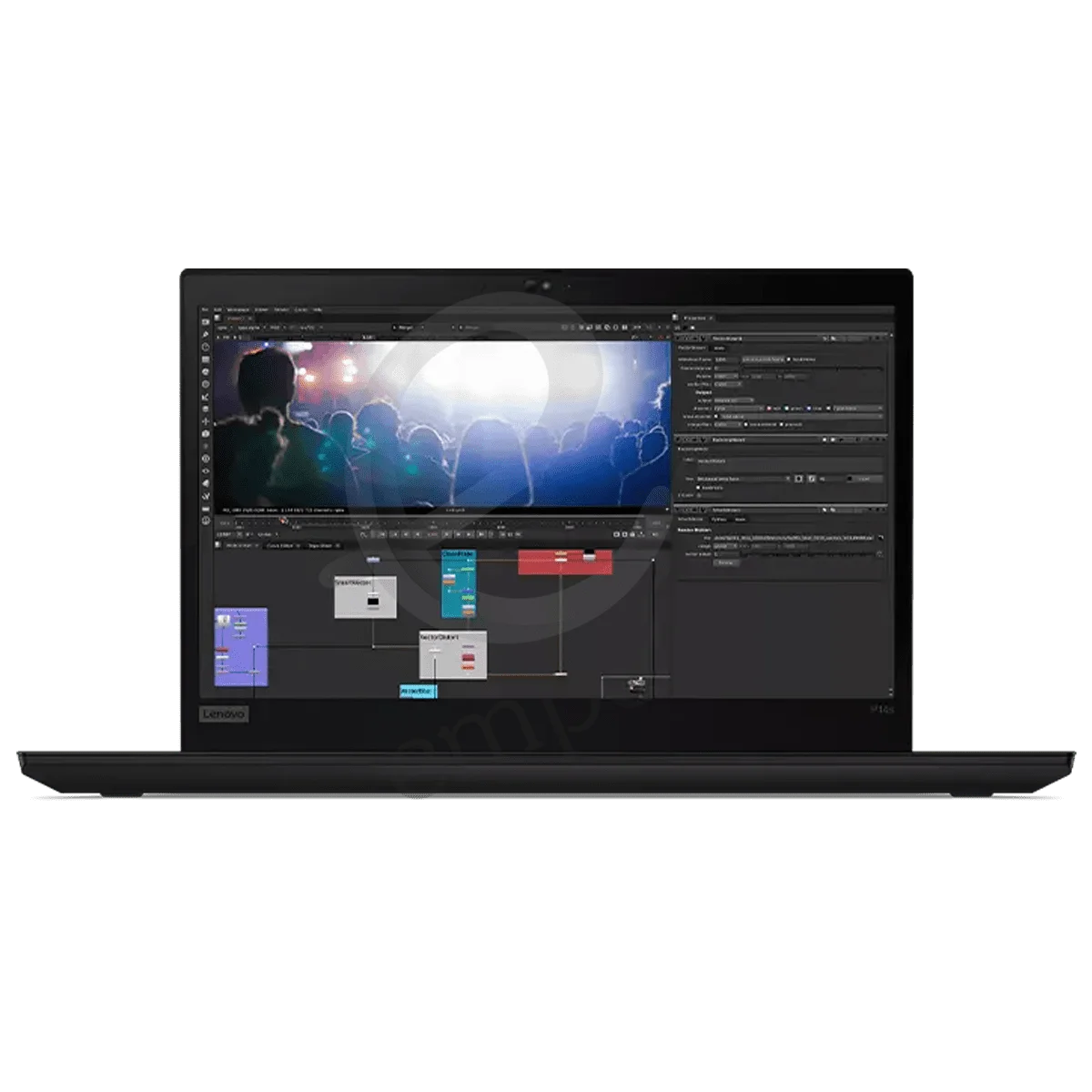
Lenovo Thinkpad P14s Mobile
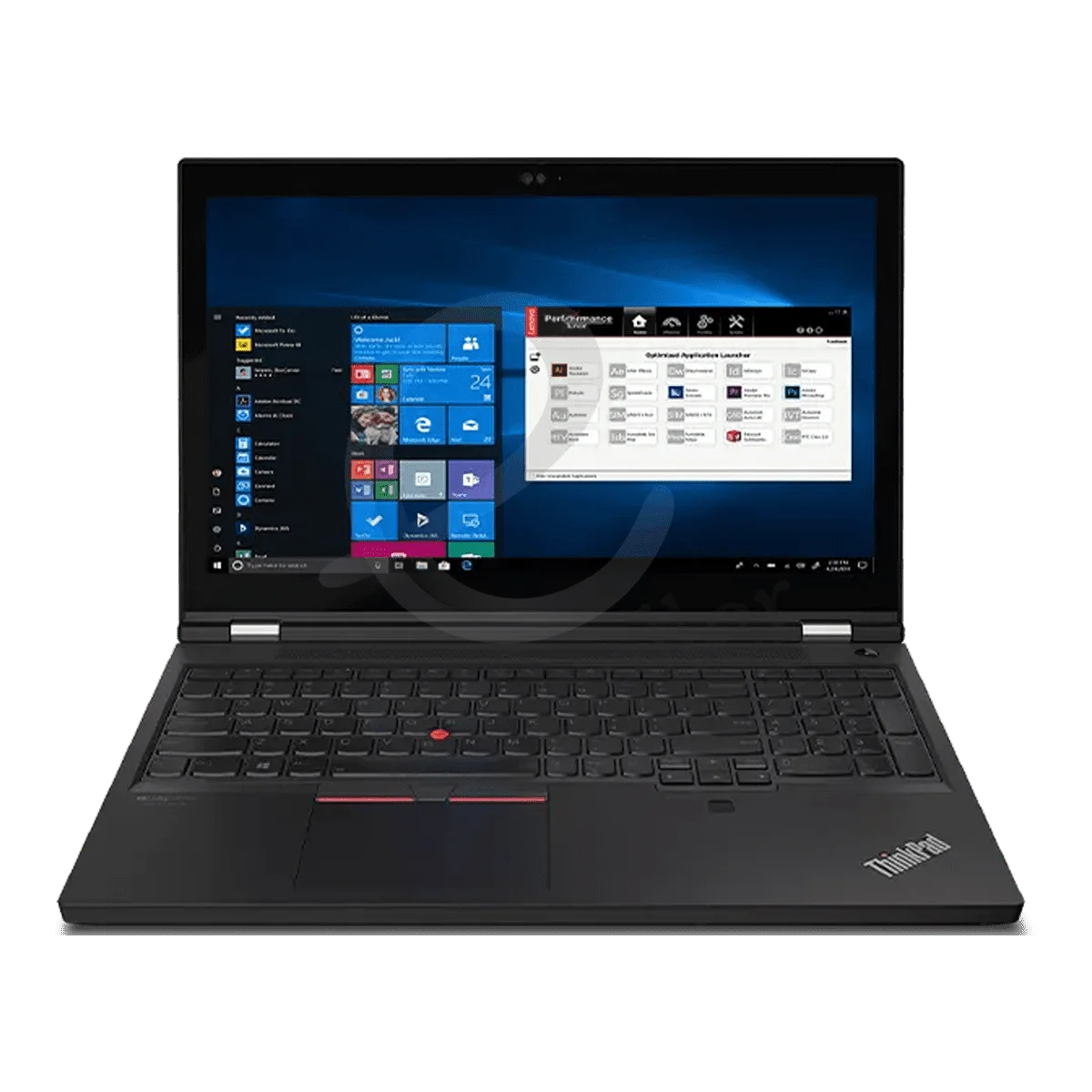
Lenovo ThinkPad P15 Mobile
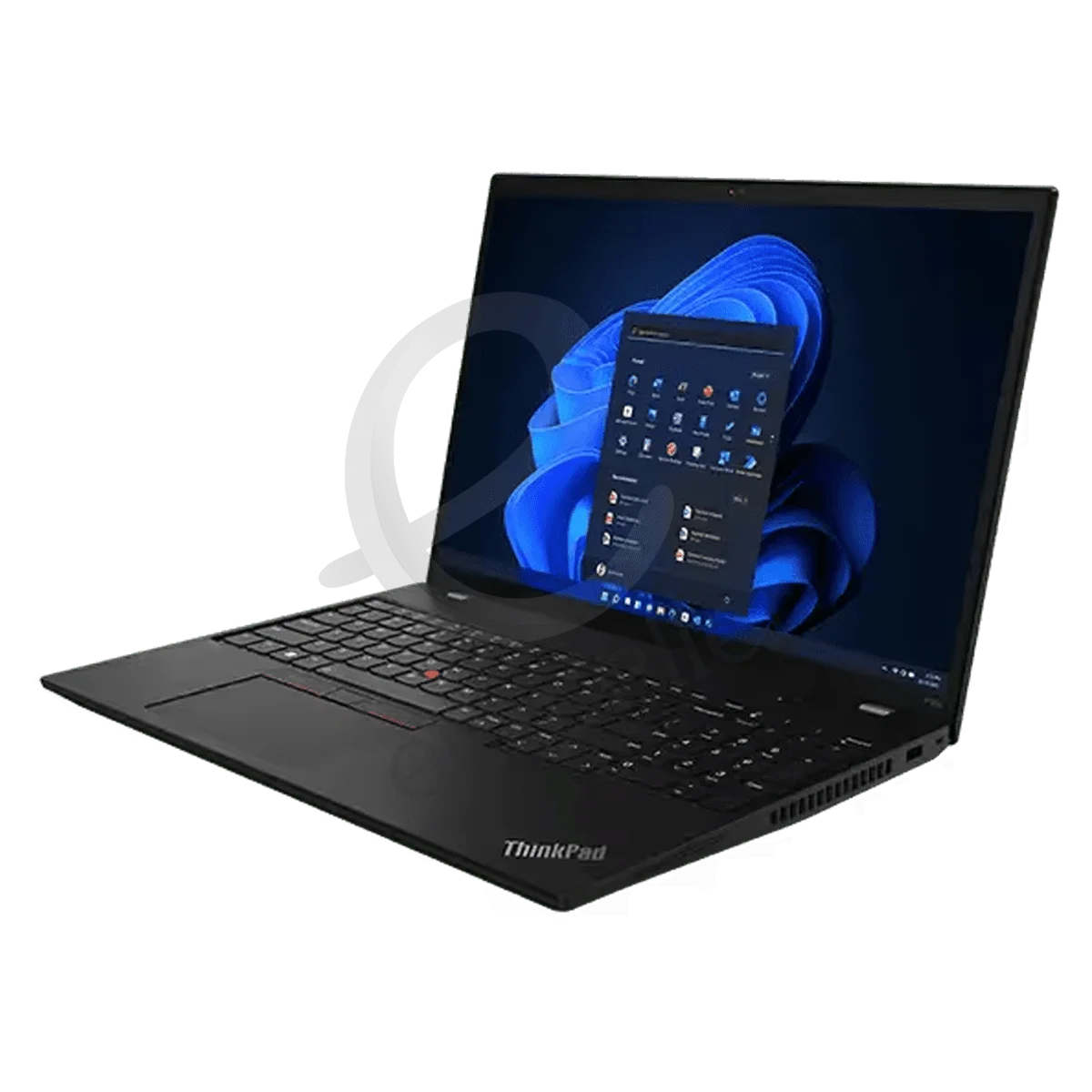
Lenovo ThinkPad P16s Mobile
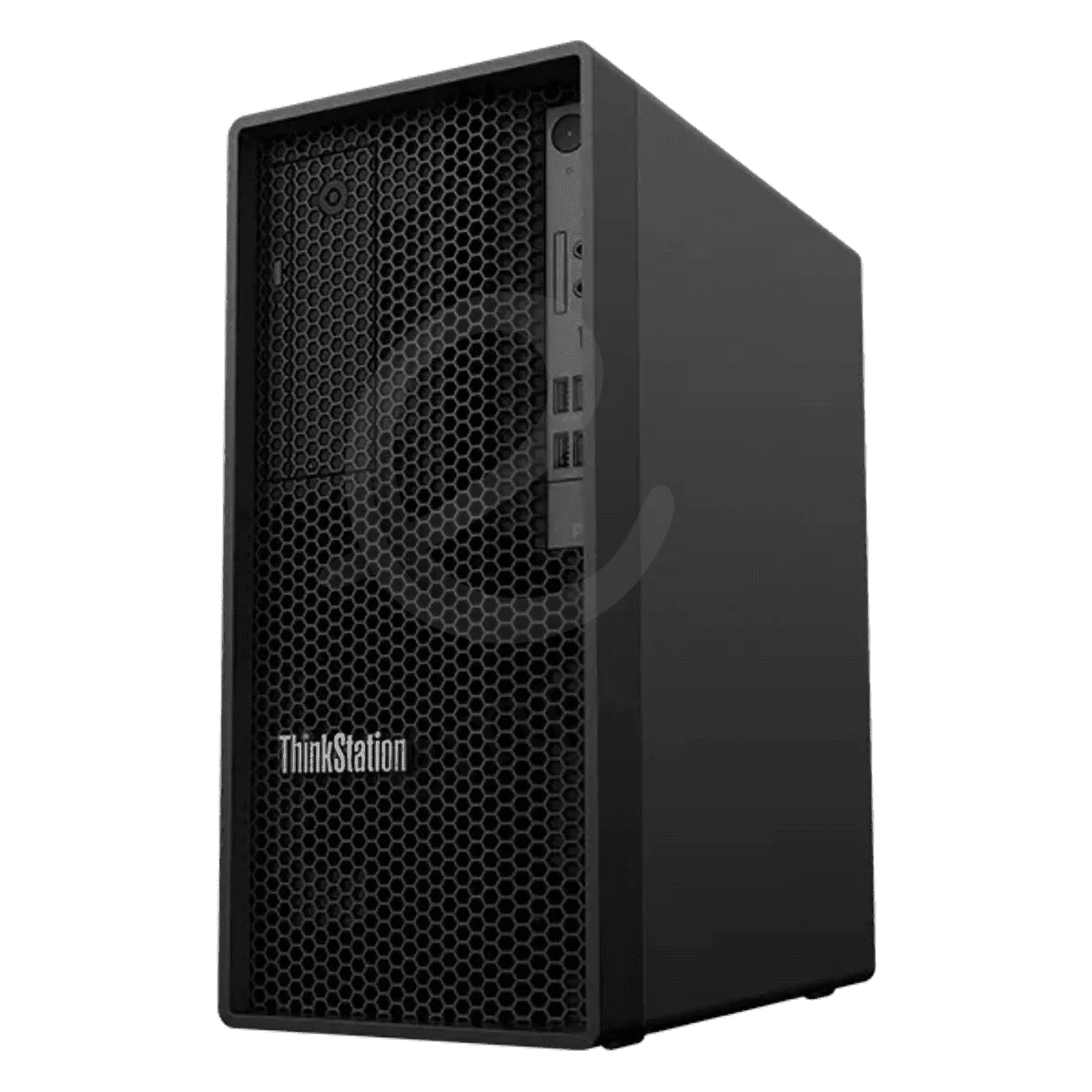
Lenovo ThinkStation P2 Tower
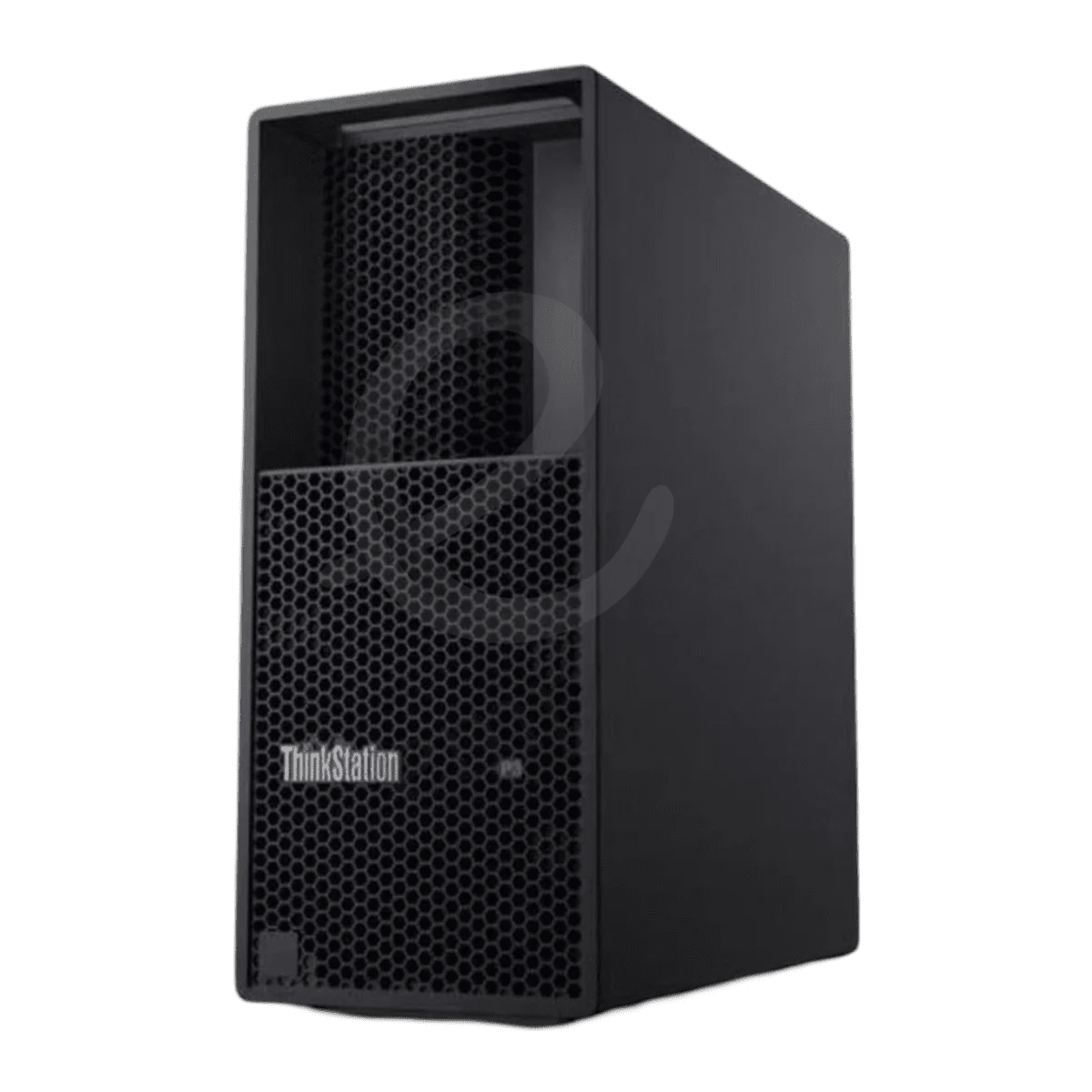
Lenovo ThinkStation P3 Tower
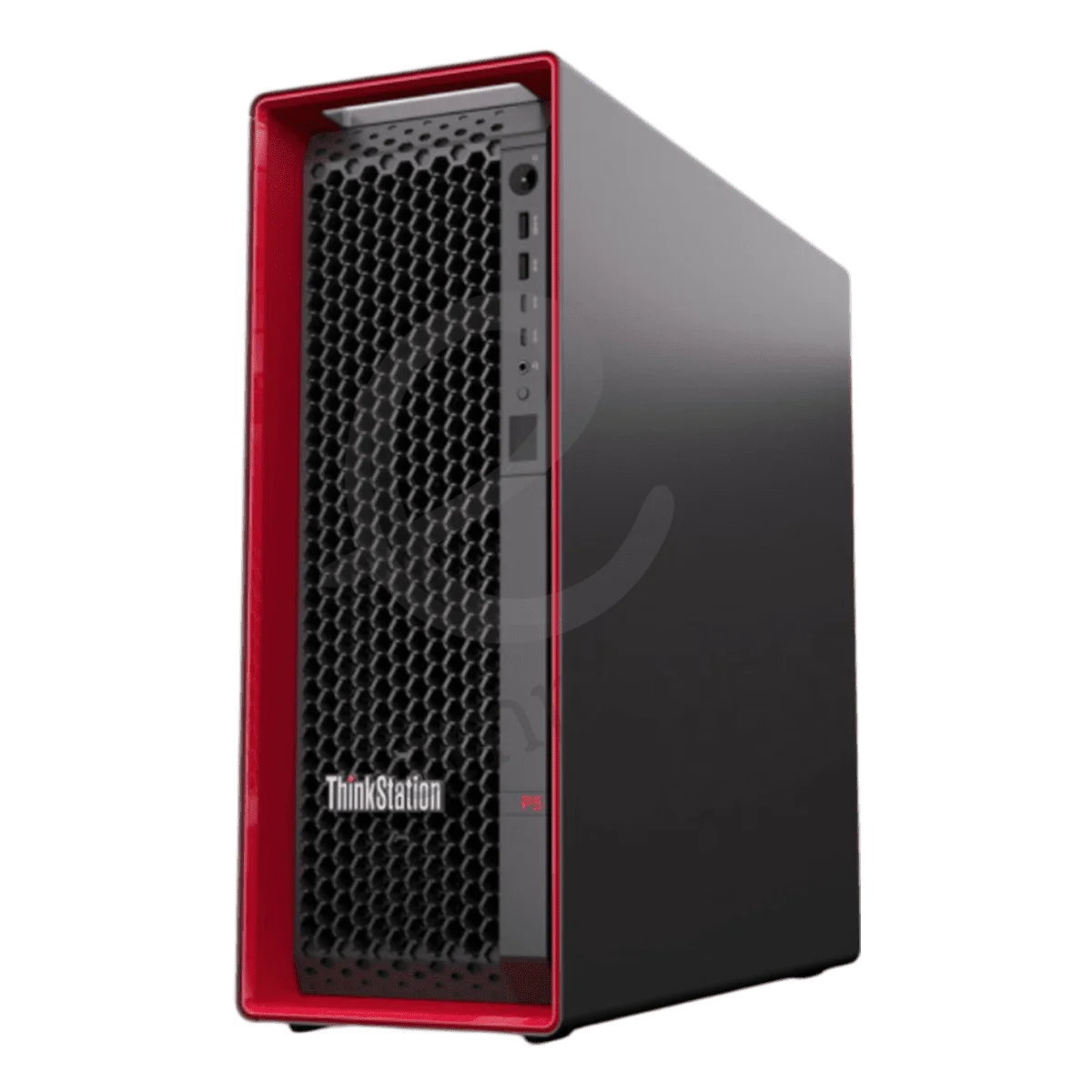
Lenovo ThinkStation P5 Workstation
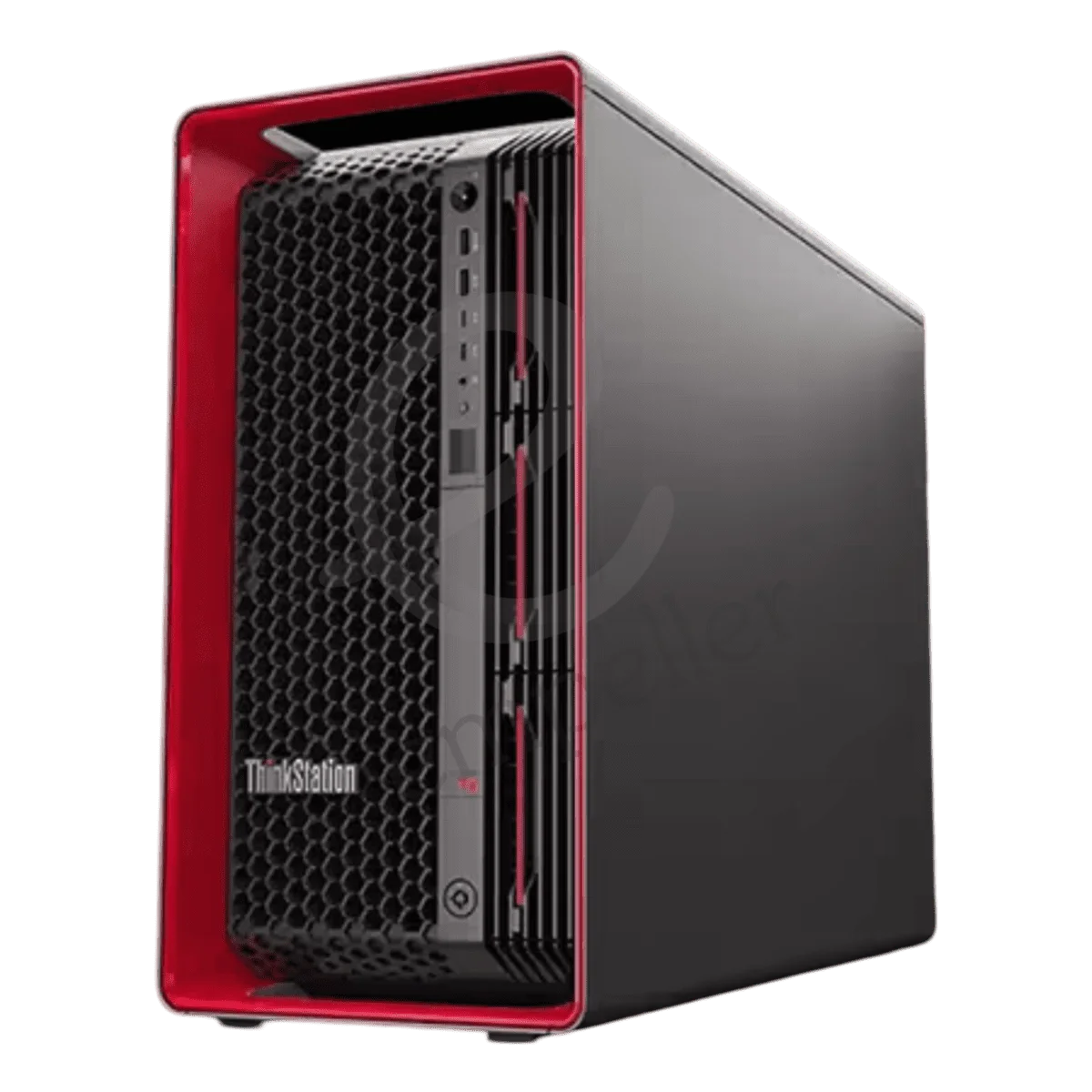
Lenovo ThinkStation PX Tower
Buy Lenovo Workstations in UAE – ThinkStation & ThinkPad P Series
Buy Lenovo workstations in the UAE for CAD, architecture, engineering, 3D design, rendering, video editing, data science and other professional workloads.
Empeller Systems offers Lenovo ThinkStation and ThinkPad P Series workstations for different levels of professional work.
You can choose a workstation for everyday CAD and design, move to a more powerful system for engineering and rendering, or build around much heavier CPU, GPU and memory requirements for simulation, AI and data-intensive workloads.
The important thing is not to simply buy the Lenovo workstation with the highest specifications.
Start with the software you use, size of your projects and performance you actually need.
Why Choose a Lenovo Workstation?
Lenovo workstations are designed for professionals who need more performance and specialised hardware than a normal office computer.
Depending on the model and configuration, Lenovo workstations can offer:
- Intel Core or Xeon processors
- AMD processor options on selected models
- NVIDIA professional graphics
- Large memory configurations
- ECC memory on supported systems
- Fast NVMe SSD storage
- Multiple storage and expansion options
- ISV-certified configurations for professional software
- Professional mobile options through ThinkPad P Series
This makes them suitable for architects, engineers, designers, content creators, developers and other professionals working with demanding applications.
If your work is mainly email, browsing, Microsoft Office and normal business applications, a standard business PC may be enough.
Lenovo Workstations for Different Professional Workloads
A simple way to start is by looking at what you actually do.
| 2D CAD & professional office work | ThinkStation P2 / P3 |
| AutoCAD, Revit & BIM | ThinkStation P3 / P5 |
| Engineering & product design | ThinkStation P3 / P5 |
| 3D modelling & rendering | ThinkStation P5 / PX |
| Video editing & content creation | ThinkStation P3 / P5 |
| Simulation & visualisation | ThinkStation P5 / PX |
| AI & data-heavy workloads | ThinkStation P5 / PX, depending on configuration |
| Professional work away from the office | ThinkPad P Series |
These are only starting points.
A small AutoCAD project and a complex engineering simulation have very different hardware requirements, even though both users may call their work “CAD.”
Always check your software and project requirements before choosing the final configuration.
Popular Lenovo Workstations in UAE
Lenovo ThinkStation P3
The ThinkStation P3 family is a good starting point for many professional users.
It is designed for workloads such as CAD, engineering, design and content creation without immediately moving into a large high-end workstation.
Depending on the P3 model and configuration, you can get powerful Intel processors, professional NVIDIA graphics, fast SSD storage and expandable memory.
For an architect, engineer or designer who needs more than a normal desktop but doesn’t require a large multi-GPU system, a ThinkStation P3 can be a sensible place to start.
Lenovo ThinkStation P5
The ThinkStation P5 moves further into demanding professional work.
It is designed for users who need more CPU, memory, graphics and expansion capability than a mainstream workstation.
That makes it useful for workloads such as:
- BIM
- Engineering
- 3D modelling
- Rendering
- Visualisation
- Simulation
- Video production
- Data-heavy applications
The P5 is worth considering when your projects are becoming too demanding for an entry-level workstation but you don’t need the extreme capacity of a ThinkStation PX.
Lenovo ThinkStation PX
The ThinkStation PX sits at the high end of Lenovo’s workstation range.
It is designed for demanding professional workloads where very large CPU, GPU and memory configurations may be required.
This can include:
- Complex simulation
- High-end rendering
- VFX
- AI and machine learning
- Data science
- Engineering analysis
- Large professional datasets
The PX is not something every professional needs.
If your work is mainly standard CAD or design, a P3 or P5 may provide much better value.
The PX becomes relevant when your applications can genuinely use its much larger computing and graphics capacity.
Lenovo ThinkPad P Series
Lenovo’s ThinkPad P Series brings workstation hardware into a mobile form.
Empeller Systems offers ThinkPad P models for professionals who need to run demanding applications while working between offices, project sites, client locations or while travelling.
The range includes models such as the ThinkPad P1, P14s, P15 and P16s.
Depending on the model, ThinkPad P systems can provide powerful processors, professional graphics, large memory configurations and high-resolution displays.
They can be useful for engineers, architects, designers and technical professionals who cannot keep all of their work on a fixed desktop workstation.
Lenovo P3 vs P5 vs PX – Which One Do You Need?
You don’t need to start by comparing every CPU and GPU.
A simpler way to look at the ThinkStation range is:
| P2 / P3 | Mainstream CAD, design, engineering and professional work |
| P5 | More demanding CAD, BIM, rendering, simulation and engineering |
| PX | High-end rendering, simulation, AI and heavy compute workloads |
There is no benefit in buying a PX if your software will never use its extra capacity.
At the same time, buying an entry-level workstation for projects that already require large amounts of RAM or GPU performance can slow down your team.
Choose based on the workload rather than the model name.
How to Choose the Right Lenovo Workstation
Start With Your Software
Before choosing the processor or graphics card, make a list of the software you use.
For example:
- AutoCAD
- Revit
- SolidWorks
- 3ds Max
- Maya
- Adobe Premiere Pro
- After Effects
- DaVinci Resolve
- Engineering software
- Simulation tools
- AI and data science applications
Different applications use hardware differently.
Some rely heavily on CPU speed. Others can use more CPU cores or depend much more on GPU performance.
Choose the Right Processor
More CPU cores do not automatically mean a faster workstation for every application.
Some CAD and modelling software benefits more from strong individual-core performance.
Rendering, simulation and other heavily threaded applications may make better use of additional cores.
Choose the processor according to your software rather than simply buying the highest specification available.
Choose the Right Graphics
The graphics card can be very important for 3D CAD, visualisation, rendering, video and AI.
Lenovo ThinkStation and ThinkPad P workstations are available with different professional NVIDIA graphics options depending on the model.
Check what your software recommends, especially if you depend on a specific application for everyday business work.
Choose Enough Memory
RAM requirements can change significantly depending on your projects.
Mainstream professional work may need relatively modest memory, while large BIM models, rendering, simulation, data science and AI can require considerably more.
Also consider future requirements.
If you are buying a workstation for several years of use, leaving some room for additional memory can be useful.
Use Fast Storage
NVMe SSD storage is a good starting point for professional applications and active project files.
Large video, 3D, engineering and data projects may also require additional storage.
Think about both storage speed and capacity when configuring the workstation.
Check ISV Certification
Professional workstation manufacturers work with software vendors to test and certify supported hardware configurations.
If your company depends on software such as CAD, BIM, engineering or design applications, check whether your specific workstation and graphics configuration is certified or recommended for the software version you use.
Why Buy Lenovo Workstations from Empeller Systems?
Lenovo Workstations for Different Workloads
Empeller Systems offers Lenovo workstation options for different levels of professional work, from mainstream ThinkStation systems to high-performance workstations and ThinkPad P Series mobile systems.
This makes it easier to choose around your actual applications and projects.
Lenovo Workstation Supplier in Dubai & UAE
Empeller Systems operates from Dubai and has been serving the IT market since 2009.
We supply Lenovo workstations to businesses and professionals across the UAE, including Dubai, Abu Dhabi, Sharjah and other locations.
Help Choosing the Right Configuration
You don’t need to know whether you need a P3, P5, PX or ThinkPad P before contacting us.
Tell us:
- Which software you use
- What kind of projects you work on
- Your CPU or GPU requirements, if known
- How much storage you need
- Whether you need to work from different locations
- Your approximate budget
Our team can help you narrow down a suitable Lenovo workstation and configuration.
Genuine Lenovo Workstations
Empeller Systems supplies genuine Lenovo workstation hardware with applicable warranty and support options.
Before ordering, you can confirm the exact processor, graphics, RAM, storage, warranty and availability for the configuration you need.
Delivery Across the UAE
Lenovo workstations can be supplied from Dubai to businesses and professionals across the UAE.
Contact us for current availability, configuration options and delivery information.
Need Help Choosing a Lenovo Workstation?
Not sure whether you need a ThinkStation P3, P5, PX or ThinkPad P Series workstation? Tell us what software you use and what kind of projects you work on. We’ll help you choose a Lenovo workstation with the processor, graphics, memory and storage your work actually needs.
Contact Empeller Systems for current Lenovo workstation availability, configuration advice and a tailored quote.
Frequently Asked Questions
Q1Which Lenovo workstation is best for CAD?
It depends on the CAD software and size of your projects.
A ThinkStation P2 or P3 can be a good starting point for mainstream CAD and professional design work.
For more complex 3D, BIM, engineering or rendering workloads, a ThinkStation P5 or higher configuration may make more sense.
Q2What is the difference between Lenovo ThinkStation P3, P5 and PX?
They are designed for different levels of professional workload.
The P3 is suitable for many mainstream CAD, design and engineering requirements. The P5 provides more performance and expansion for demanding professional work, while the PX is designed for much heavier compute, graphics, simulation and AI workloads.
The exact capabilities depend on the model and configuration.
Q3Are Lenovo ThinkStation workstations good for AutoCAD and Revit?
ThinkStation workstations can be configured for AutoCAD, Revit and other CAD/BIM applications.
The correct processor, memory and graphics configuration depends on your software version, project complexity and workflow.
Q4What is a Lenovo ThinkPad P Series workstation?
ThinkPad P Series is Lenovo’s professional mobile workstation family.
These systems are designed for professionals who need workstation hardware while working away from a fixed office or desk.
Q5Can Lenovo workstations be used for 3D rendering?
Yes.
For rendering, check whether your software primarily uses the CPU, GPU or both.
That will help determine whether you should invest more in processor cores, professional graphics or memory.
Q6Can Lenovo workstations be used for AI?
Yes, selected Lenovo workstation configurations can be suitable for AI and machine-learning workloads.
The correct system depends heavily on GPU requirements, GPU memory, system memory and the AI tools and models you plan to run.
Q7How much RAM do I need in a Lenovo workstation?
It depends on your workload.
Mainstream CAD and professional work may need relatively modest amounts of RAM, while large BIM projects, rendering, simulation, video production, data science and AI can require much more.
Check your software requirements and leave some room for future projects.
Q8Does Empeller Systems supply Lenovo workstations across the UAE?
Yes. Empeller Systems supplies Lenovo ThinkStation and ThinkPad P Series workstations from Dubai to customers across the UAE.
Contact the team to confirm the exact model, configuration, warranty and current availability.