
Dell Workstations in UAE
12 ProductsAll Dell Workstations
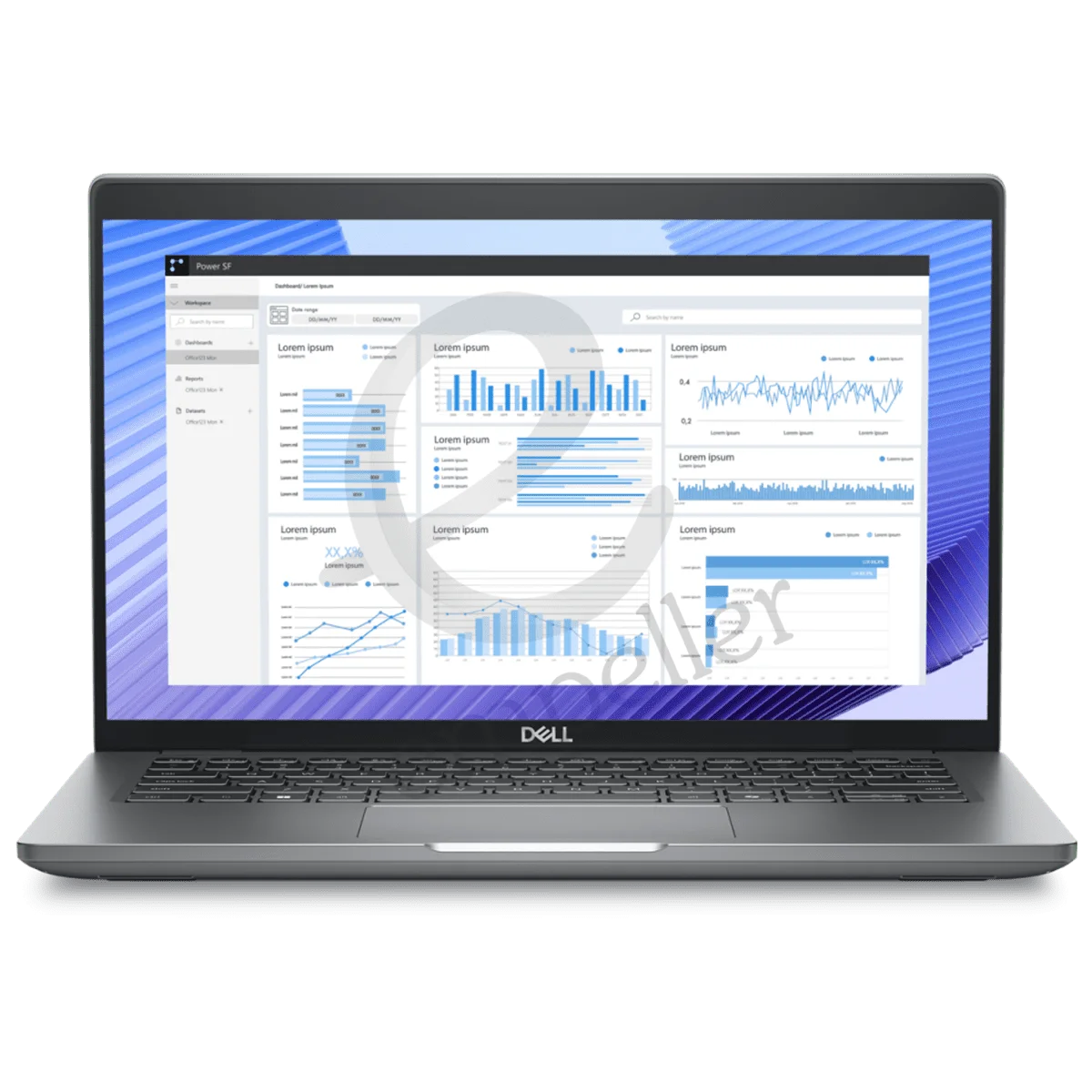
Dell Precision 3490 Mobile

Dell Precision 3581 Mobile
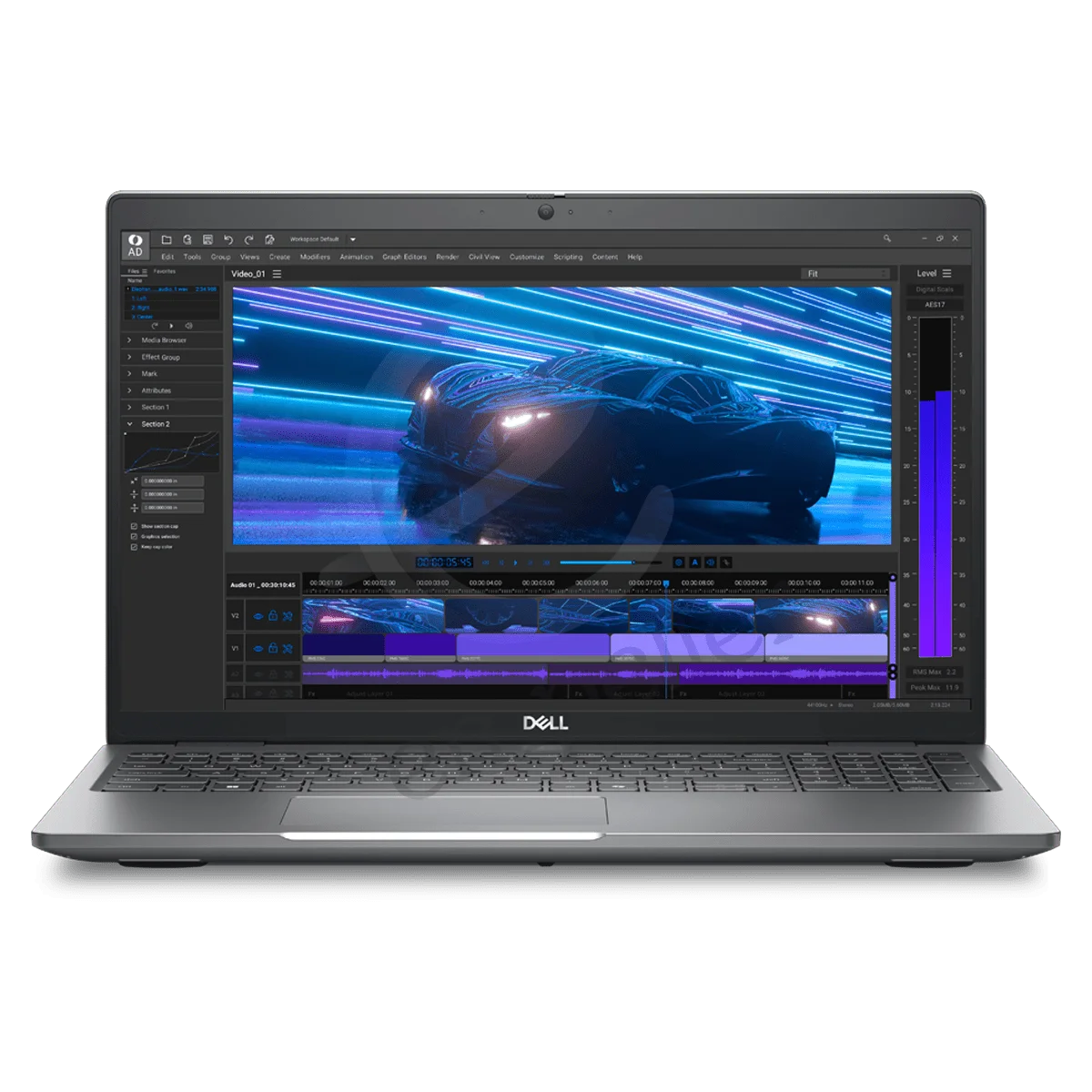
Dell Precision 3591 Mobile
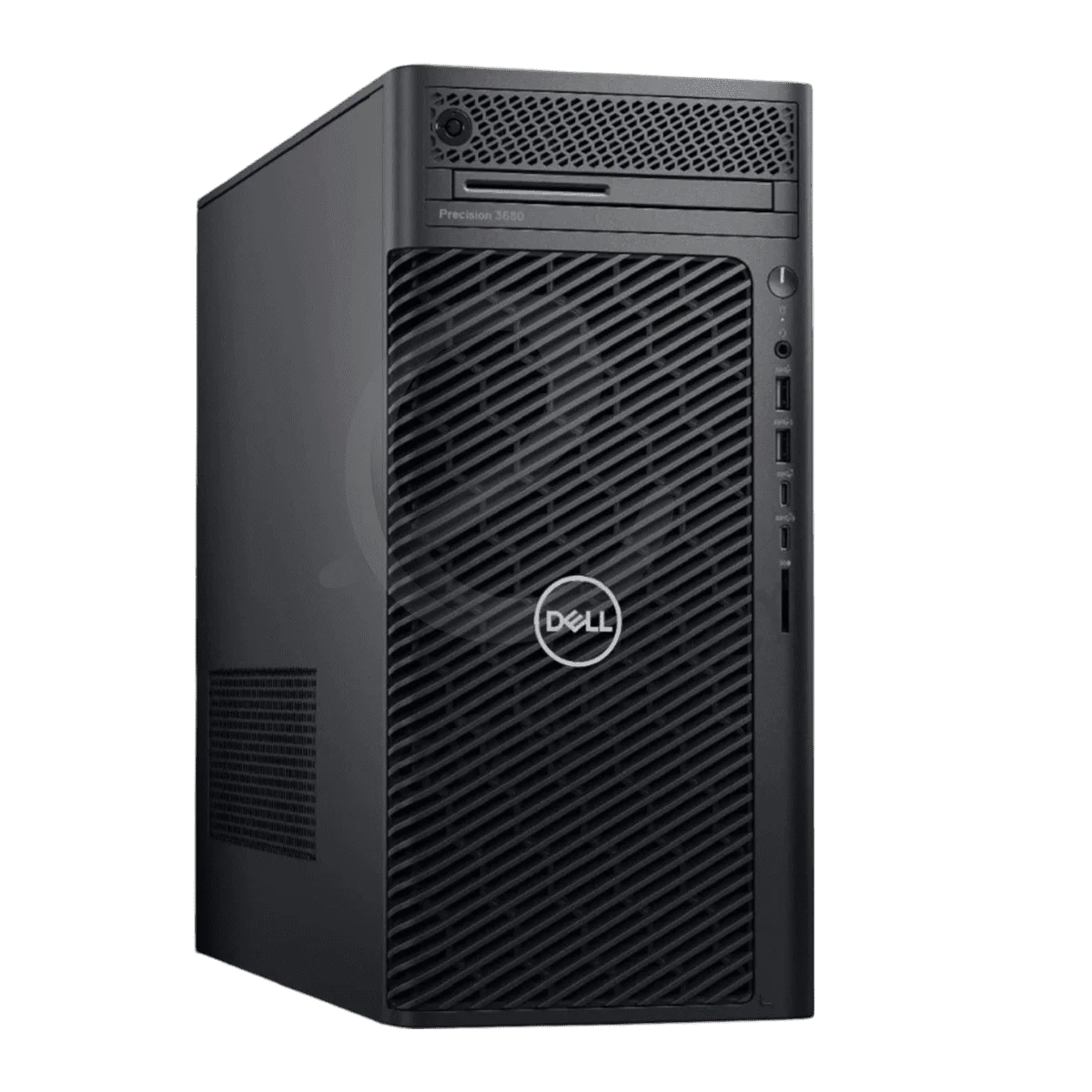
Dell Precision 3630 Tower
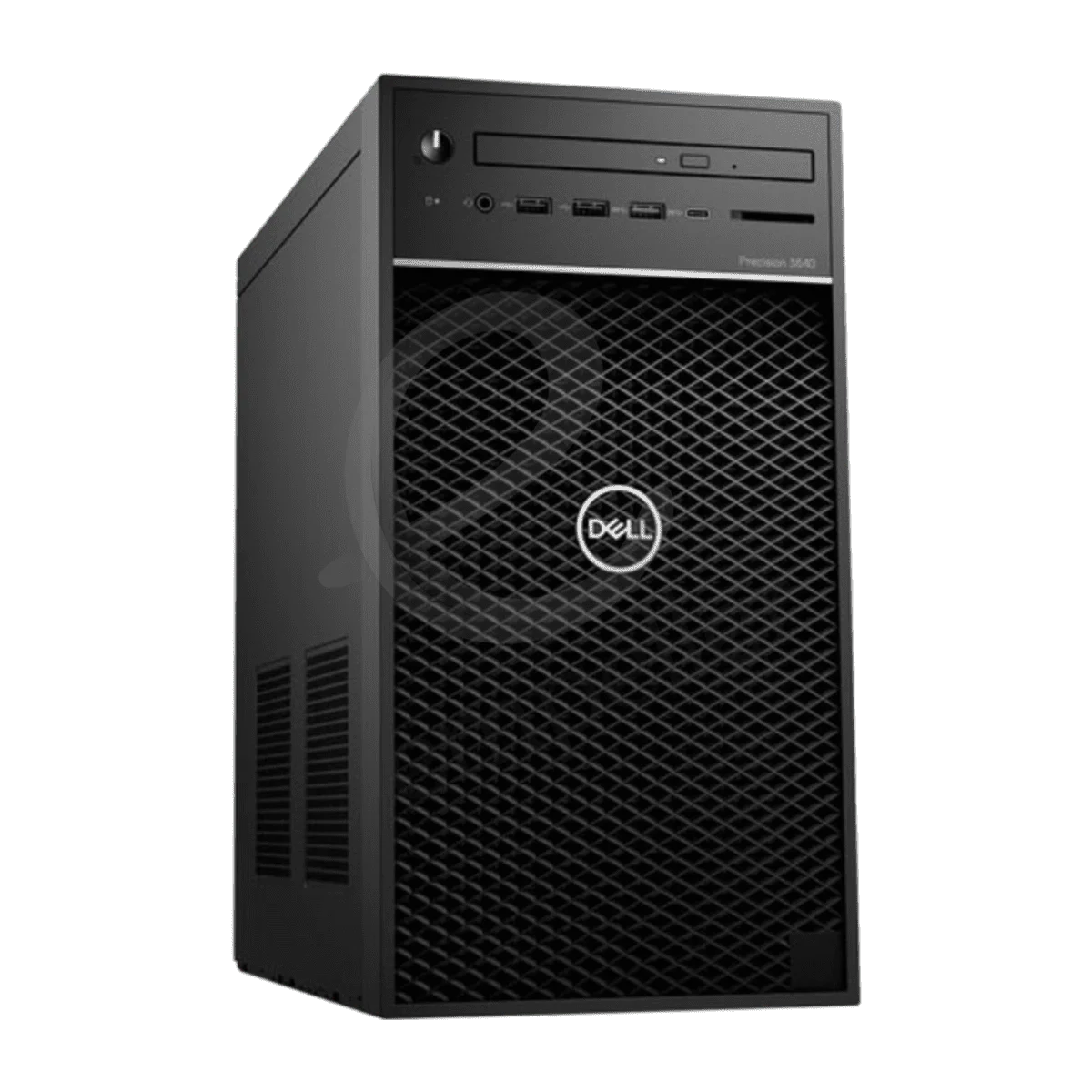
Dell Precision 3640 Tower
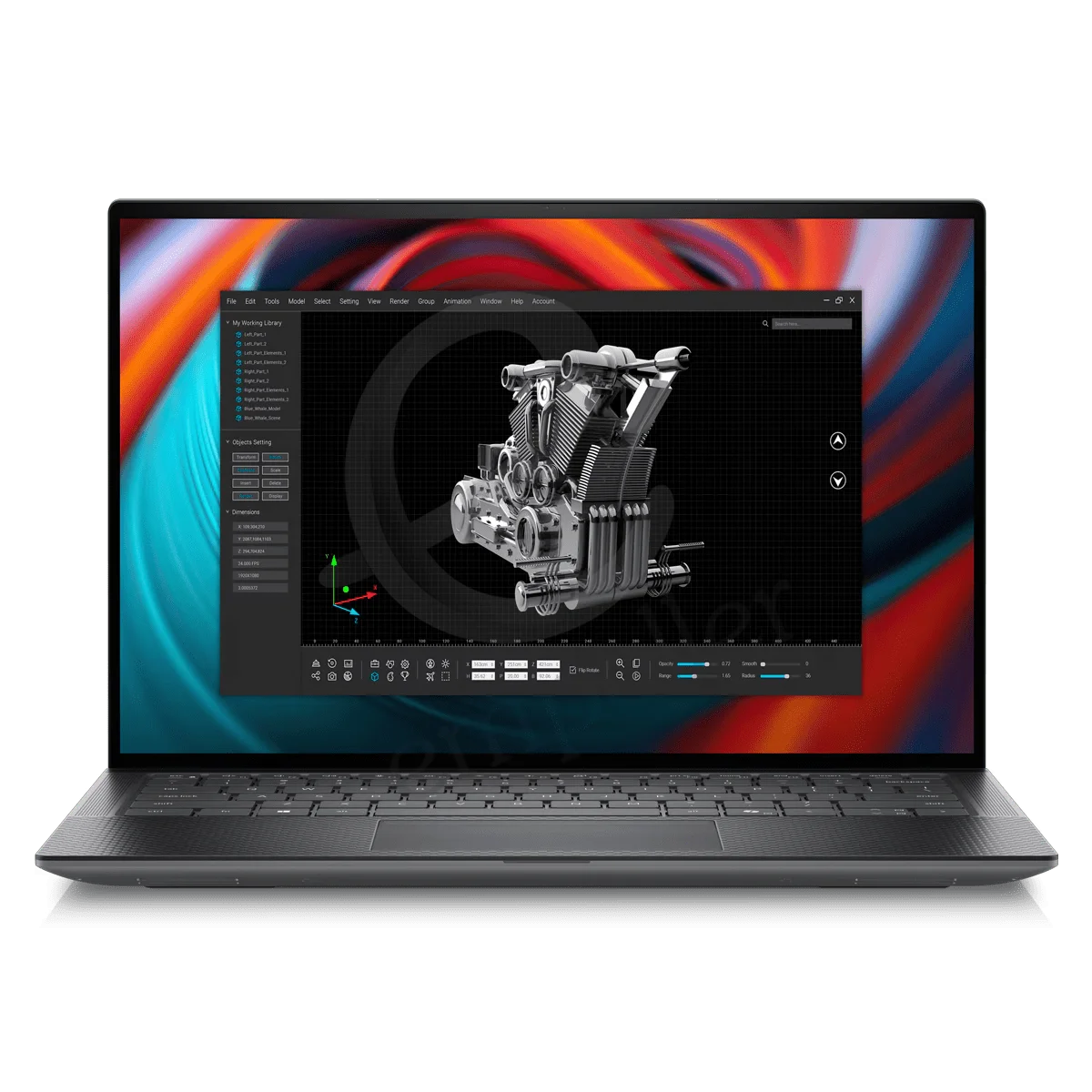
Dell Precision 5490 Mobile
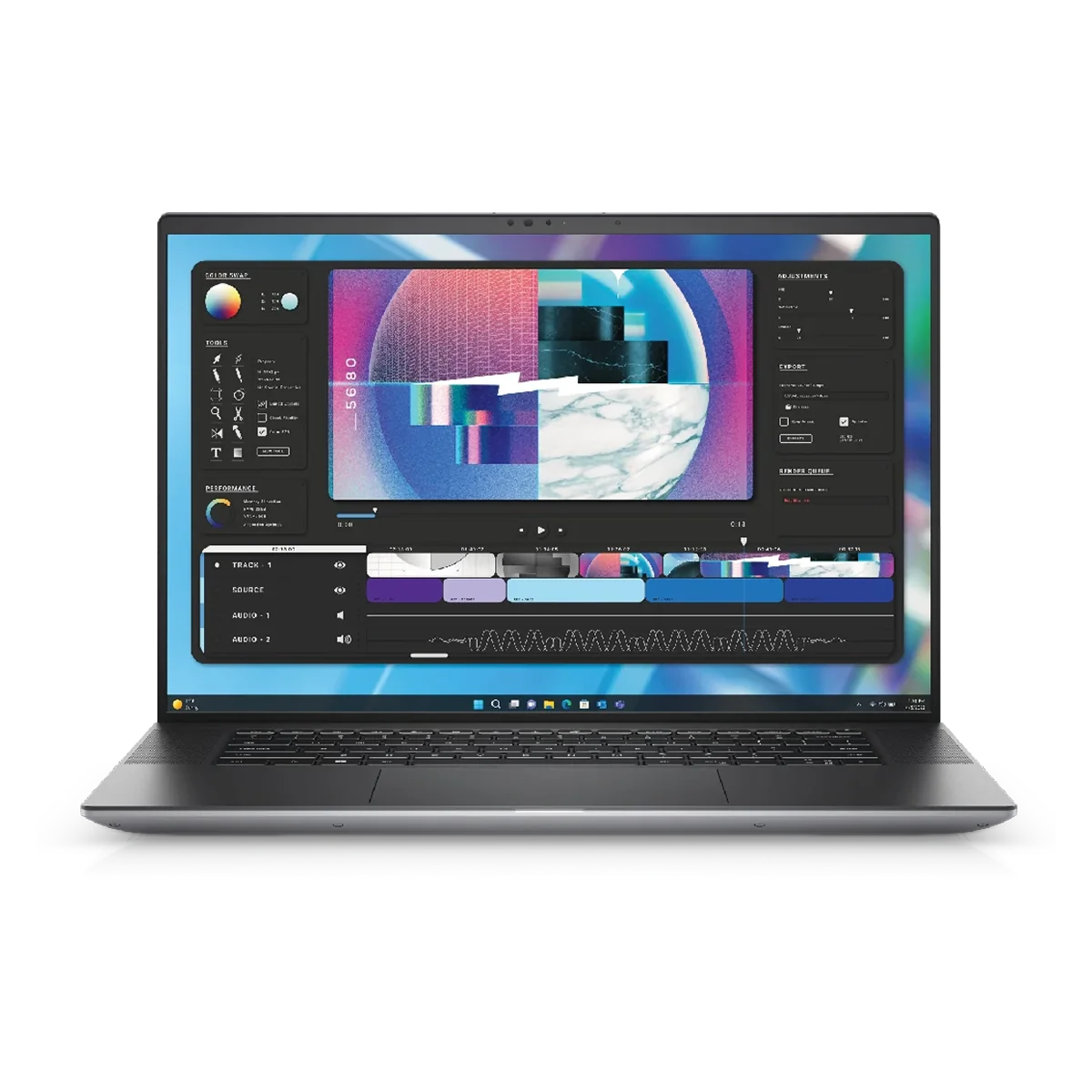
Dell Precision 5680 Mobile
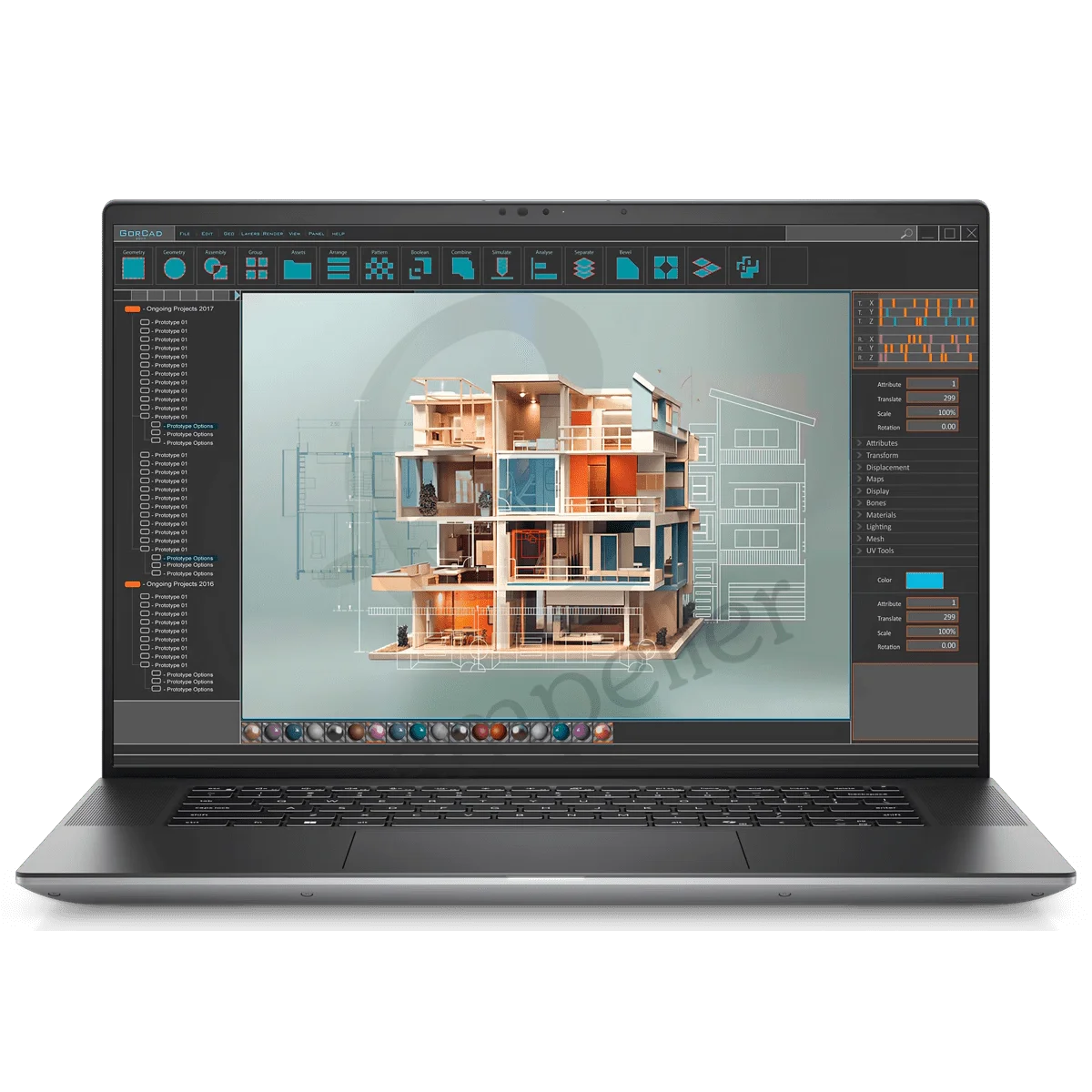
Dell Precision 5690 Mobile

Dell Precision 7680 Mobile
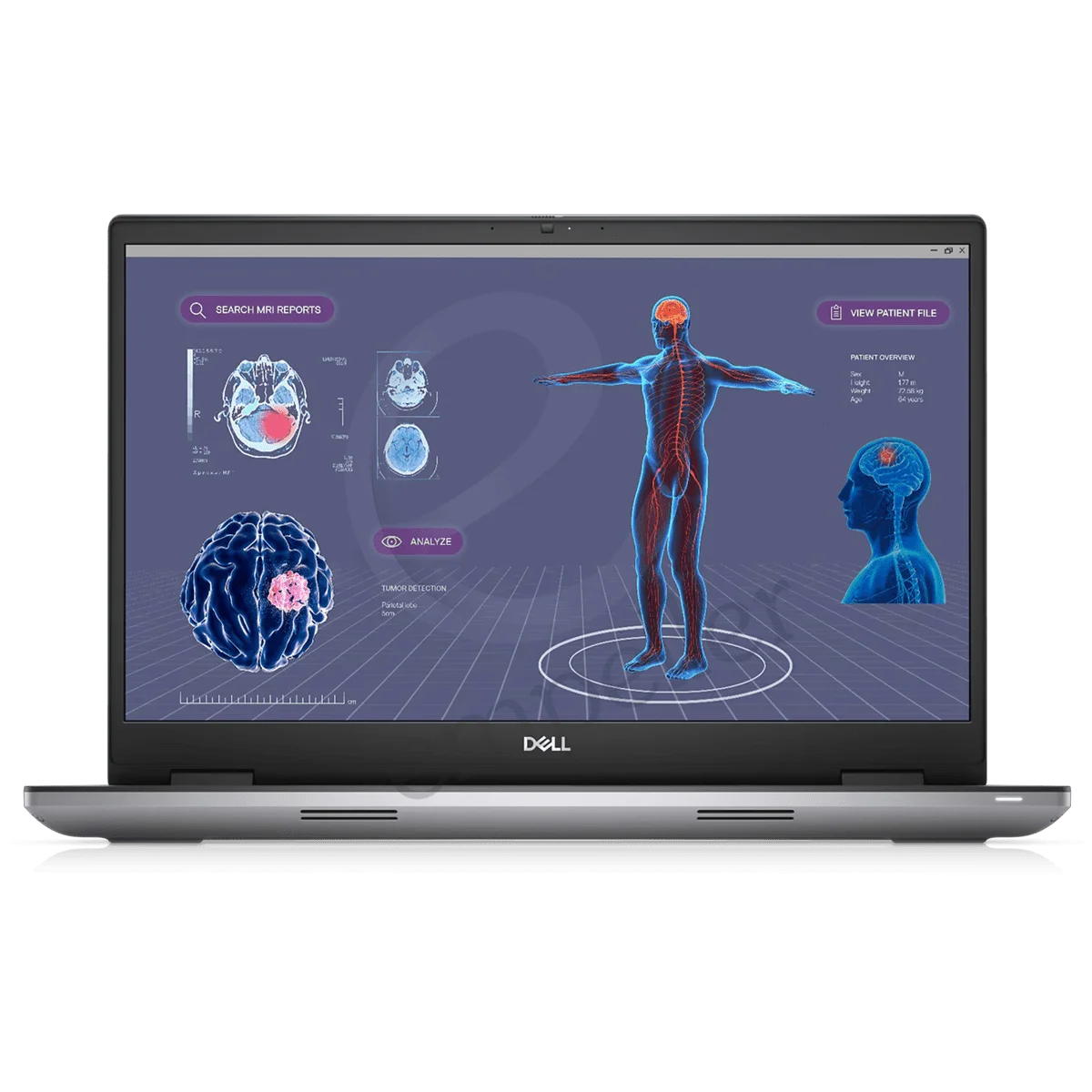
Dell Precision 7780 Mobile
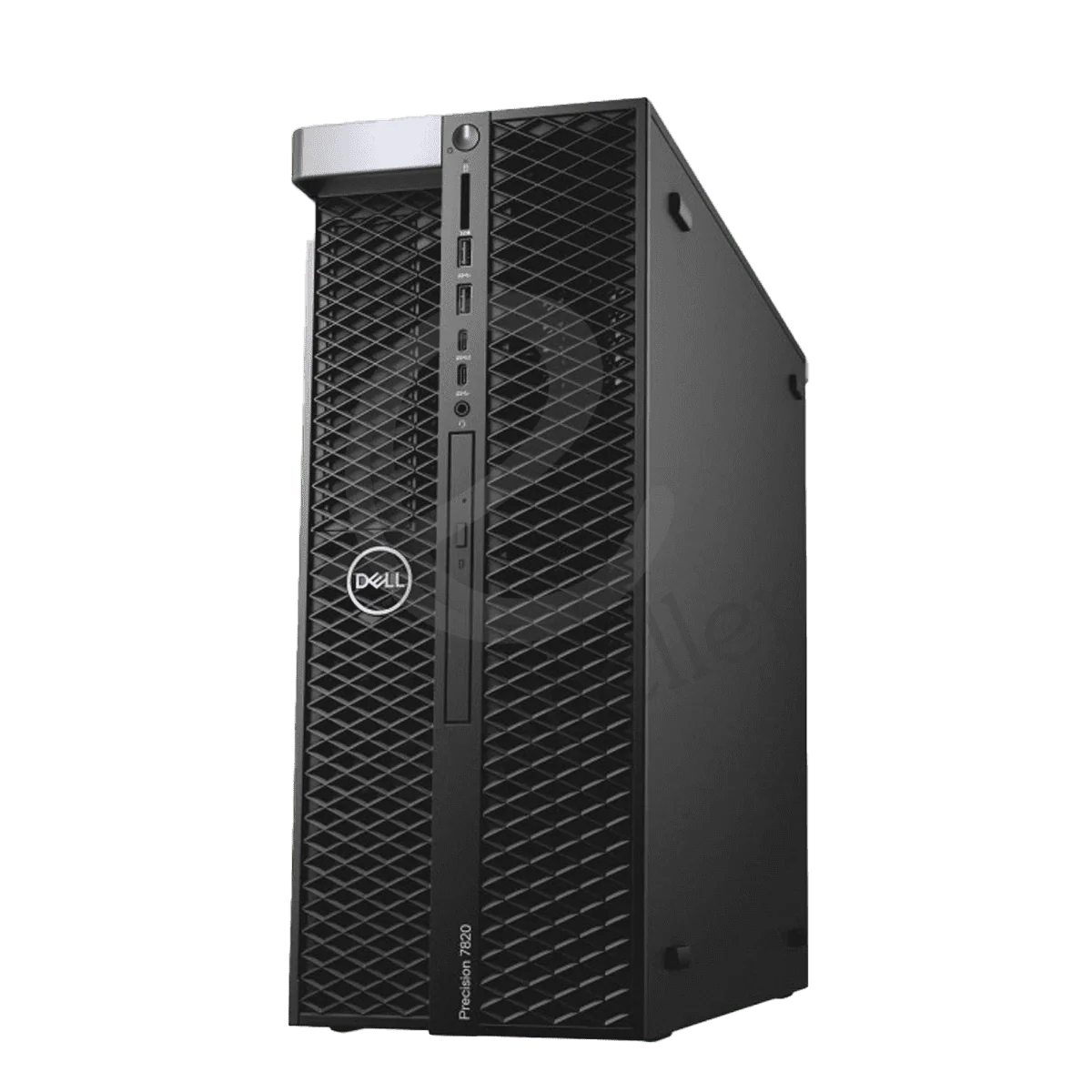
Dell Precision T5820 Tower
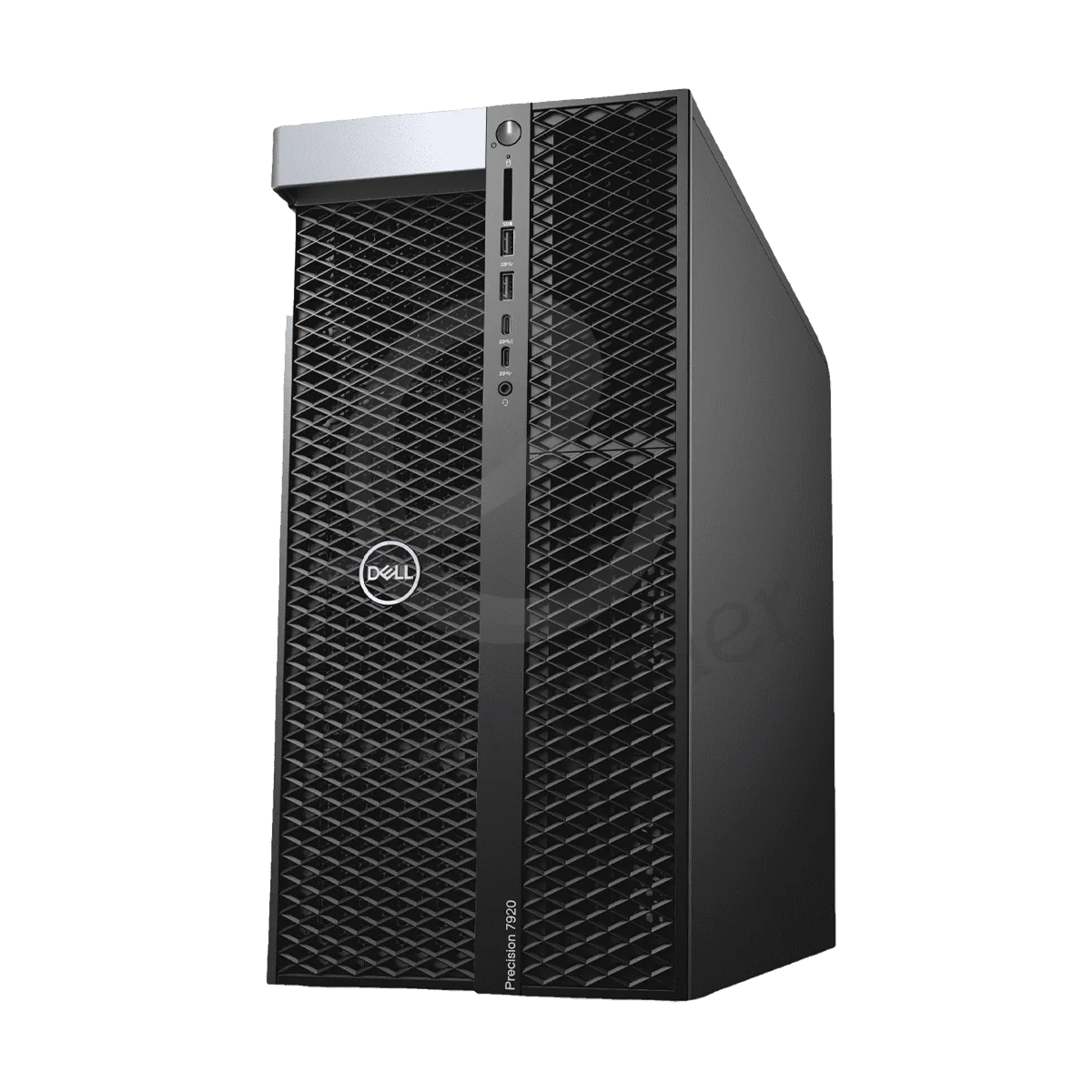
Dell Precision T7920 Tower
Buy Dell Workstations in UAE – Precision Tower & Mobile Workstations
Buy Dell Precision workstations in the UAE for CAD, engineering, architecture, 3D design, video editing, rendering and other professional workloads.
Empeller Systems offers both Dell Precision tower workstations and mobile workstations, so you can choose based on how and where you work.
If you spend most of your time at a desk and need more performance, cooling and upgrade options, a Precision tower may be the better choice.
If you are an architect, engineer, designer or other professional who needs to work between the office, project sites and client locations, a Precision mobile workstation gives you much more flexibility.
The most important thing is to choose the workstation around the software and projects you actually use.
Why Choose a Dell Precision Workstation?
Dell Precision systems are designed for professional workloads that can demand more from a computer than normal office work.
Depending on the model and configuration, Precision workstations can offer:
- Intel Core, Core Ultra or Xeon processors
- NVIDIA professional graphics
- Large memory configurations
- Fast NVMe SSD storage
- ECC memory on supported systems
- Multiple storage and expansion options on tower models
- Professional displays on mobile models
- ISV-certified configurations for supported professional applications
This makes them useful for engineers, architects, designers, content creators and other professionals working with demanding software.
For normal email, browsing and Microsoft Office, you probably don’t need a Precision workstation.
Popular Dell Precision Workstations
You don’t need to compare every Precision model at once.
Start with what kind of work you need to do.
| Precision 3490 | Mobile | Portable professional work, business and lighter CAD |
| Precision 3581 / 3591 | Mobile | CAD, engineering and professional applications |
| Precision 5690 | Mobile | Design, creative work and professionals needing performance with mobility |
| Precision 7680 / 7780 | Mobile | Heavier mobile engineering, design and workstation workloads |
| Precision 3630 / 3640 | Tower | CAD, architecture, engineering and design |
| Precision T5820 | Tower | Rendering, engineering and more demanding professional workloads |
| Precision T7920 | Tower | Simulation, complex 3D work and high-end compute workloads |
These are only starting points.
For example, the Precision 3581 currently listed by Empeller Systems can be configured with 13th Gen Intel Core processors, up to 64GB DDR5 memory, up to 4TB M.2 storage and NVIDIA professional graphics. The much larger Precision T7920 is a completely different class of workstation, with dual Intel Xeon Scalable processor support and very large memory and storage capacity.
So don’t choose by model number alone.
Which Dell Workstation Do You Need?
Start with your software.
| AutoCAD / 2D CAD | Fast CPU, enough RAM and suitable graphics |
| Revit / BIM | Strong CPU, more RAM and suitable professional GPU |
| SolidWorks / 3D CAD | Strong CPU and certified professional graphics |
| 3D modelling & rendering | Higher-end CPU/GPU and more memory |
| Video editing | Strong CPU/GPU, enough RAM and fast SSD |
| Engineering & simulation | CPU, memory and GPU based on the application |
| AI / GPU workloads | Suitable NVIDIA GPU with enough GPU memory |
| Professional work while travelling | Precision mobile workstation |
The exact requirements depend on your software version, project size and workflow.
A workstation for 2D AutoCAD does not need the same hardware as one used for large 3D rendering or AI.
What to Check Before Buying a Dell Workstation
Processor
Don’t simply choose the processor with the largest number.
Some CAD and design applications benefit from fast individual CPU cores, while rendering, simulation and other workloads can make better use of more cores.
Choose the processor around your software.
Graphics Card
For professional 3D, CAD, rendering and GPU workloads, the graphics card can be very important.
Dell Precision systems are available with different NVIDIA professional GPU options depending on the model.
If your software provider recommends or certifies particular graphics hardware, check that before ordering.
Memory
For lighter professional workloads, you may not need huge amounts of RAM.
Larger CAD/BIM projects, video editing, rendering, simulation and multitasking can require considerably more.
Also consider future upgrades, especially when buying a tower workstation.
Storage
A fast NVMe SSD is a good starting point for professional applications and project files.
If you work with large video, rendering or engineering files, you may also need additional storage capacity.
Software Certification
If your business depends on professional software, check whether the specific workstation configuration is certified or recommended for that application.
Don’t assume every Dell Precision model and GPU combination has the same certification.
Why Buy Dell Workstations from Empeller Systems?
Dell Precision Workstations for Different Workloads
Empeller Systems offers Dell Precision systems ranging from portable mobile workstations to expandable tower workstations.
This lets you choose according to your actual workload instead of buying the same configuration for every employee.
Dell Workstation Supplier in Dubai & UAE
Empeller Systems operates from Dubai and has been serving the IT market since 2009.
We supply Dell workstation hardware to businesses and professionals across the UAE, including Dubai, Abu Dhabi, Sharjah and other locations.
Help Choosing the Right Configuration
You don’t need to know the exact Precision model before contacting us.
Tell us:
- Which software you use
- What kind of projects you work on
- Whether you need tower or mobile
- How much storage you need
- Whether your workload needs professional GPU acceleration
- Your approximate budget
Our team can help you narrow down a suitable Dell Precision model and configuration.
Genuine Dell Workstations
Empeller Systems supplies genuine Dell workstation hardware with applicable warranty and support options.
Before ordering, you can confirm the exact processor, graphics, RAM, storage, warranty and availability for the configuration you need.
Delivery Across the UAE
Dell Precision workstations can be supplied from Dubai to businesses across the UAE.
Contact us to check current availability, configurations and delivery.
Need Help Choosing a Dell Precision Workstation?
Not sure which Dell Precision workstation fits your work? Tell us the software you use, type of projects you work on and whether you need a tower or mobile system. We’ll help you choose the processor, graphics, memory and storage you actually need.
Contact Empeller Systems for current Dell workstation availability, configuration advice and a tailored quote.
Frequently Asked Questions
Q1Which Dell workstation is best for CAD?
It depends on the CAD software and complexity of your projects.
For lighter and mainstream CAD work, a suitably configured Precision mobile or entry/mid-range tower can be enough. Larger 3D projects may require a stronger processor, more memory and professional graphics.
Check the requirements of your specific CAD software before choosing.
Q2Should I buy a Dell tower or mobile workstation?
Choose a Dell Precision tower if performance, expansion and future upgrades matter more than portability.
Choose a Precision mobile workstation if you regularly work from project sites, client offices or different locations.
Q3How much RAM do I need in a Dell workstation?
It depends on your workload.
Lighter professional work can run with relatively modest memory, while larger CAD/BIM projects, video editing, rendering and simulation can require 32GB, 64GB or considerably more.
Your software and project size should decide the final amount.
Q4Are Dell Precision workstations good for AutoCAD and Revit?
Dell Precision workstations can be configured for AutoCAD, Revit and other professional design applications.
The important part is choosing a CPU, GPU and amount of memory suitable for the software version and size of projects you work with.
Q5Can Dell Precision workstations be used for rendering?
Yes.
For rendering, look carefully at whether your rendering software mainly uses the CPU, GPU or both.
This will help determine whether you should spend more of your budget on CPU cores, professional graphics or memory.
Q6Can I upgrade a Dell Precision tower workstation?
Many Precision tower models allow memory, storage, graphics and other components to be upgraded, although the exact options depend on the model.
If you expect your projects to become more demanding, check the expansion limits before buying.
Q7Does Empeller Systems supply Dell workstations across the UAE?
Yes. Empeller Systems supplies Dell Precision workstations from Dubai to customers across the UAE.
Contact the team to confirm the exact model, configuration, warranty and current availability.